Box Model and Spacing
Margin and Gap Stack
A small task list becomes readable as the container gets spacing and the children receive consistent gaps.
Program
Spacing can belong outside an element or between its children. Margin separates the whole group; gap separates items inside a layout.
margin_gap_stack.html
Visuals: captured from real browser rendering
<style>
.tasks { width: 300px; }
.tasks { margin: 24px auto; }
.tasks { display: grid; gap: 10px; }
.tasks p { margin: 0; padding: 10px; background: #f8fafc; }
</style>

<section class="tasks">
  <h2>Today</h2>
  <p>Review copy</p>
  <p>Ship update</p>
</section>
Set a readable list width.
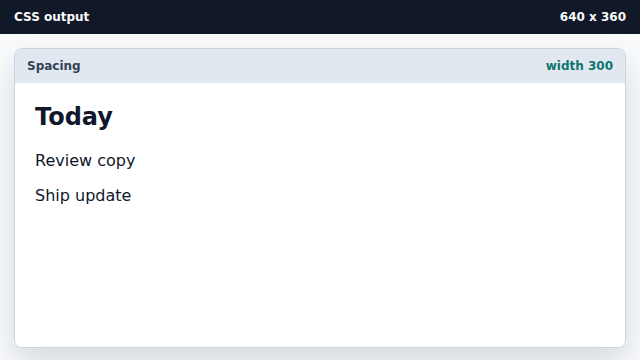
A width makes the spacing changes easier to compare. Center the whole task group.
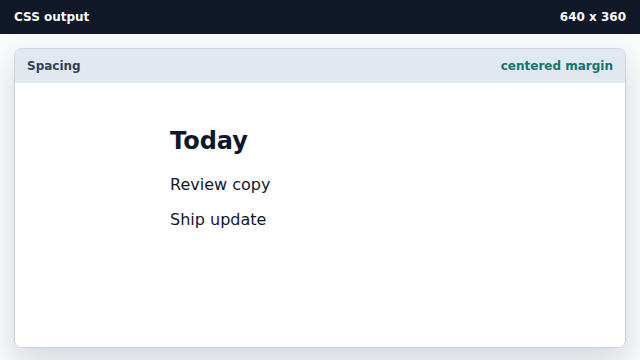
Margin creates space outside the section. Create consistent space between children.
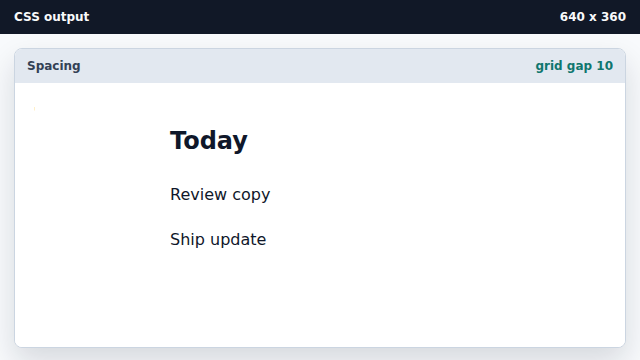
Gap belongs to the layout container, not each child. Reset row margins and style each task.
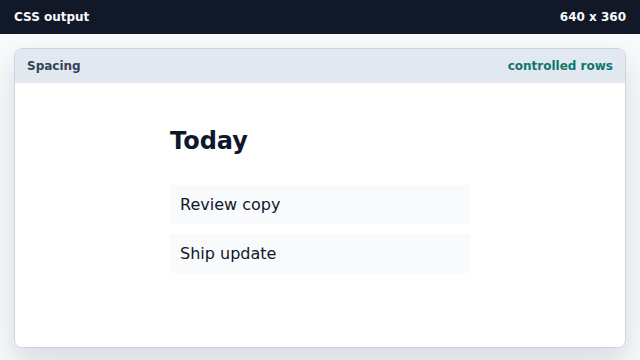
Scoped child rules make the gap the only vertical spacing.
margin
Margin creates space outside an element.
gap
Gap creates consistent spacing between flex or grid children.