Box Model and Spacing
Box Sizing Modes
Two tiles receive the same width, padding, and border before border-box makes the sizing easier to reason about.
Program
By default, width applies to the content box. Border-box includes padding and border inside the declared width.
box_sizing_modes.html
Visuals: captured from real browser rendering
<style>
.tile { width: 220px; padding: 16px; border: 4px solid #64748b; }
.tile { margin-bottom: 12px; background: #f1f5f9; }
.border { box-sizing: border-box; }
.border { border-color: #16a34a; }
</style>

<div class="tile content">content-box</div>
<div class="tile border">border-box</div>
Give both tiles the same width, padding, and border.
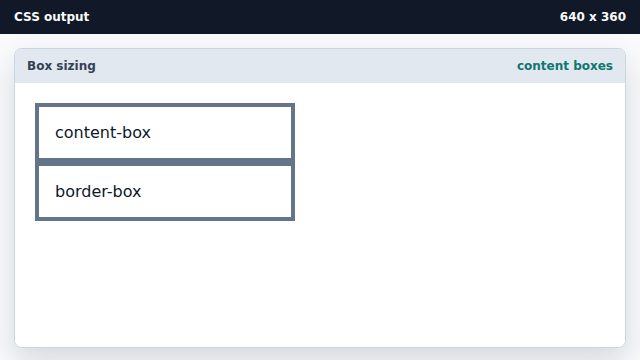
The default content-box width excludes padding and border. Separate the two boxes vertically.
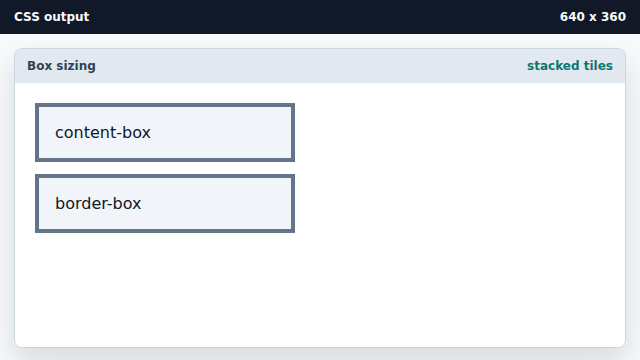
Margin outside the tile does not affect its own width. Switch only the second tile to border-box.
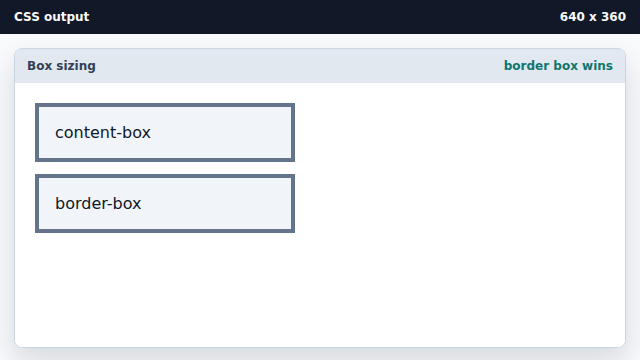
Border-box includes padding and border inside the declared width. Color the border-box example green.
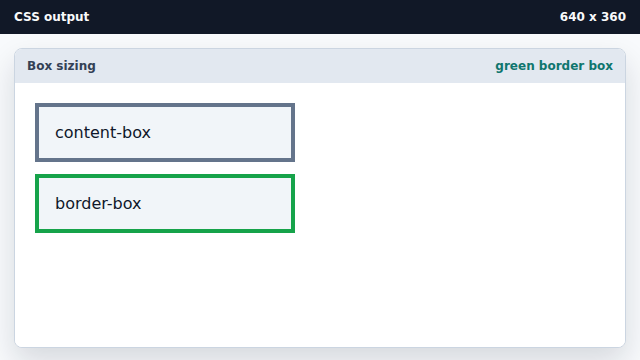
A visual marker identifies the changed sizing model.
content-box
In content-box sizing, width excludes padding and border.
border-box
In border-box sizing, width includes padding and border.