Backgrounds and Gradients
Linear Gradient Card
A call to action card starts with a default vertical gradient, switches to a horizontal direction, adds a midpoint stop, then rounds and constrains the card for a polished hero look.
Program
linear-gradient paints a ramp between two or more colors. The direction and stop positions shape how the colors transition.
linear_gradient_card.html
Visuals: captured from real browser rendering
<style>
.cta { background-image: linear-gradient(#0ea5e9, #4338ca); color: white; padding: 26px 22px; }
.cta { background-image: linear-gradient(90deg, #0ea5e9, #4338ca); }
.cta { background-image: linear-gradient(90deg, #0ea5e9 0%, #4338ca 60%, #1e3a8a 100%); }
.cta { border-radius: 14px; max-width: 420px; }
</style>

<section class="cta">
  <h2>Try the preview</h2>
  <p>Two stops form a smooth ramp</p>
</section>
Paint a vertical two stop gradient.
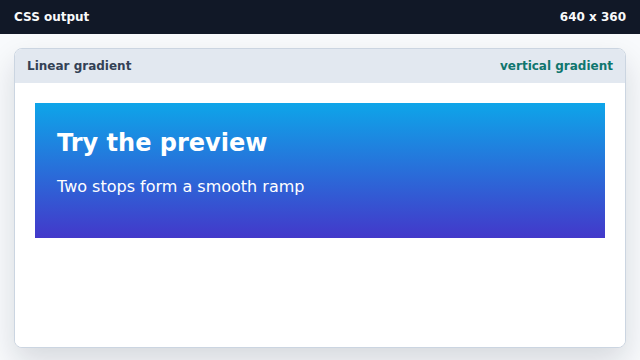
The default direction goes top to bottom when no angle is set. Rotate the ramp to horizontal.
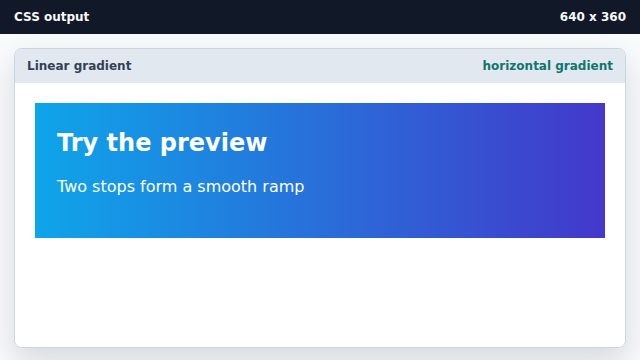
90deg points the gradient along the inline axis. Add a midpoint stop and a deeper end color.
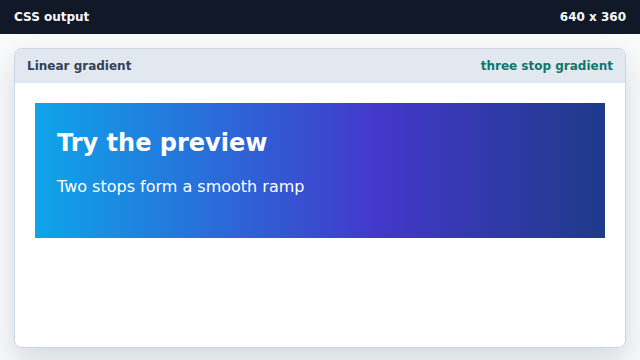
Explicit stop positions decide where each color dominates. Frame the card with rounded corners and a width.
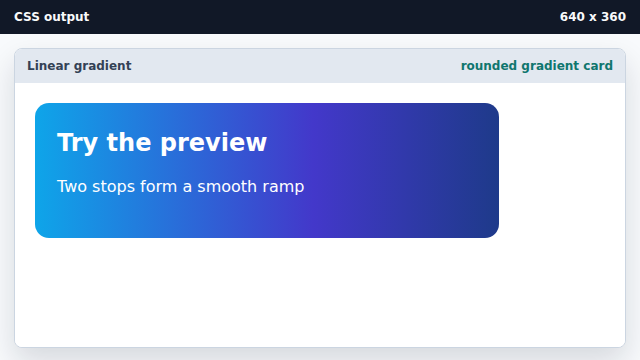
A radius and width constraint turn the gradient into a polished hero.
linear-gradient
linear-gradient paints a ramp between colors along a chosen direction.
gradient stops
Stop positions decide where each color reaches full strength along the ramp.