Backgrounds and Gradients
Background Color and Layers
A hero card starts with a solid background color and padding, gains rounded corners, then layers translucent backgrounds onto the heading and body for an overlay effect without external assets.
Program
Each element can carry its own background color. Translucent colors layer on top of an ancestor background to produce overlay effects.
background_color_layers.html
Visuals: captured from real browser rendering
<style>
.hero { background-color: #0f766e; color: #f0fdfa; padding: 24px; max-width: 380px; }
.hero { border-radius: 14px; }
.hero h2 { background-color: rgba(255, 255, 255, 0.2); padding: 6px 10px; border-radius: 6px; display: inline-block; }
.hero p { background-color: rgba(15, 23, 42, 0.32); padding: 6px 10px; border-radius: 6px; }
</style>

<section class="hero">
  <h2>Featured talk</h2>
  <p>Browser rendered learning</p>
</section>
Paint the hero panel.
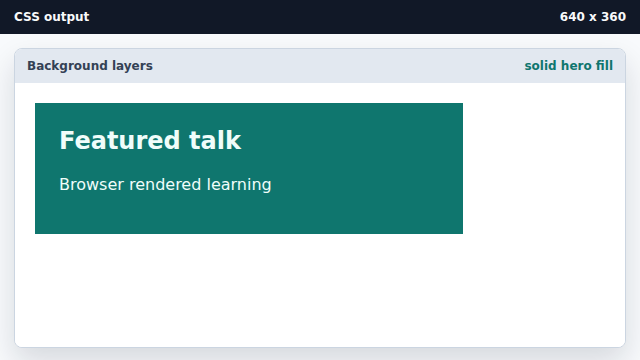
A solid background color fills the box behind the content. Round the hero corners.
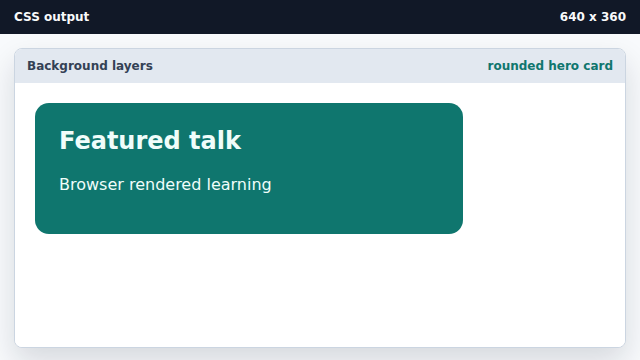
border-radius shapes the visible card without touching its color. Layer a translucent block on the heading.
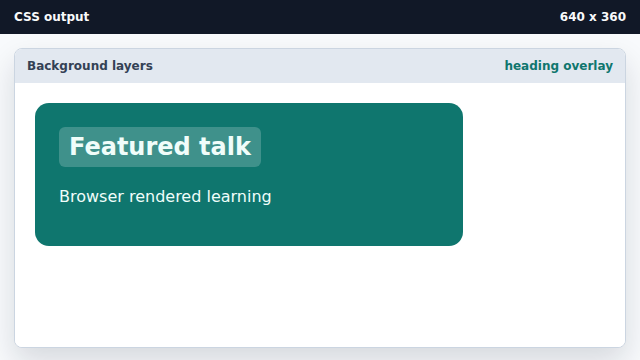
A translucent background lets the teal show through under the heading text. Add a darker overlay to the body text.
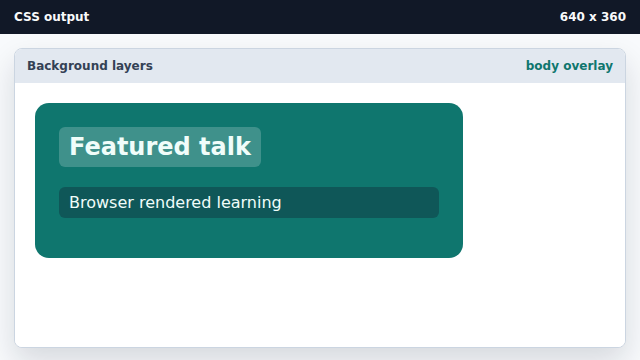
A second translucent layer separates the body copy from the panel fill.
background-color
background-color paints a solid layer behind an element.
alpha layering
Translucent rgba colors stack on top of ancestor backgrounds for overlay effects.