Typography and Color
Line Height and Measure
A paragraph block becomes easier to scan when line length, line height, padding, and default margins are controlled together.
Program
Measure is the length of a line of text. Combining a reasonable measure with generous line height keeps multi-line text from feeling cramped.
line_height_measure.html
Visuals: captured from real browser rendering
<style>
.measure { max-width: 36ch; }
.measure { line-height: 1.6; }
.measure { padding: 18px; background: #f8fafc; }
.measure p { margin: 0; }
</style>

<article class="measure">
  <p>Longer release notes are easier to scan when line length and line height work together.</p>
</article>
Limit the line length.
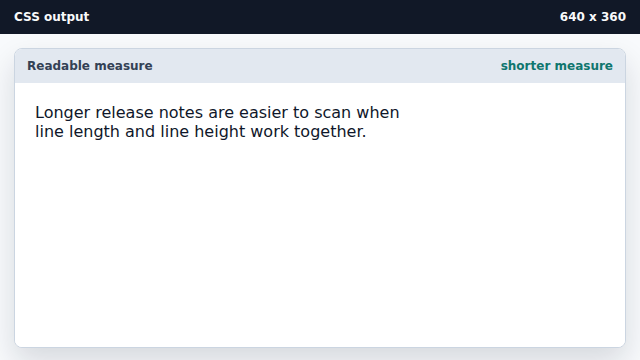
The ch unit roughly tracks the width of text characters. Add breathing room between lines.
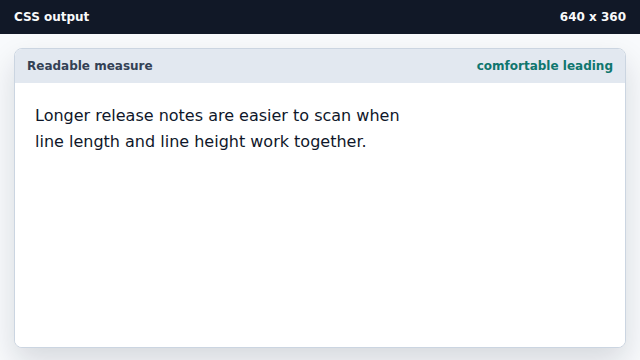
Line height is unitless here, so it scales with the font size. Frame the text with padding and a quiet surface.
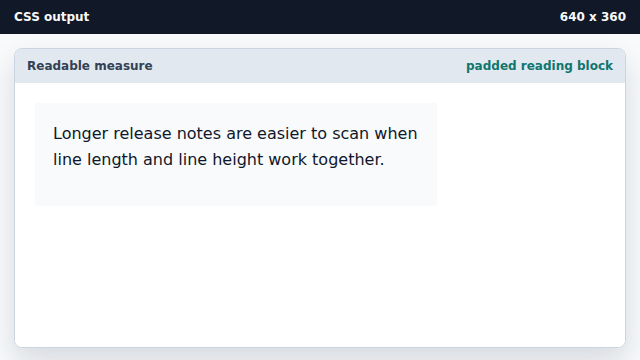
Padding gives text space from its container edge. Remove the paragraph default margin.
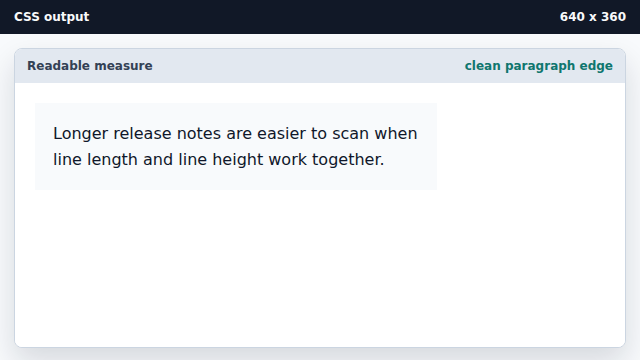
Component styles often reset default margins at the edge.
line-height
Line-height controls the distance from one text baseline to the next.
measure
Measure is the readable width of a text line.