Drawing Basics
Text Labels
The drawing context chooses a font and color before fillText paints a title and numeric label.
Program
Canvas text is bitmap output. Once fillText runs, the letters are pixels in the canvas rather than editable DOM nodes.
text_labels.html
Visuals: captured from real browser rendering
<canvas id="stage" width="360" height="210"></canvas>
<script>
  const ctx = stage.getContext("2d");
  ctx.font = "700 30px sans-serif";
  ctx.fillStyle = "#111827";
  ctx.fillText("Revenue", 44, 70);
  ctx.font = "600 42px sans-serif";
  ctx.fillStyle = "#0f766e";
  ctx.fillText("$42k", 44, 130);
</script>
Set the title font.
Font state affects later text drawing. Paint the title text.
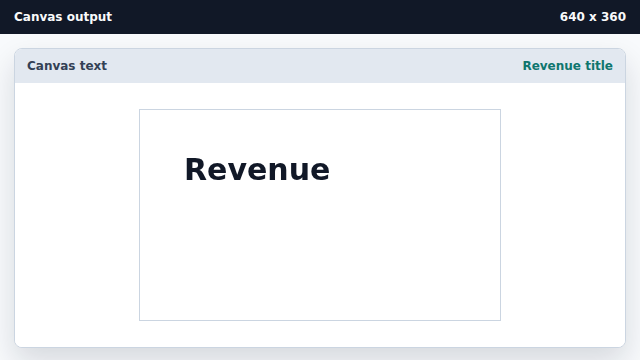
fillText writes text as pixels using the current font and fill style. Paint the value label.
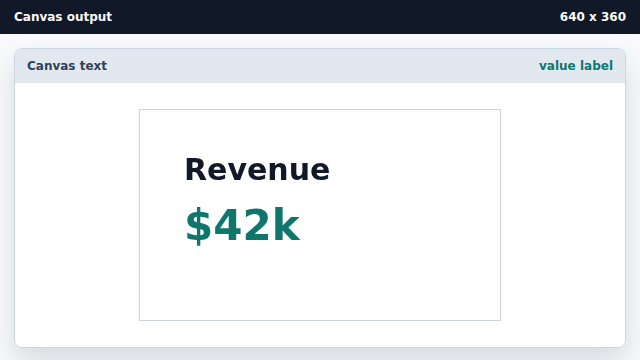
The second fillText uses a different font and fillStyle.
font
The font property controls future text drawing on the context.
fillText
fillText paints text directly into the canvas bitmap.