Drawing Basics
Fill Rectangles
A canvas starts empty, then two fillRect calls paint a teal panel and an amber badge.
Program
Canvas drawing is immediate. When JavaScript calls fillRect, pixels are painted into the bitmap and stay there until changed.
fill_rectangles.html
Visuals: captured from real browser rendering
<canvas id="stage" width="360" height="210"></canvas>
<script>
  const ctx = stage.getContext("2d");
  ctx.fillStyle = "#0f766e";
  ctx.fillRect(36, 36, 150, 92);
  ctx.fillStyle = "#f59e0b";
  ctx.fillRect(206, 82, 92, 58);
</script>
Paint the first filled rectangle.
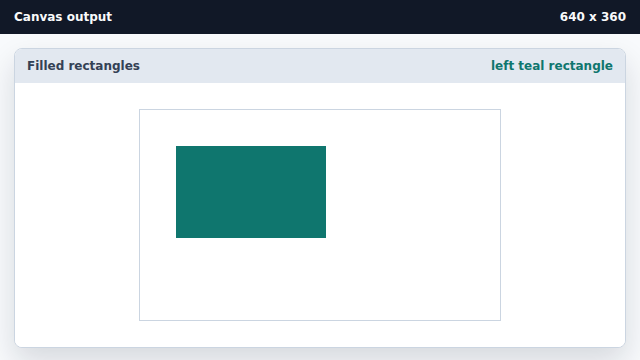
fillRect writes colored pixels immediately. Paint the second filled rectangle.
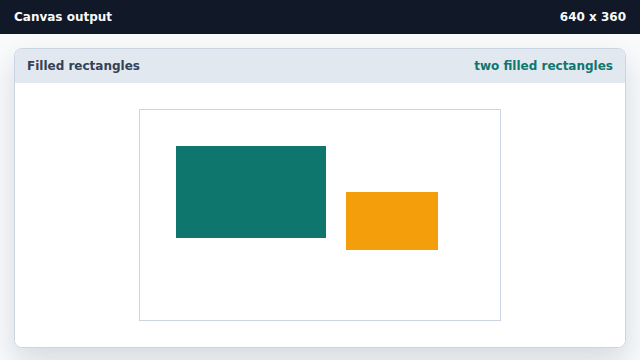
The second fillRect does not move the first pixels; it adds more pixels.
fillStyle
fillStyle is the current fill paint used by filled shapes and text.
fillRect
fillRect paints a filled rectangle into the canvas bitmap immediately.