Drawing Basics
Circle Marker
Arc Becomes a Badge
A canvas drawing starts with a blank stage, builds a circular path, fills it, then strokes the edge.
Program
Canvas drawing is immediate: path commands collect geometry, then fill and stroke write pixels to the bitmap.
circle_marker.html
Visuals: captured from real browser rendering
<canvas id="stage" width="360" height="210"></canvas>
<script>
  const ctx = stage.getContext("2d");
  ctx.fillStyle = "#f8fafc";
  ctx.fillRect(0, 0, 360, 210);
  ctx.beginPath();
  ctx.arc(180, 105, 54, 0, Math.PI * 2);
  ctx.fillStyle = "#0f766e";
  ctx.fill();
  ctx.strokeStyle = "#134e4a";
  ctx.lineWidth = 6;
  ctx.stroke();
</script>
Paint the canvas background.
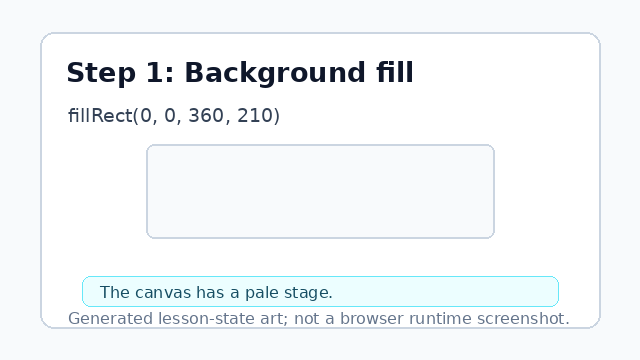
fillRect writes the background pixels first. Start a new circle path.
beginPath resets geometry; it does not paint pixels. Add a full circle arc.
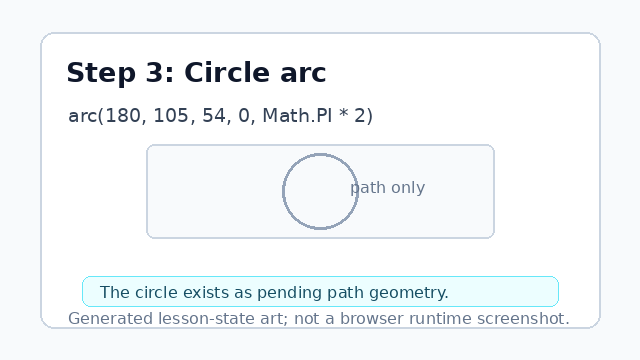
arc adds the circle to the path before anything is painted. Fill the circle path.
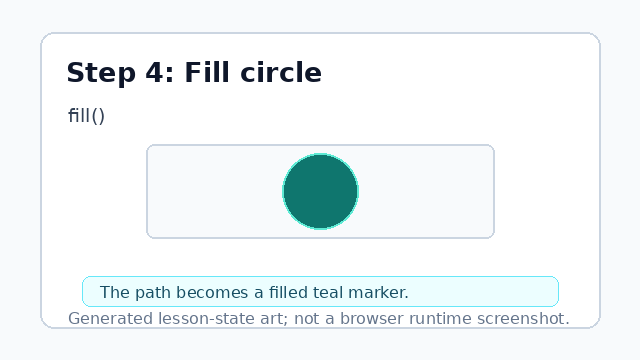
fill paints the inside of the current path. Set the outline width.
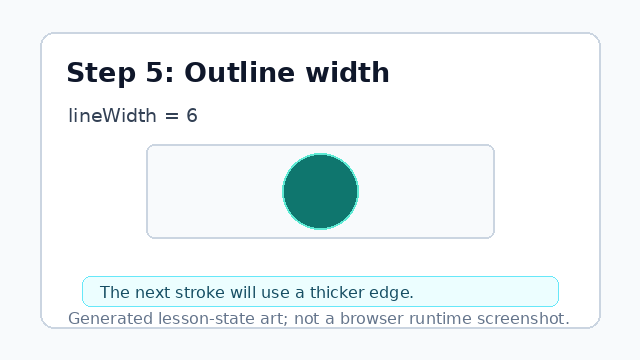
lineWidth changes how thick the next stroke will be. Stroke the circle outline.
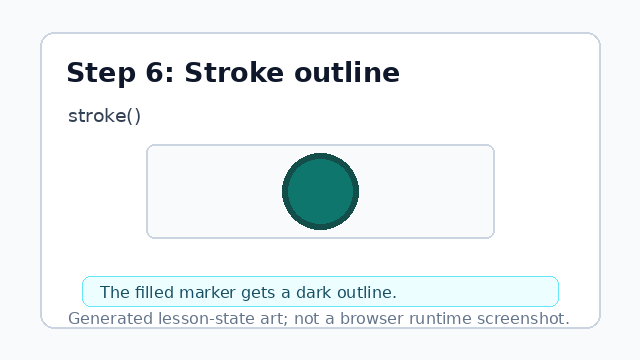
stroke paints the path outline after the fill.
arc
arc adds circular geometry to the current path.
fill and stroke
fill paints the inside of the path; stroke paints its outline.