Animation and State Stack
Save Restore Stack
The drawing state is pushed onto a stack, mutated by a translate and fillStyle, mutated again deeper inside the stack, and then popped step by step to recover earlier states.
Program
Canvas keeps a stack of drawing states. save pushes the current state; restore pops the top state. Pushes and pops nest to manage temporary changes cleanly.
save_restore_stack.html
Visuals: captured from real browser rendering
<canvas id="stage" width="360" height="210"></canvas>
<script>
  const ctx = stage.getContext("2d");
  ctx.fillStyle = "#0f172a";
  ctx.fillRect(0, 0, 360, 210);
  ctx.save();
  ctx.translate(70, 50);
  ctx.fillStyle = "#f97316";
  ctx.fillRect(0, 0, 90, 110);
  ctx.save();
  ctx.translate(110, 30);
  ctx.fillStyle = "#bbf7d0";
  ctx.fillRect(0, 0, 60, 60);
  ctx.restore();
  ctx.fillRect(0, 120, 90, 30);
  ctx.restore();
  ctx.fillRect(40, 170, 60, 30);
</script>
Paint the dark background.
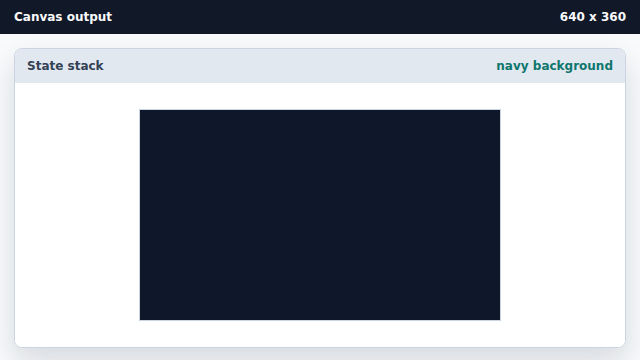
The scene starts with one opaque background fill at the default state. Save state and paint the orange card.
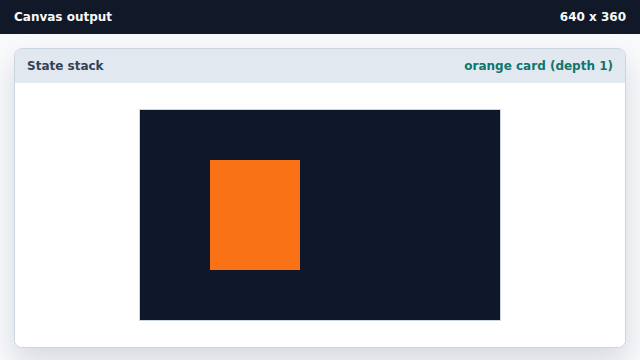
A save plus translate plus fillStyle change keep the navy background outside the stack frame. Save deeper and paint the mint square.
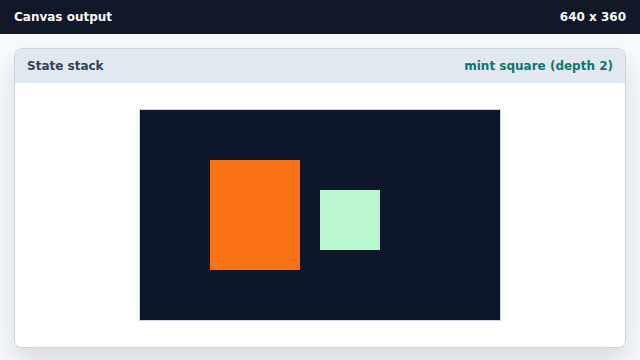
A second save creates a deeper translate so the mint square draws above the orange card area. Pop the inner saved state.
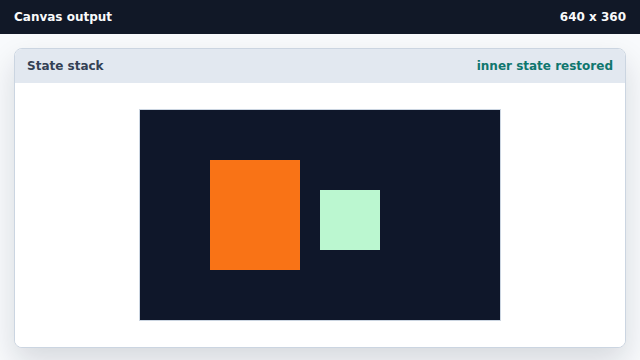
restore pops the top frame; existing pixels are untouched. Paint a foot using the recovered orange state.
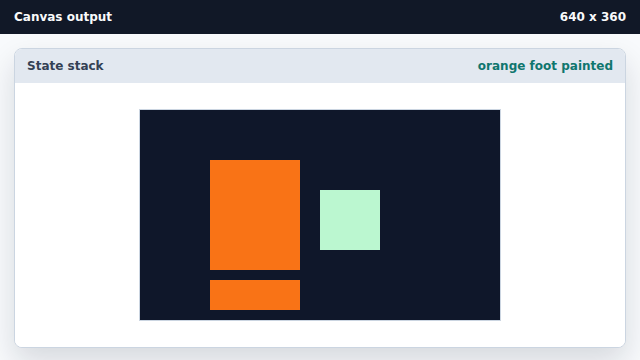
After popping, the orange fillStyle and the first translate are active again. Pop the outer state and paint at the base coordinate system.
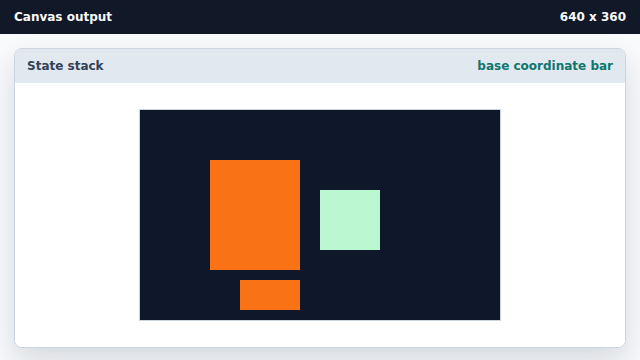
A second restore returns to the default origin and fillStyle; later draws ignore the inner translates.
save
save pushes the current drawing state onto a stack.
restore
restore pops the top state; existing pixels are untouched.
nested state
Save and restore nest so temporary changes do not leak.