Animation and State Stack
Animation Frame Snapshot
A marker advances along the canvas as the lesson progresses. Each step clears the prior frame and redraws the marker at the next position, simulating a frame of animation without using requestAnimationFrame.
Program
Canvas animation works by repeatedly clearing the bitmap and redrawing the new state. Each step here is a discrete frame of motion, not a real-time interpolation.
animation_frame_snapshot.html
Visuals: captured from real browser rendering
<canvas id="stage" width="360" height="210"></canvas>
<script>
  const ctx = stage.getContext("2d");
  function frame(x) {
    ctx.clearRect(0, 0, 360, 210);
    ctx.fillStyle = "#e0f2fe";
    ctx.fillRect(0, 0, 360, 210);
    ctx.fillStyle = "#1d4ed8";
    ctx.fillRect(x, 90, 60, 40);
  }
  frame(40);
  frame(140);
  frame(240);
</script>
Render the first animation frame.
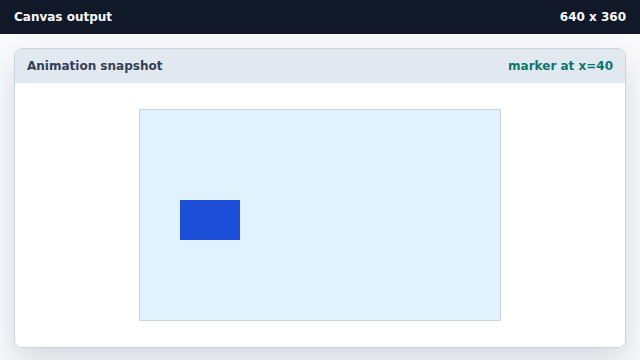
Each frame call clears then redraws the scene for a single time step. Render the next animation frame.
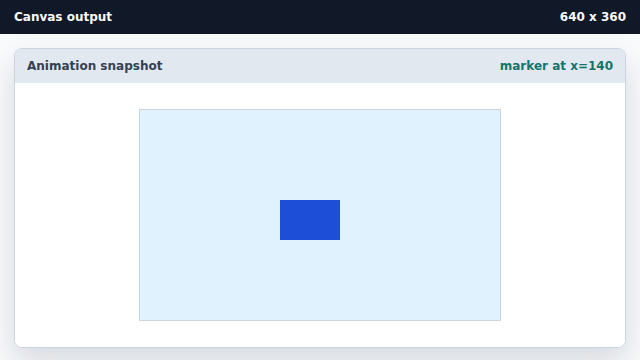
Repeated frame calls move the marker by clearing and redrawing. Render the final animation frame.
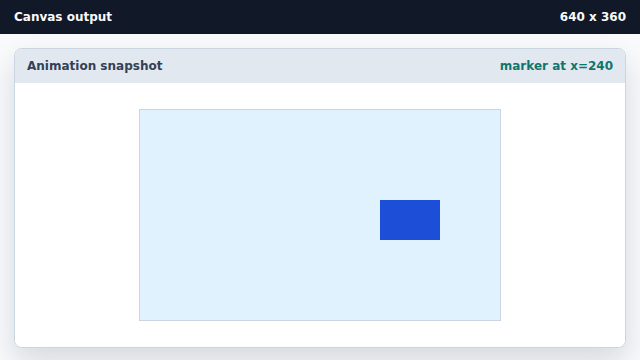
Animation in canvas is a sequence of complete redraws.
animation frame
A canvas animation frame is one complete clear-and-redraw of the scene.
clear and redraw
Movement comes from drawing the next state on a cleared canvas; pixels do not animate themselves.