Animation and State Stack
Mini Sprite Loop
A small helper function draws a sprite using save and restore. A loop calls the helper at four positions to lay out a row of sprites without leaking state.
Program
Code reuse and state hygiene work together. A sprite function that brackets its work in save and restore can be called any number of times without affecting later draws.
mini_sprite_loop.html
Visuals: captured from real browser rendering
<canvas id="stage" width="360" height="210"></canvas>
<script>
  const ctx = stage.getContext("2d");
  function sprite(x, y) {
    ctx.save();
    ctx.translate(x, y);
    ctx.fillStyle = "#7c3aed";
    ctx.fillRect(-20, -20, 40, 40);
    ctx.fillStyle = "#fde68a";
    ctx.fillRect(-6, -6, 12, 12);
    ctx.restore();
  }
  for (let i = 0; i < 4; i += 1) {
    sprite(60 + i * 80, 110);
  }
</script>
Define the reusable sprite helper.
A function plus save and restore packages reusable drawing. Loop and paint four sprites across the canvas.
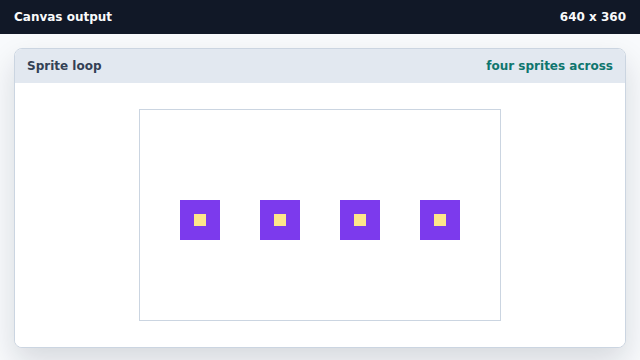
Looping over the helper reuses the same drawing code at different positions.
sprite function
A reusable function bracketed by save and restore can paint at any position without leaking state.
loop redraw
A loop that calls the same helper at many positions builds a scene without bespoke per-instance code.