Interaction and Export
Pointer Coordinate Dot
A canvas pointer handler translates click coordinates into canvas space and paints a dot at that position.
Program
Pointer events report viewport coordinates. Canvas drawing code often subtracts the canvas rectangle to get local coordinates.
pointer_coordinate_dot.html
Visuals: captured from real browser rendering
<canvas id="pad" width="320" height="180"></canvas>
<script>
  const pad = document.querySelector("#pad");
  const ctx = pad.getContext("2d");
  pad.addEventListener("pointerdown", event => {
    const rect = pad.getBoundingClientRect();
    const x = event.clientX - rect.left;
    const y = event.clientY - rect.top;
    ctx.beginPath();
    ctx.arc(x, y, 8, 0, Math.PI * 2);
    ctx.fill();
  });
</script>
Create the drawing surface.
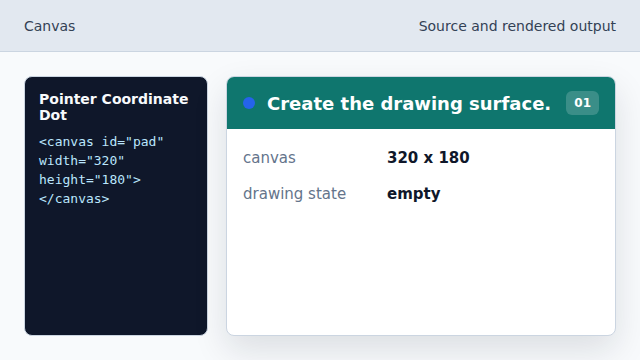
The canvas bitmap is the target for pointer drawing. Listen for pointer presses.
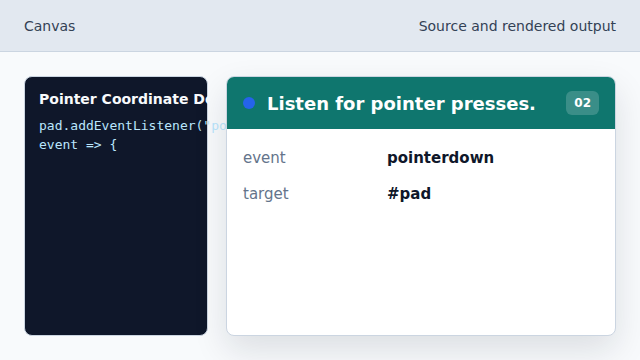
Mouse, touch, and pen presses share the same handler. Read the canvas position.
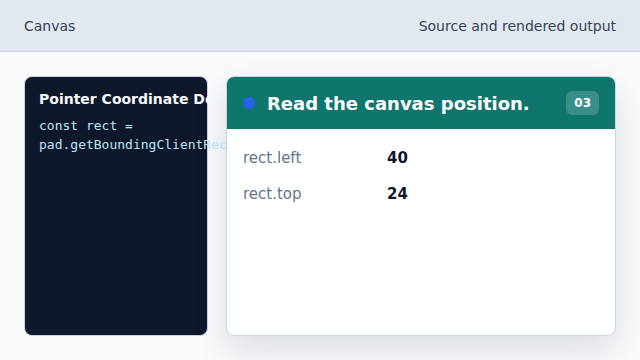
The rectangle provides the canvas offset in the viewport. Convert the x coordinate.
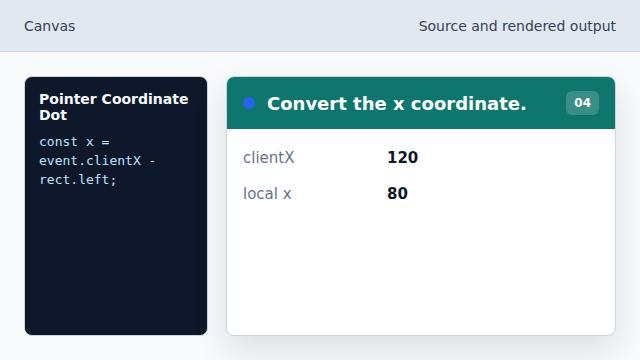
Subtracting left turns viewport x into canvas x. Start a fresh drawing path.
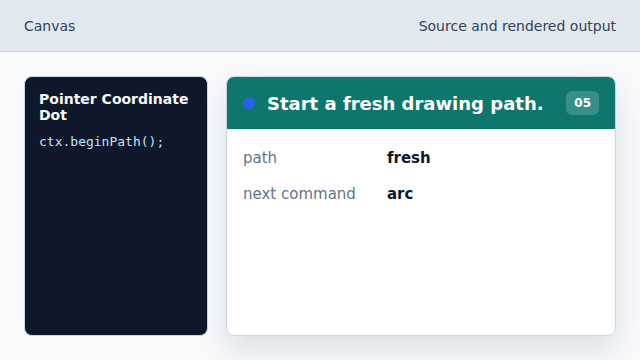
The dot is drawn as its own path. Draw the dot path.
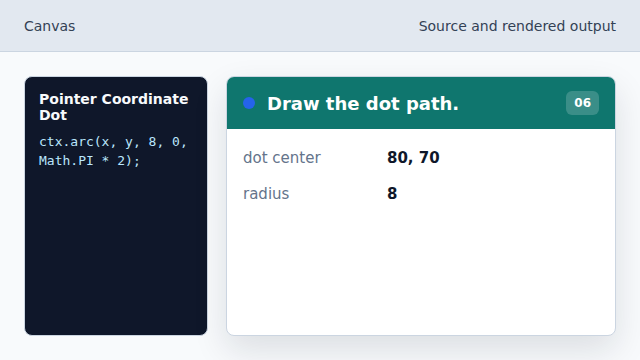
arc builds the circle before fill paints it.
pointerdown
pointerdown fires when a mouse, pen, or touch pointer presses the element.
canvas coordinates
Canvas drawing uses local coordinates inside the canvas bitmap.