Interaction and Export
Export Snapshot Link
Canvas content is converted into a data URL and assigned to a download link so the drawing can be saved.
Program
toDataURL serializes the current canvas bitmap. A link with download can offer that image as a file.
export_snapshot_link.html
Visuals: captured from real browser rendering
<canvas id="chart" width="320" height="180"></canvas><a id="save" download="chart.png">Save chart</a>
<script>
  const chart = document.querySelector("#chart");
  const save = document.querySelector("#save");
  const ctx = chart.getContext("2d");
  ctx.fillStyle = "#0f766e";
  ctx.fillRect(24, 36, 180, 72);
  const url = chart.toDataURL("image/png");
  save.href = url;
</script>
Prepare the save link.
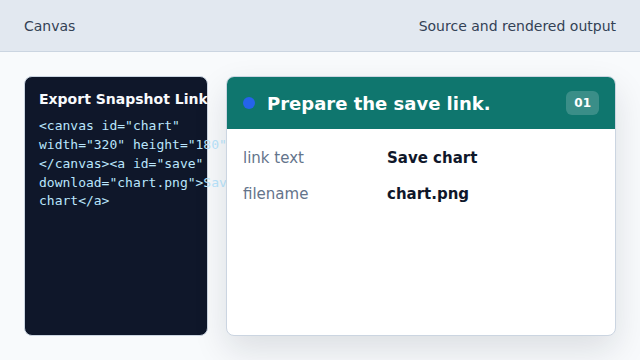
The link is configured to save an image file. Choose the chart color.
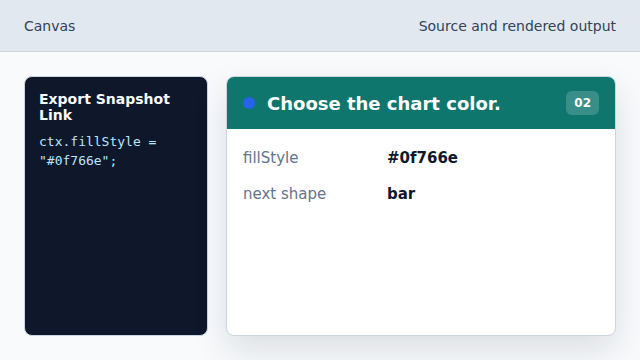
The canvas fill style sets the next shape color. Draw the chart bar.
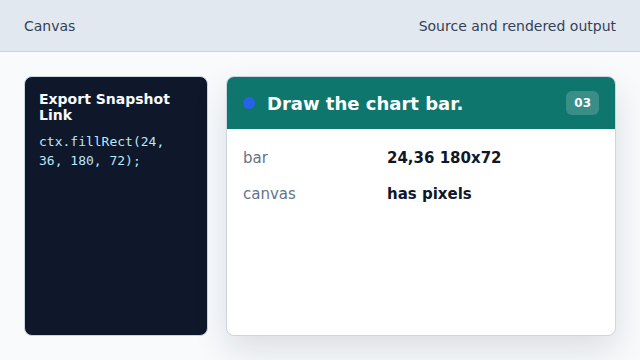
The rectangle becomes pixel data in the canvas. Serialize the bitmap.
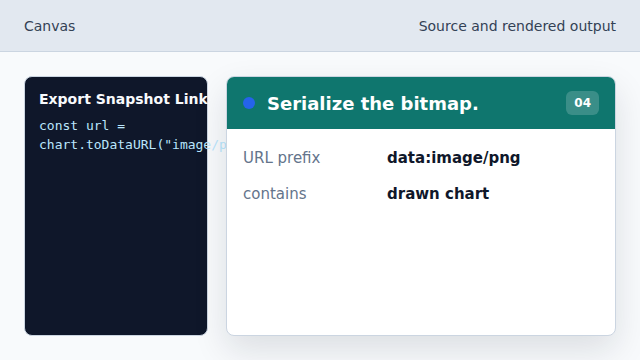
toDataURL captures the current pixels as a PNG URL. Attach the image to the link.
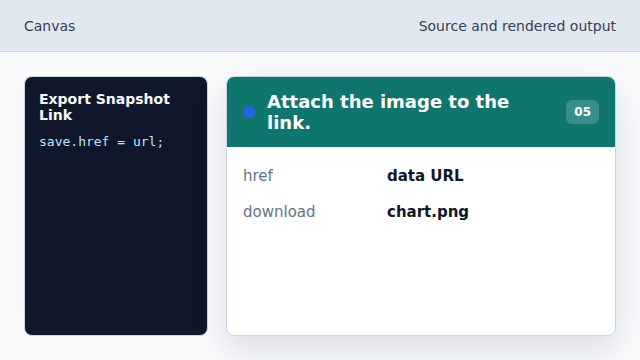
Clicking Save chart now downloads the generated bitmap.
toDataURL
toDataURL converts the canvas bitmap into an encoded image URL.
download
The download attribute suggests saving a link target as a file.