Interaction and Export
Hit Test Rectangle
A canvas program records a rectangle model and uses pointer coordinates to decide whether a click is inside it.
Program
Canvas pixels do not remember shapes. Interactive canvas code keeps a model of drawn regions and tests pointer coordinates against it.
hit_test_rect.html
Visuals: captured from real browser rendering
<canvas id="scene" width="320" height="180"></canvas><output id="status">Outside</output>
<script>
  const scene = document.querySelector("#scene");
  const status = document.querySelector("#status");
  const button = { x: 40, y: 30, width: 120, height: 48 };
  scene.getContext("2d").fillRect(button.x, button.y, button.width, button.height);
  scene.addEventListener("pointerdown", event => {
    const inside =
      event.offsetX >= button.x && event.offsetX <= button.x + button.width &&
      event.offsetY >= button.y && event.offsetY <= button.y + button.height;
    status.textContent = inside ? "Inside" : "Outside";
  });
</script>
Store the interactive rectangle model.
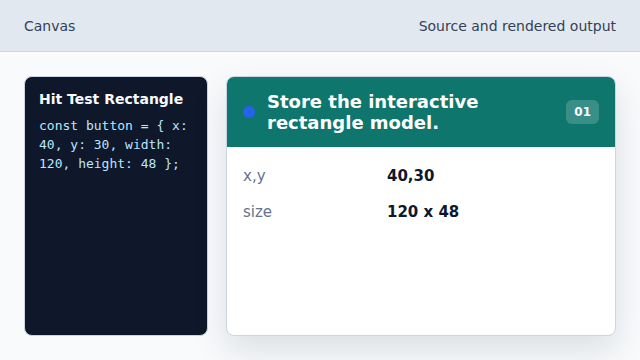
The model remembers the region after pixels are drawn. Paint the rectangle.
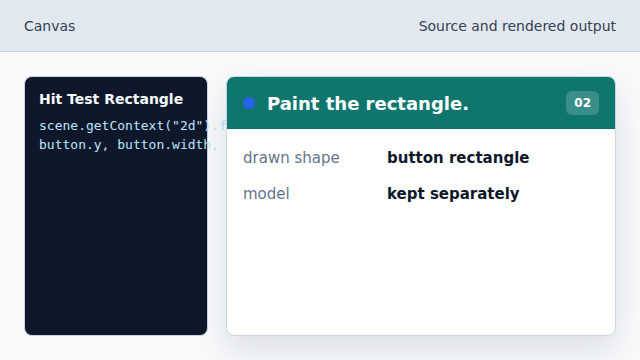
fillRect draws pixels but does not create a DOM element. Listen for a pointer press.
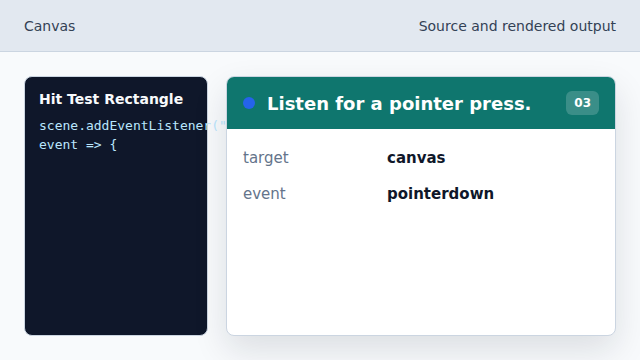
The canvas receives one event for the whole bitmap. Use local pointer coordinates.
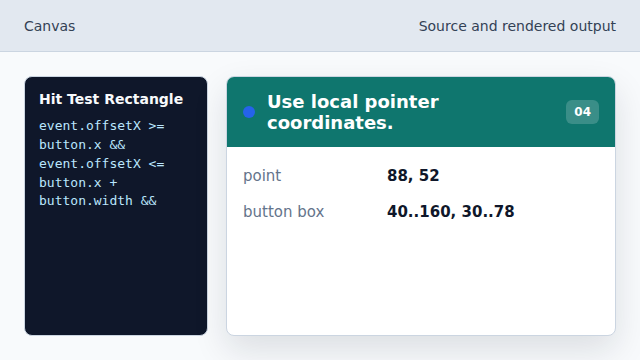
offsetX and offsetY are already relative to the canvas element. Render the hit test result.
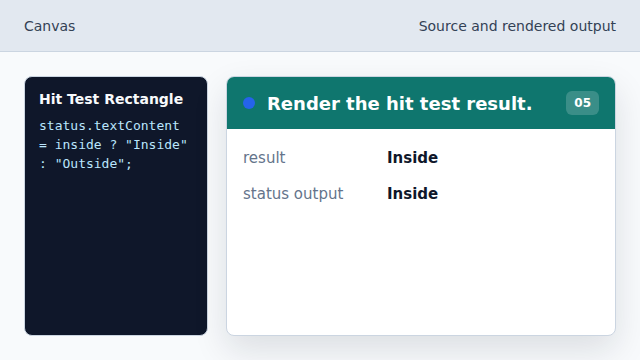
The output changes when the click falls inside the rectangle.
hit testing
Hit testing checks whether a pointer position falls inside an interactive region.
shape model
Canvas interactions usually store shape data outside the bitmap.