Path Geometry
Path2D Object
A Path2D is built from an SVG path string, then both fill and stroke paint the same geometry without rebuilding it.
Program
Path2D wraps path geometry as a reusable object. The same Path2D can fill and stroke without rebuilding the path on the context.
path2d_object.html
Visuals: captured from real browser rendering
<canvas id="stage" width="360" height="210"></canvas>
<script>
  const ctx = stage.getContext("2d");
  const arrow = new Path2D("M 60 70 L 180 70 L 180 40 L 280 105 L 180 170 L 180 140 L 60 140 Z");
  ctx.fillStyle = "#bae6fd";
  ctx.fill(arrow);
  ctx.strokeStyle = "#1d4ed8";
  ctx.lineWidth = 4;
  ctx.stroke(arrow);
</script>
Build a reusable arrow path from an SVG string.
Path2D constructors accept SVG path strings or empty paths to build later. Fill the canvas with the stored path.
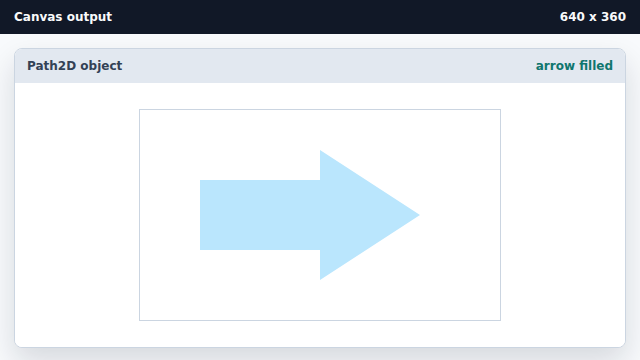
fill accepts a Path2D, so the same object can be reused for fill and stroke. Stroke the same path for an outline.
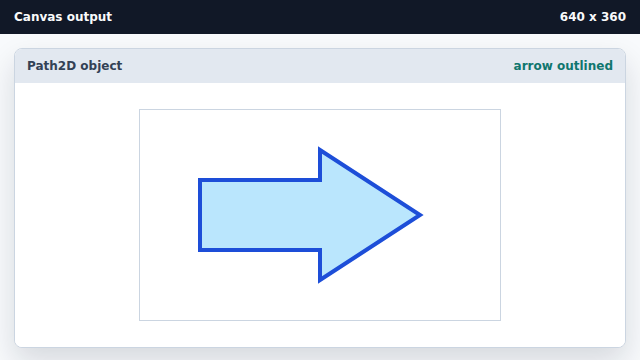
A single Path2D can be drawn many times; here it fills and strokes the same geometry.
Path2D
Path2D wraps path commands as a reusable object you can fill or stroke multiple times.
SVG path string
A Path2D can parse an SVG path data string instead of building geometry call-by-call.