Path Geometry
Arc and Pie
Two pie slices are built from arc plus closePath geometry: a teal wedge fills first, then a second wedge fills with a different color in a separate path.
Program
arc adds a circular sweep to the current path. closePath connects the cursor back to the start point so fill paints a closed wedge.
arc_and_pie.html
Visuals: captured from real browser rendering
<canvas id="stage" width="360" height="210"></canvas>
<script>
  const ctx = stage.getContext("2d");
  ctx.fillStyle = "#14b8a6";
  ctx.beginPath();
  ctx.moveTo(180, 105);
  ctx.arc(180, 105, 80, 0, Math.PI * 0.6);
  ctx.closePath();
  ctx.fill();
  ctx.fillStyle = "#f97316";
  ctx.beginPath();
  ctx.moveTo(180, 105);
  ctx.arc(180, 105, 80, Math.PI * 0.6, Math.PI * 1.1);
  ctx.closePath();
  ctx.fill();
</script>
Sweep an arc for the first wedge.
arc appends a circular sweep but does not paint until fill runs. Close the first wedge back to the center.
closePath draws a straight segment back to the path origin. Paint the first pie slice.
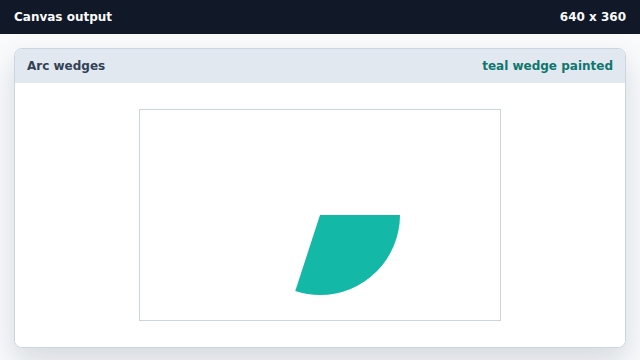
fill paints the area enclosed by the current path. Sweep an arc for the second wedge.
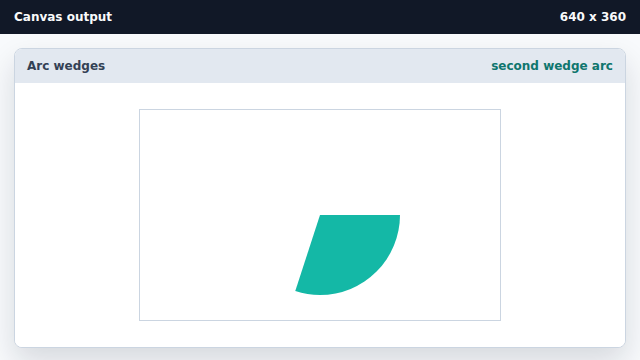
A new beginPath starts fresh; the second arc covers the next slice angle. Paint the second pie slice.
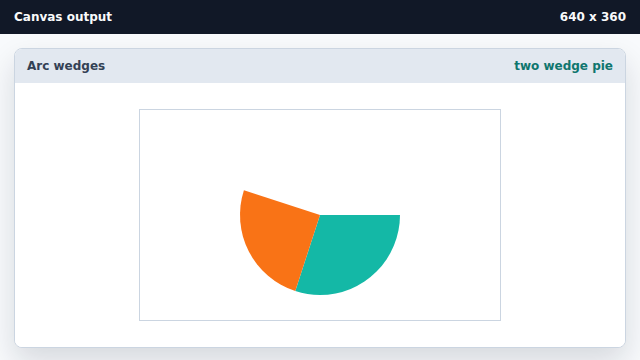
The closed second path fills as a separate pie slice.
arc
arc adds a circular sweep to the current path between two angles.
closePath
closePath connects the path cursor back to the path origin so fill produces a closed shape.