Compositing and Clipping
Composite Operation
A blue rectangle paints in the default source-over mode, an amber rectangle overlaps it, then a multiply-mode purple rectangle darkens the overlap before destination-out punches a hole.
Program
globalCompositeOperation controls how each drawing call interacts with what is already on the canvas. The default source-over paints over; other modes multiply colors or erase pixels.
composite_operation.html
Visuals: captured from real browser rendering
<canvas id="stage" width="360" height="210"></canvas>
<script>
  const ctx = stage.getContext("2d");
  ctx.fillStyle = "#0ea5e9";
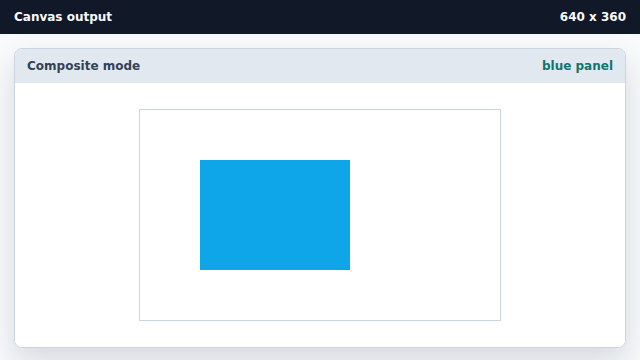
  ctx.fillRect(60, 50, 150, 110);
  ctx.fillStyle = "#f59e0b";
  ctx.fillRect(150, 80, 150, 110);
  ctx.globalCompositeOperation = "multiply";
  ctx.fillStyle = "#7c3aed";
  ctx.fillRect(105, 105, 150, 60);
  ctx.globalCompositeOperation = "destination-out";
  ctx.fillRect(135, 115, 60, 40);
</script>
Paint a blue panel with the default mode.
The default composite mode lays new pixels on top of the canvas. Paint an amber rectangle that overlaps the blue panel.
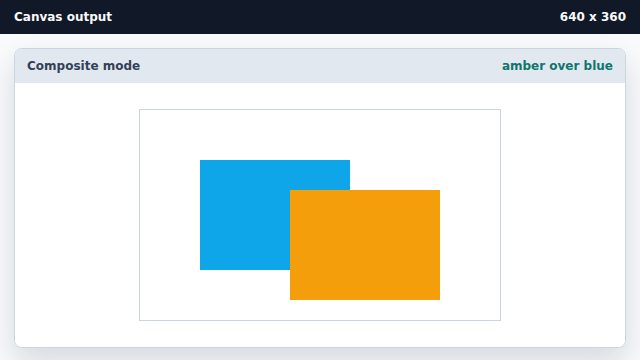
source-over places new pixels above existing ones. Switch the composite mode to multiply.
globalCompositeOperation is state; the next draw uses the new rule. Paint a purple rectangle in multiply mode.
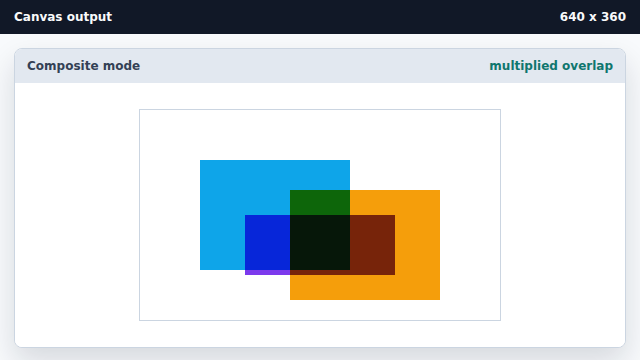
multiply darkens overlapping colors instead of replacing them. Switch the mode to destination-out.
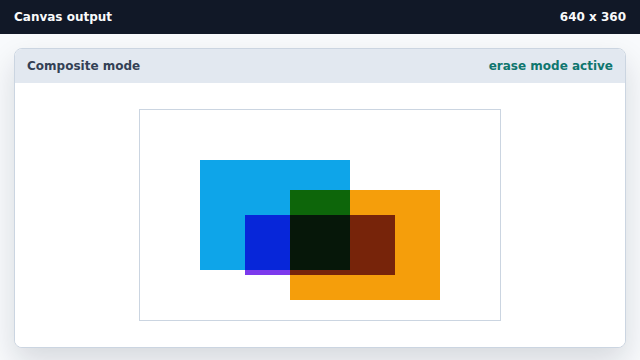
destination-out uses source alpha to erase existing pixels. Erase a hole in the middle of the scene.
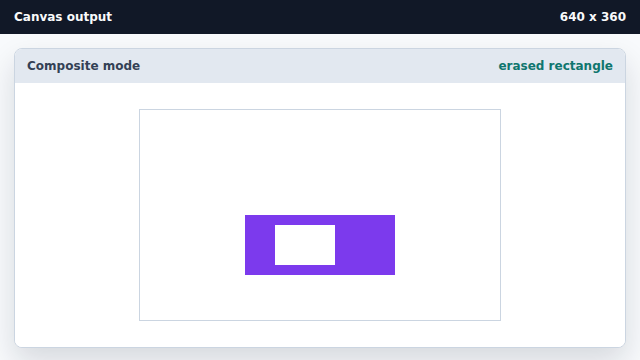
destination-out wipes out the destination wherever the source has alpha.
globalCompositeOperation
globalCompositeOperation chooses how the next draw combines with existing canvas pixels.
multiply
multiply mode multiplies source and destination color channels.
destination-out
destination-out uses source alpha to erase existing canvas pixels.