Compositing and Clipping
Alpha Layer
An opaque navy band paints first, then globalAlpha turns the orange overlay translucent so the band shows through, and a final opaque green tag confirms the alpha was reset.
Program
globalAlpha multiplies the alpha of every fill, stroke, or image draw until it is changed again. A translucent overlay lets the layer underneath show through.
alpha_layer.html
Visuals: captured from real browser rendering
<canvas id="stage" width="360" height="210"></canvas>
<script>
  const ctx = stage.getContext("2d");
  ctx.fillStyle = "#1e3a8a";
  ctx.fillRect(40, 60, 220, 90);
  ctx.globalAlpha = 0.5;
  ctx.fillStyle = "#f97316";
  ctx.fillRect(120, 90, 200, 80);
  ctx.globalAlpha = 1;
  ctx.fillStyle = "#bbf7d0";
  ctx.fillRect(60, 140, 80, 40);
</script>
Paint the opaque navy band.
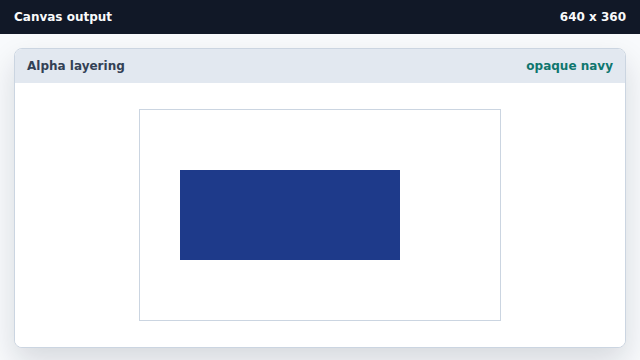
With alpha 1 the fill is fully opaque. Lower the global alpha to one half.
globalAlpha is paint state, not a drawing call. Draw the orange overlay with reduced alpha.
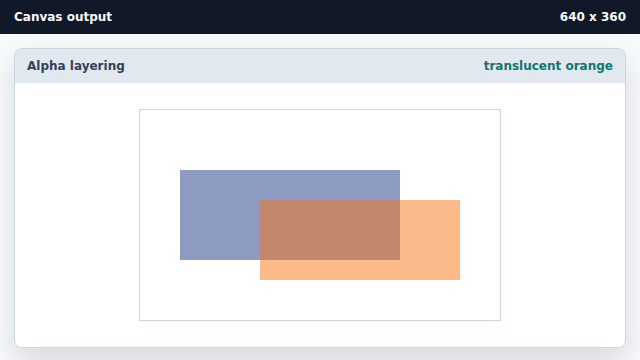
A translucent layer mixes with the destination instead of replacing it. Reset the global alpha to one.
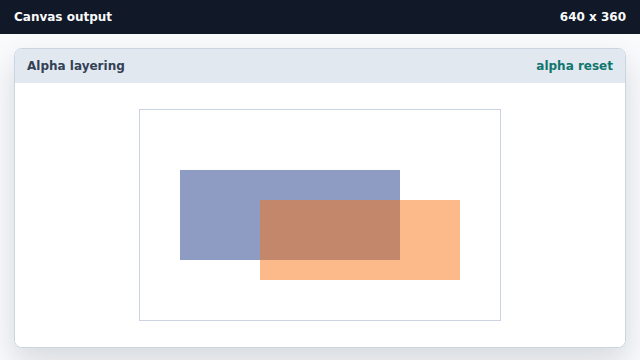
Restoring alpha returns later draws to fully opaque. Paint an opaque green tag.
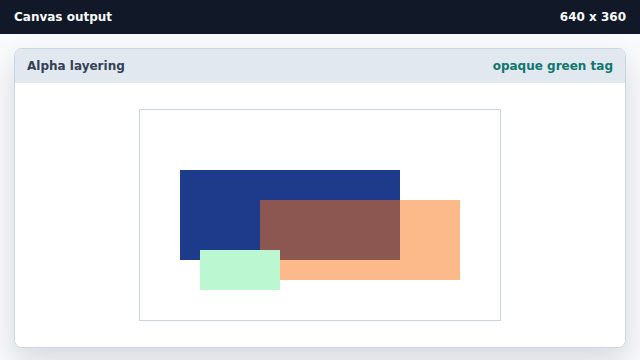
Earlier translucent pixels remain; only later draws return to opaque.
globalAlpha
globalAlpha multiplies the alpha of every drawing call until it is changed.
layering
A translucent layer reveals the destination through partial transparency.