Multiple Programs and Regions
Viewport Split
The same clip-space geometry is drawn twice by changing the viewport from the left half of the canvas to the right half.
Program
The viewport controls how clip-space coordinates map into drawing-buffer pixels. Changing it lets one canvas contain multiple rendered regions.
viewport_split.html
Visuals: generated teaching cards from captured state
- state written by this keyframe
1<canvas id="stage" width="360" height="210"></canvas>
2<script>
3  gl.viewport(0, 0, stage.width / 2, stage.height);
4  gl.drawArrays(gl.TRIANGLES, 0, 3);
5  gl.viewport(stage.width / 2, 0, stage.width / 2, stage.height);
6  gl.drawArrays(gl.TRIANGLES, 0, 3);
7</script>Map clip space into the left half
kf: 1event 0kind: lifecycleMap clip space into the left half.
3gl.viewport→ left half(0, 0, stage.width / 2, stage.height);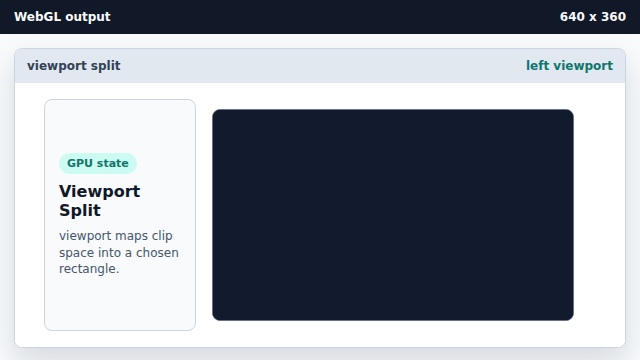
A viewport remaps normalized clip coordinates into pixel coordinates. State after this keyframefull canvas → left halfviewportDraw into the left viewport
kf: 2event 1kind: lifecycleDraw into the left viewport.
4gl.drawArrays→ left triangle(gl.TRIANGLES, 0, 3);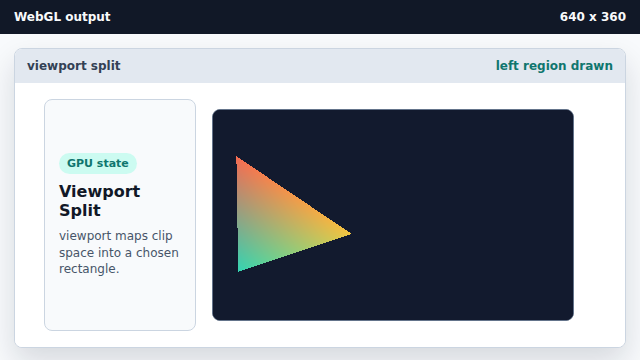
The same clip-space triangle is squeezed into the current viewport rectangle. State after this keyframeclear color → left trianglepixelsMove the viewport to the right half
kf: 3event 2kind: lifecycleMove the viewport to the right half.
5gl.viewport→ right half(stage.width / 2, 0, stage.width / 2, stage.height);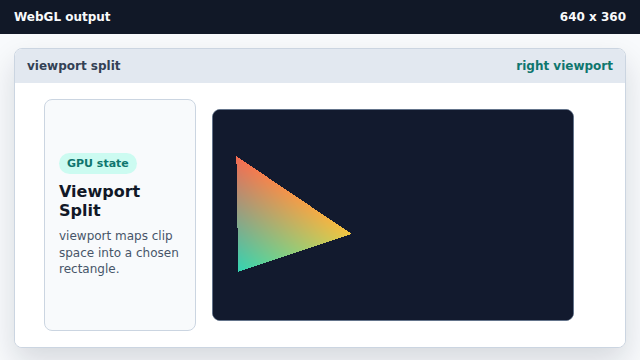
Changing viewport state does not erase the left-side pixels. State after this keyframeleft half → right halfviewportDraw into the right viewport
kf: 4event 3kind: lifecycleDraw into the right viewport.
6gl.drawArrays→ split view(gl.TRIANGLES, 0, 3);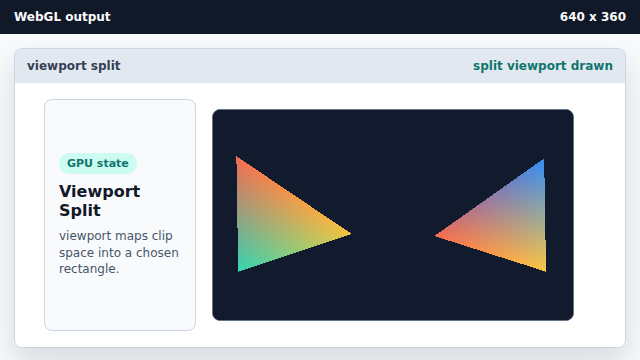
Multiple viewport draws can build a split-screen output. State after this keyframeleft triangle → split viewpixels
viewport
The viewport maps clip-space coordinates to drawing-buffer pixels.
split view
Repeated draws with different viewports can produce multiple regions in one canvas.