Canvas
Canvas Transform Stack
State Moves the Drawing Space
A canvas program saves drawing state, moves and rotates the coordinate system, draws a badge, restores state, and then writes text in the original space.
Program
Canvas transforms change the coordinate system for later drawing calls. Step through the source to see which operations change pixels and which only prepare state for the next draw.
const canvas = document.querySelector('#badge-canvas');
const ctx = canvas.getContext('2d');

ctx.fillStyle = '#f8fafc';
ctx.fillRect(0, 0, 320, 200);

ctx.save();
ctx.translate(160, 100);
ctx.rotate(Math.PI / 8);

ctx.fillStyle = '#2563eb';
ctx.fillRect(-70, -40, 140, 80);

ctx.restore();

ctx.fillStyle = '#0f172a';
ctx.font = '700 28px sans-serif';
ctx.fillText('READY', 108, 110);
Choose a light fill color for the canvas background.
Changing fillStyle updates drawing state only; no pixels change yet. Fill the canvas background.
fillRect paints immediately with the current fillStyle. Save the current drawing state.
save() records state for later, but it does not draw. Move the drawing origin to the center of the canvas.
translate() changes how future coordinates are interpreted. Rotate the drawing space around the translated origin.
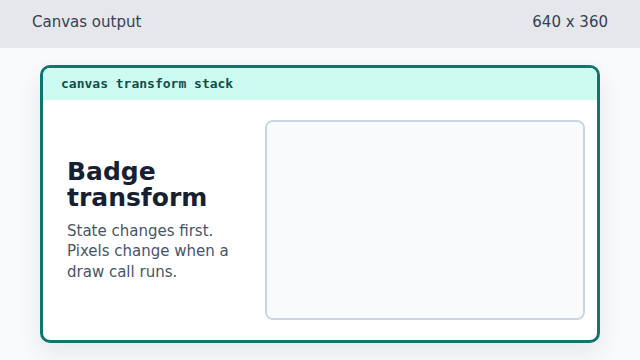
Rotation prepares the next draw call without repainting existing pixels. Choose the badge fill color.
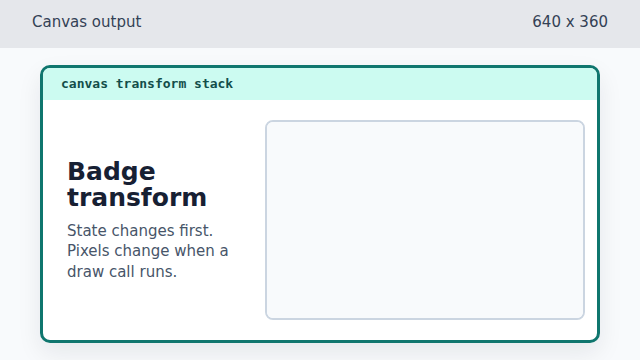
Changing fillStyle again prepares the badge rectangle. Draw the badge rectangle in transformed space.
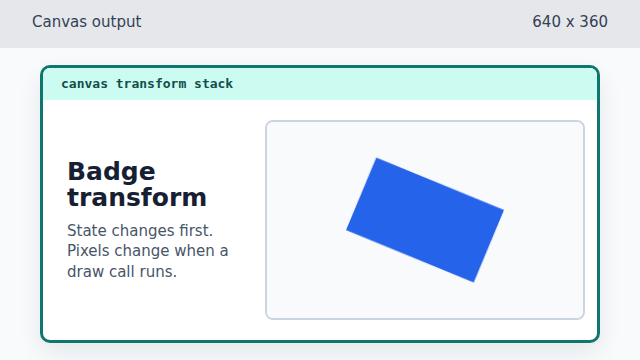
The rectangle coordinates are local to the translated and rotated drawing space. Restore the original drawing state.
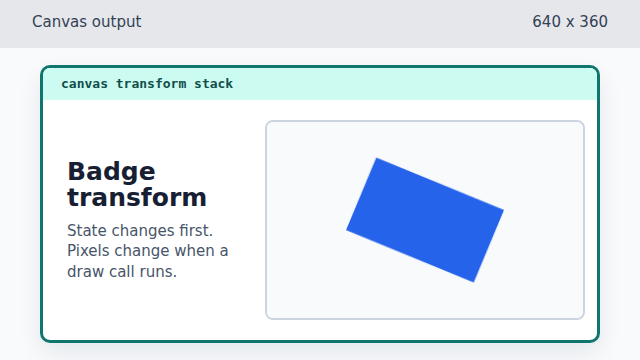
restore() changes future drawing state, not the pixels already painted. Choose a dark fill color for text.
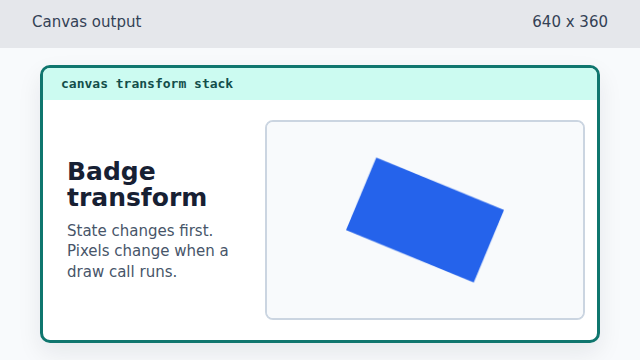
The next text draw will use the restored, unrotated coordinate system. Set the text font.
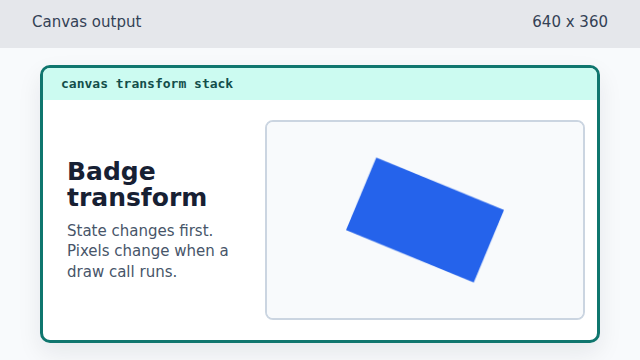
Font state affects the next fillText call. Write unrotated text over the badge.
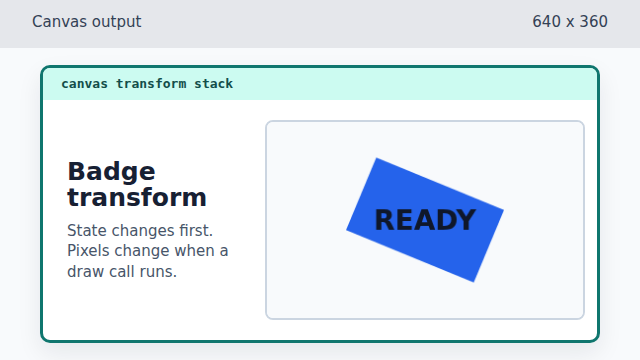
Because the transform was restored, the text is not rotated with the badge.