Canvas
Canvas Sales Chart
Drawing Calls Become Pixels
A canvas chart starts empty, gains axes, then adds each bar and label. The replay connects drawing calls to the browser-rendered pixels.
Program
Canvas drawing is immediate: each command changes pixels in the canvas bitmap. Step through the program to see when axes, bars, and text labels appear.
canvas_sales_chart.js
Visuals: captured from real browser rendering
const canvas = document.querySelector('#chart');
const ctx = canvas.getContext('2d');

ctx.clearRect(0, 0, 240, 160);
ctx.strokeStyle = '#334155';
ctx.lineWidth = 2;
ctx.font = '14px sans-serif';

ctx.beginPath();
ctx.moveTo(30, 20);
ctx.lineTo(30, 130);
ctx.lineTo(210, 130);
ctx.stroke();

ctx.fillStyle = '#2563eb';
ctx.fillRect(50, 70, 32, 60);
ctx.fillStyle = '#172033';
ctx.fillText('Q1', 56, 148);

ctx.fillStyle = '#16a34a';
ctx.fillRect(100, 30, 32, 100);
ctx.fillStyle = '#172033';
ctx.fillText('Q2', 106, 148);

ctx.fillStyle = '#f97316';
ctx.fillRect(150, 50, 32, 80);
ctx.fillStyle = '#172033';
ctx.fillText('Q3', 156, 148);
Clear the chart bitmap before drawing.
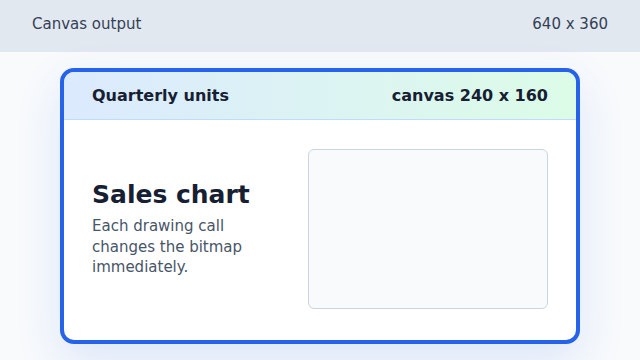
The canvas starts blank after clearRect erases the bitmap. Paint the axis path into pixels.
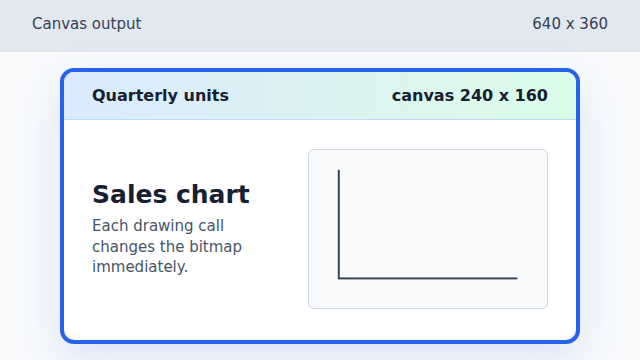
stroke paints the prepared path, so the axes become visible together. Paint the Q1 rectangle.
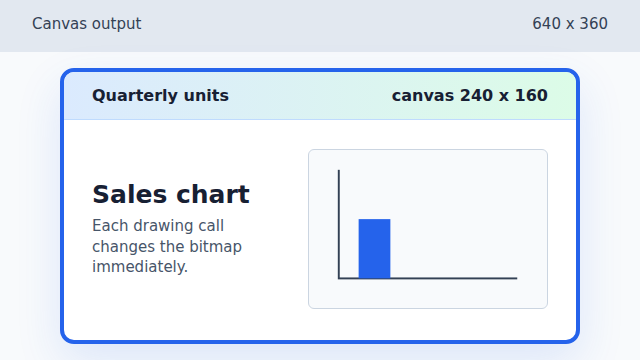
fillRect paints the Q1 bar using the current blue fillStyle. Paint the Q1 label.
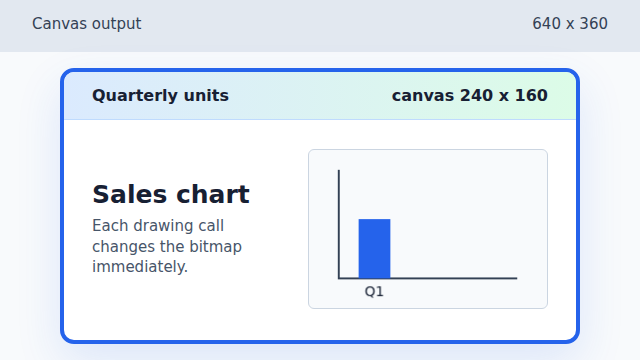
fillText adds the Q1 label without changing the bar pixels. Paint the taller Q2 rectangle.
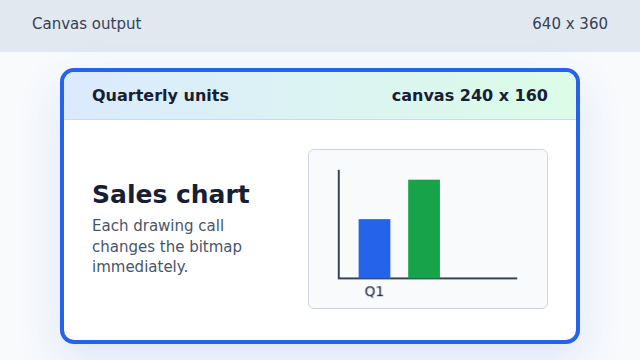
The Q2 rectangle starts higher, so it renders as the tallest bar. Paint the Q2 label.
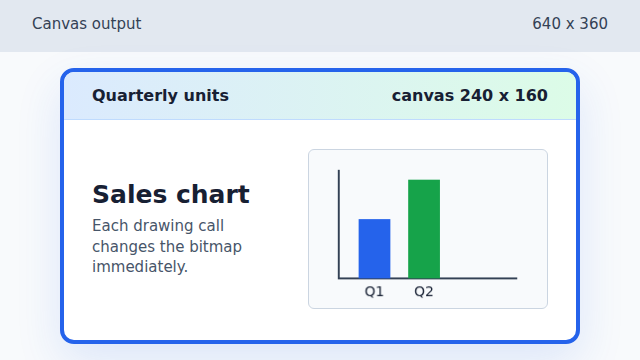
The Q2 label is a separate text draw on top of the existing chart. Paint the Q3 rectangle.
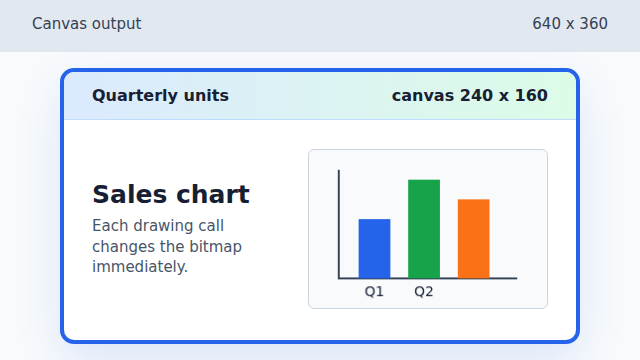
The Q3 rectangle fills the remaining bar position. Paint the final Q3 label.
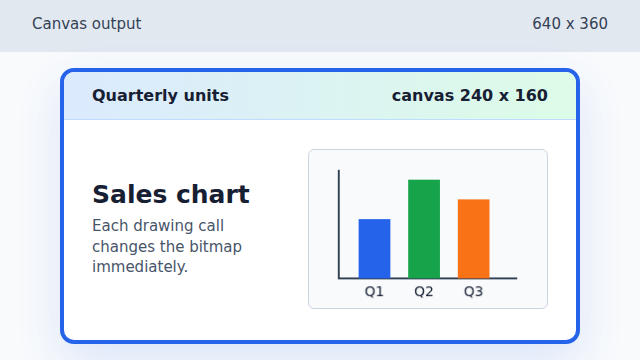
The final label completes the chart bitmap.
canvas context
A canvas context is the drawing object. Its state, such as `fillStyle` or `font`, affects later drawing calls.
fill rectangle
`fillRect(x, y, width, height)` paints a filled rectangle into the canvas bitmap.
drawing order
Later drawing calls appear on top of earlier pixels, so order is part of the rendered result.