Reuse, Symbols, and Defs
Symbol Use Icon Row
A check-mark symbol lives in defs. Three use elements place that symbol at different x positions to form an icon row.
Program
A symbol is reusable graphics with its own viewBox. The use element draws an instance of a symbol at a specified position.
symbol_use_icon_row.html
Visuals: captured from real browser rendering
<svg class="demo-svg" viewBox="0 0 360 220" role="img" aria-label="Symbol and use">
  <defs>
    <symbol id="check" viewBox="0 0 20 20">
      <circle cx="10" cy="10" r="9" fill="#16a34a" />
      <path d="M6 10 l3 3 l5 -6" fill="none" stroke="#ffffff" stroke-width="2.5" stroke-linecap="round" stroke-linejoin="round" />
    </symbol>
  </defs>
  <rect width="360" height="220" fill="#f8fafc" />
  <use href="#check" x="60" y="80" width="60" height="60" />
  <use href="#check" x="150" y="80" width="60" height="60" />
  <use href="#check" x="240" y="80" width="60" height="60" />
</svg>
Paint the viewport background.
A background separates the icon row visually. Define a reusable check-mark symbol.
A symbol holds reusable graphics that use elements can instance. Place the first icon at x=60.
use href="#id" draws a new instance of the symbol at the supplied position. Place a second icon at x=150.
Each use element draws another instance of the same symbol. Place a third icon at x=240.
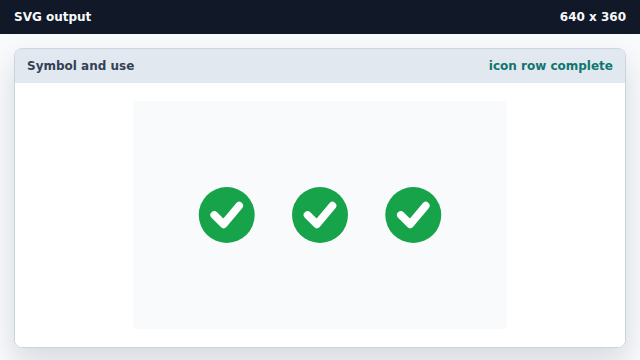
A row of icons is just one symbol referenced multiple times.
symbol
A symbol is reusable graphics with its own viewBox.
use
A use element draws an instance of a referenced symbol or shape at a position.