Reuse, Symbols, and Defs
Nested SVG Viewport
An outer card holds a nested svg with its own viewBox. Coordinates inside the nested svg map into the nested area regardless of the outer scene.
Program
A nested svg element can introduce a fresh coordinate system. Children of the nested svg use the nested viewBox; the outer svg keeps its own coordinates around the nested block.
nested_svg_viewport.html
Visuals: captured from real browser rendering
<svg class="demo-svg" viewBox="0 0 360 220" role="img" aria-label="Nested viewport">
  <rect width="360" height="220" fill="#f8fafc" />
  <rect x="32" y="32" width="296" height="156" rx="12" fill="#ecfdf5" stroke="#14b8a6" stroke-width="3" />
  <svg x="60" y="60" width="240" height="100" viewBox="0 0 120 50">
    <rect width="120" height="50" fill="#a7f3d0" />
    <circle cx="22" cy="25" r="14" fill="#0f766e" />
    <circle cx="60" cy="25" r="14" fill="#0f766e" />
    <circle cx="98" cy="25" r="14" fill="#0f766e" />
  </svg>
</svg>
Paint the outer viewport background.
A background separates the outer scene from the nested block. Draw the outer card.
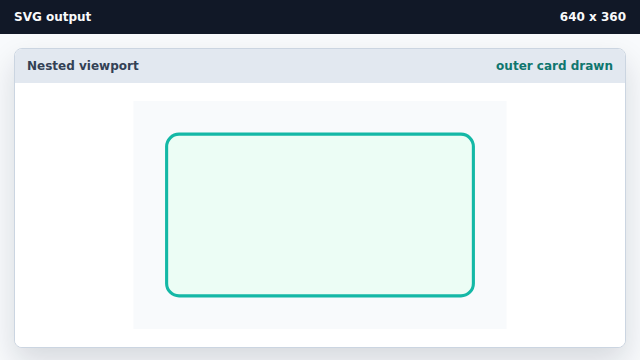
The outer card frames where the nested SVG will appear. Place a nested svg with its own viewBox and contents.
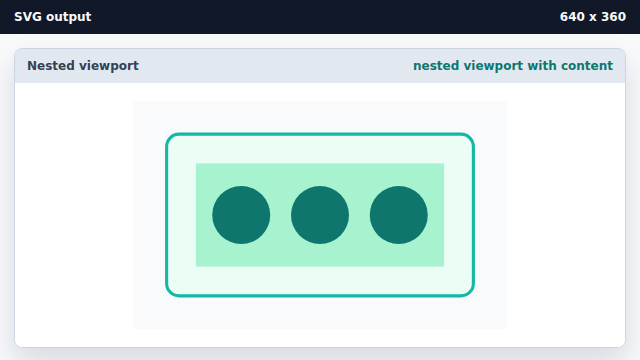
A nested svg lets a child group keep its own coordinates while sitting inside an outer scene.
nested svg
A nested svg element introduces a fresh coordinate space inside an outer scene.
nested viewBox
The nested viewBox lets children use natural local coordinates without affecting the outer scene.