Storage and URL State
Session Storage Draft
A draft message is restored from sessionStorage and updated as the user types in a textarea.
Program
sessionStorage works like localStorage but is scoped to one browser tab. It is useful for temporary drafts and wizard progress.
session_storage_draft.html
Visuals: captured from real browser rendering
<textarea id="note">Deploy at noon</textarea>
<output id="status">Not saved</output>
<script>
  const note = document.querySelector("#note");
  const status = document.querySelector("#status");
  note.value = sessionStorage.getItem("draft") || note.value;
  status.textContent = "Draft restored";
  note.addEventListener("input", () => {
    sessionStorage.setItem("draft", note.value);
    status.textContent = "Draft saved";
  });
</script>
Restore the tab-scoped draft.
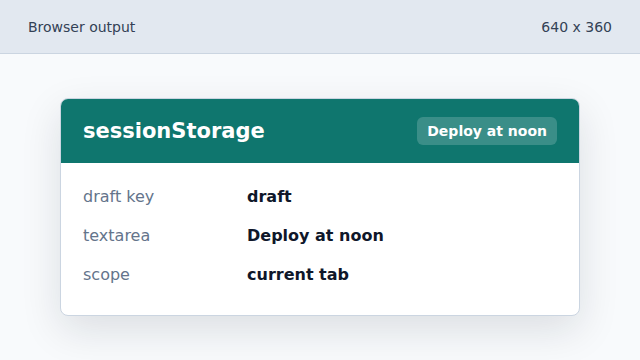
The textarea starts with the stored draft if one exists. Show that the draft was restored.
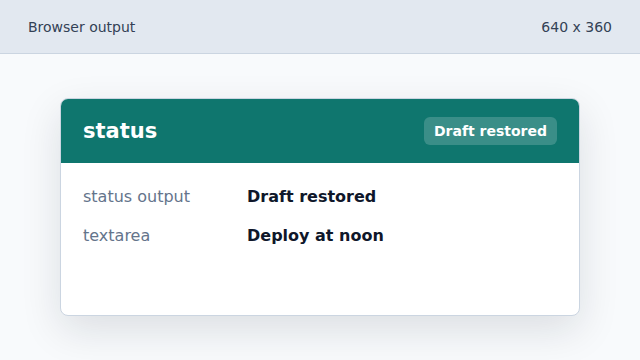
The status output confirms the restored value. Save every input update.
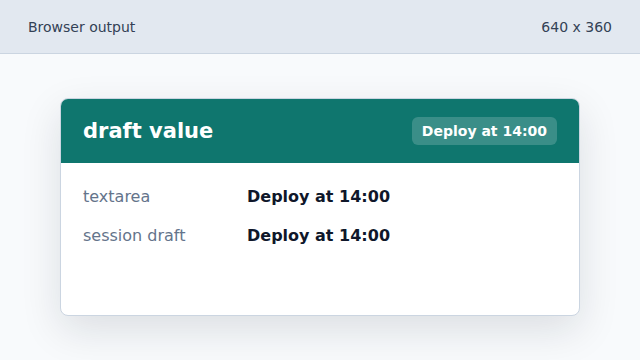
Typing stores the latest draft in the current tab. Confirm the saved draft.
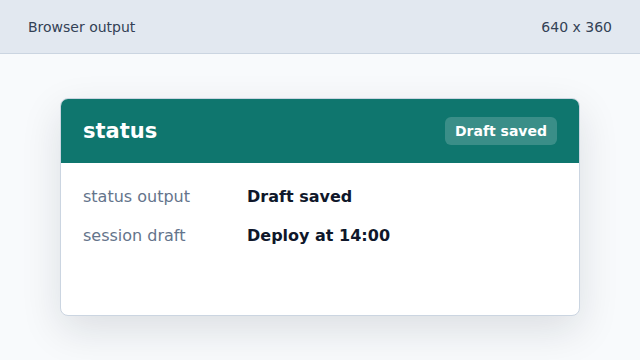
The browser output tells the user the latest input is saved.
sessionStorage
sessionStorage stores string values for one top-level browser tab.
input event
The input event fires whenever a form control value changes.