Storage and URL State
Local Storage Theme
A saved theme preference is read from localStorage, applied to the document, and written back when the user chooses dark mode.
Program
localStorage persists simple string values between page visits. Client JavaScript commonly uses it for preferences that should survive reloads.
local_storage_theme.html
Visuals: captured from real browser rendering
<button id="toggle">Use dark theme</button>
<main id="panel" class="panel">Theme: light</main>
<script>
  const panel = document.querySelector("#panel");
  const toggle = document.querySelector("#toggle");
  const savedTheme = localStorage.getItem("theme") || "light";
  panel.dataset.theme = savedTheme;
  toggle.addEventListener("click", () => {
    panel.dataset.theme = "dark";
    localStorage.setItem("theme", "dark");
    panel.textContent = "Theme: dark";
  });
</script>
Read the stored theme.
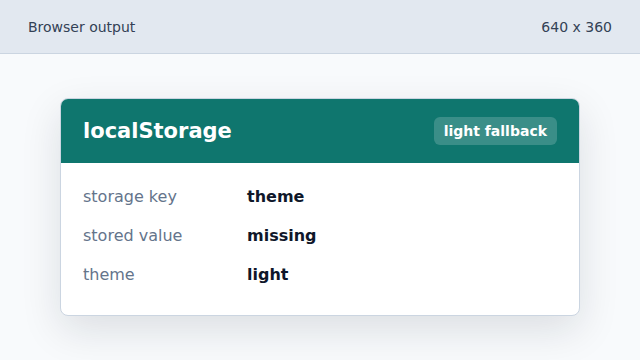
The page starts from storage, then falls back to light. Apply the theme to the panel.
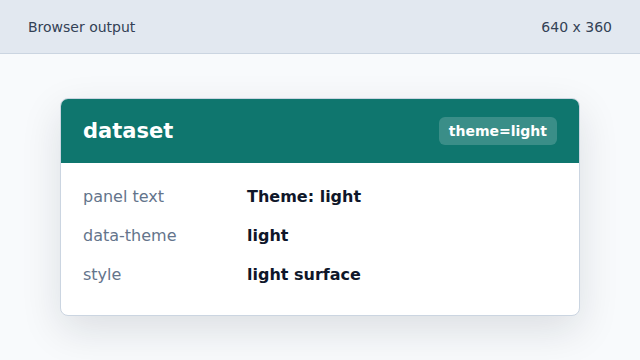
A data attribute becomes the styling hook for the current theme. Switch the panel to dark mode.
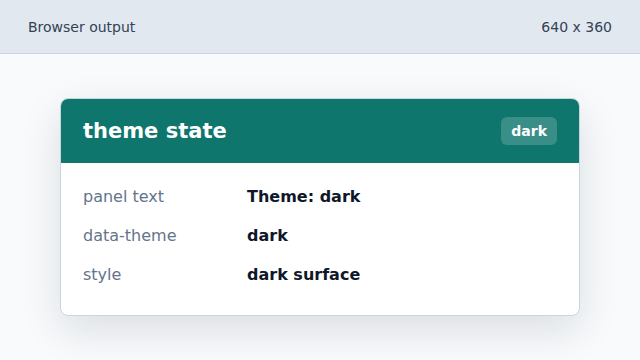
The click handler changes the visible state before saving it. Persist the dark preference.
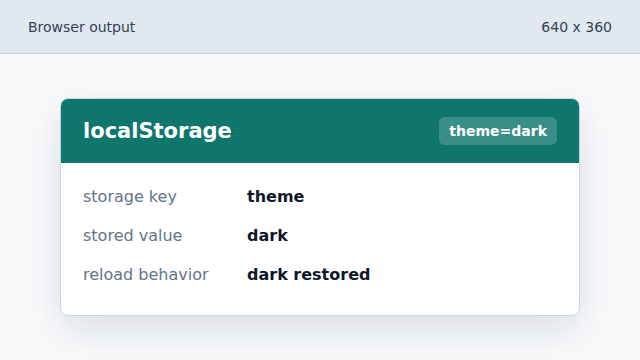
The next visit can reuse the saved theme string.
localStorage
localStorage stores string key/value pairs that survive browser reloads.
data attributes
dataset values give CSS and JavaScript a shared place to store element state.