Network Requests
Fetch POST Form
A form submit handler builds FormData, sends it with fetch, and renders the server acknowledgement.
Program
Client-side forms often prevent the default navigation and submit data asynchronously so the page can stay in place.
fetch_post_form.html
Visuals: captured from real browser rendering
<form id="signup"><input name="email" value="ada@example.com"><button>Join</button></form>
<output id="result">Waiting</output>
<script>
  const signupForm = document.querySelector("#signup");
  const resultEl = document.querySelector("#result");
  signupForm.addEventListener("submit", async event => {
    event.preventDefault();
    const body = new FormData(signupForm);
    const response = await fetch("/api/signup", { method: "POST", body });
    resultEl.textContent = await response.text();
  });
</script>
Handle the submit event in JavaScript.
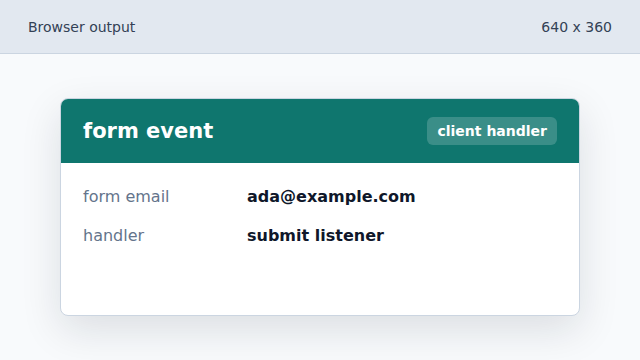
The submit event is intercepted before the browser leaves the page. Prevent the default page navigation.
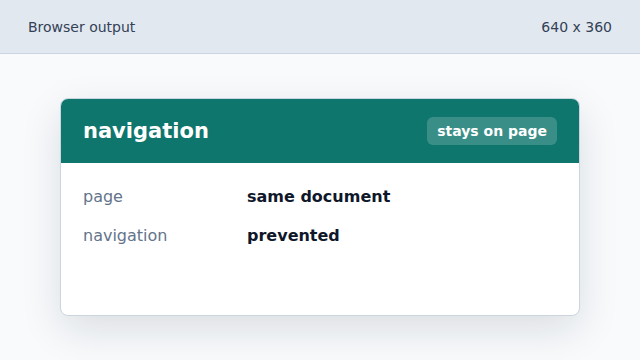
The form remains in place while JavaScript prepares the request. Collect input values as FormData.
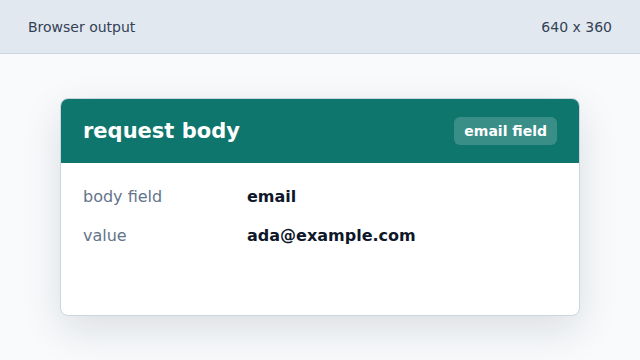
FormData reads named controls from the form. Send the POST request.
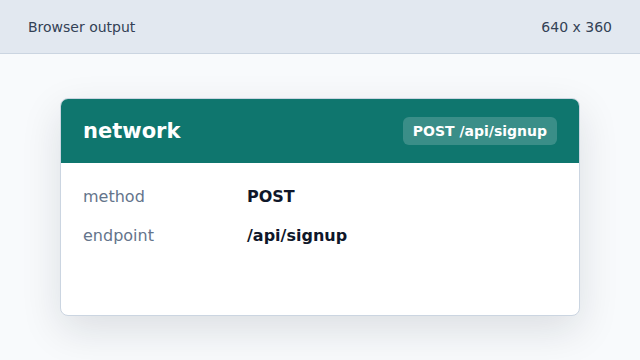
fetch submits the form data without a full navigation. Render the server acknowledgement.
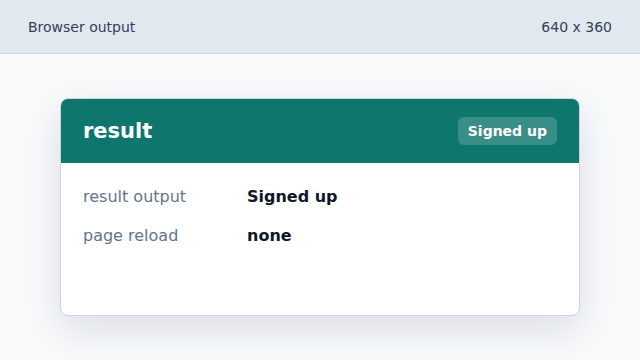
The output updates after the response text arrives.
FormData
FormData extracts named fields from a form for a request body.
preventDefault
preventDefault stops the browser action that would normally follow an event.