Network Requests
Fetch JSON Render
fetch requests JSON from an API endpoint, decodes the response body, and renders the profile data.
Program
The Fetch API is the standard browser interface for HTTP requests. Most client code fetches JSON, turns it into objects, and then renders state.
books/javascript-client/04network_requests/fetch_json_render/diagrams/fetch_lifecycle.semantic.json.
fetch_json_render.html
Visuals: captured from real browser rendering
<section id="profile">Loading...</section>
<script>
  const profileEl = document.querySelector("#profile");
  fetch("/api/profile.json")
    .then(response => response.json())
    .then(profile => {
      profileEl.textContent = profile.name + " - " + profile.role;
    });
</script>
Start the HTTP request.
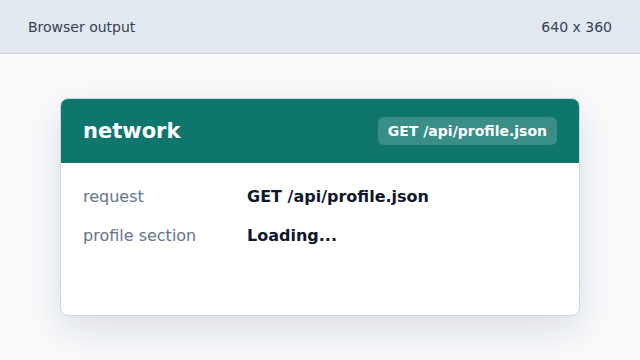
The browser sends a GET request and the page still shows loading. Decode the JSON response body.
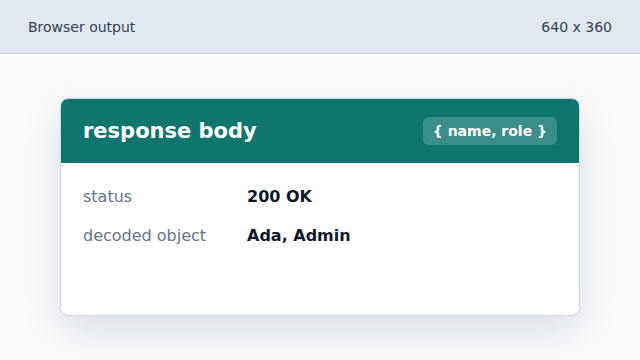
response.json converts the body into a JavaScript object. Render the decoded profile.
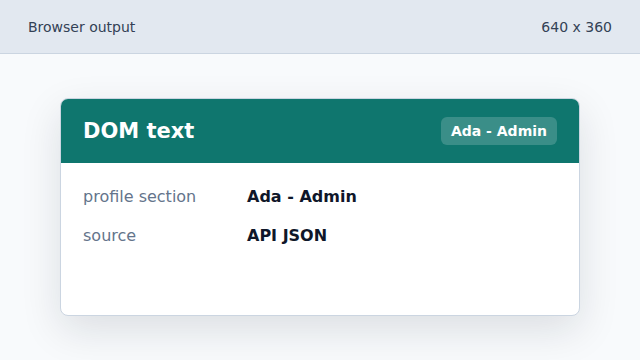
The profile section now shows data from the API response.
fetch
fetch starts an HTTP request and returns a Promise for the response.
response.json
response.json reads and parses a JSON response body.