Reusable and Interactive Markup
Template Fragment
Store Markup for Later
A notification card is placed inside a template so the browser parses it but does not render it until code reuses the fragment.
Program
The template element is useful when a page needs reusable markup. Its contents are part of the document, but they stay inert and hidden.
template_fragment.html
Visuals: captured from real browser rendering
<template id="notice-template">
  <article class="notice"><h2>Maintenance</h2><p>Starts at 20:00.</p></article>
</template>
<section id="notices"></section>
Create an inert template container.
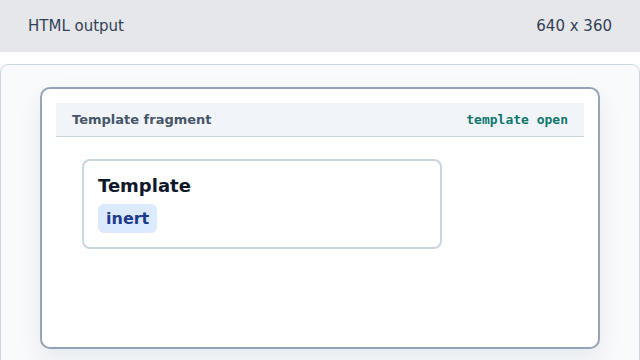
Template content is not painted as ordinary body content. Name the template for reuse.
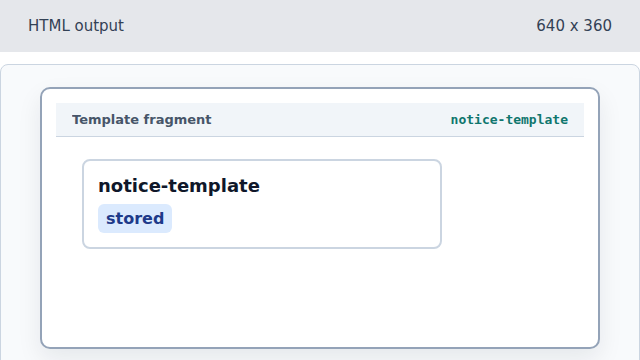
An id lets later code find the template element. Store a notification card inside the template.
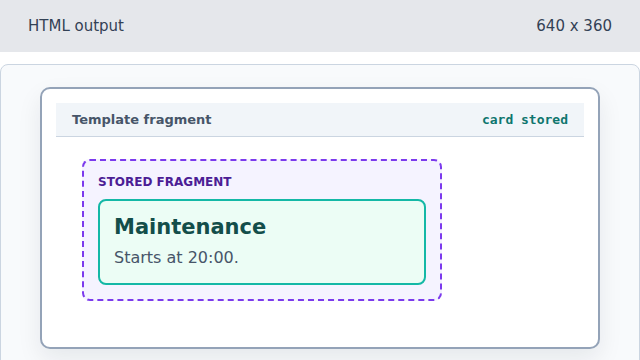
The article exists inside the template fragment and remains inert. Close the reusable fragment.
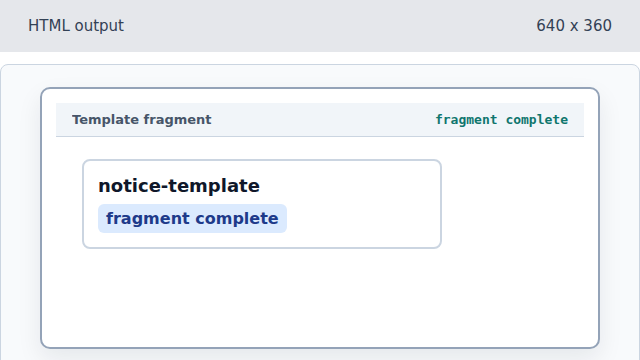
Closing template finishes the hidden markup bundle. Add a target section for cloned notices.
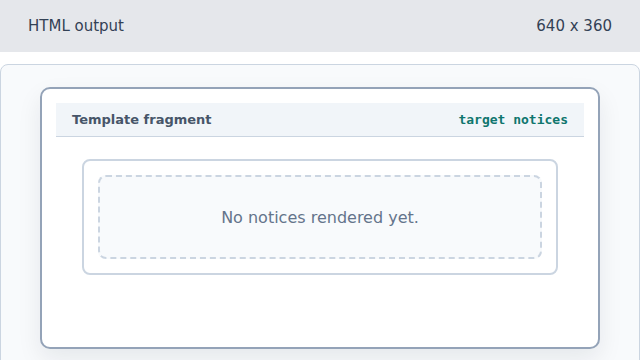
The section is where future clones can be inserted without changing the template itself.
template
A template stores markup that is parsed but not rendered immediately.
fragment
The template content can be cloned as a reusable document fragment.