Reusable and Interactive Markup
Dialog Open and Close
Native Modal Markup
A confirmation prompt uses dialog, the open attribute, and a method dialog form so the browser owns the close behavior.
Program
The dialog element gives HTML a built-in way to represent modal or non-modal prompts. The open attribute controls whether it is visible.
dialog_open_close.html
Visuals: captured from real browser rendering
<button type="button">Show details</button>
<dialog open>
  <h2>Confirm deploy</h2>
  <form method="dialog"><button>Close</button></form>
</dialog>
Add the dialog trigger button.
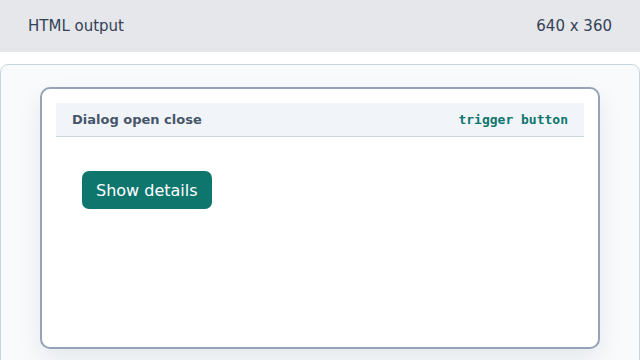
The trigger is ordinary HTML; script can connect it to dialog.showModal later. Create the dialog element.
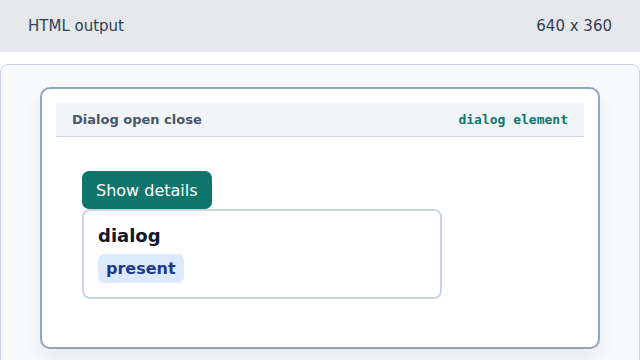
A dialog is the native prompt container. Open the dialog for display.
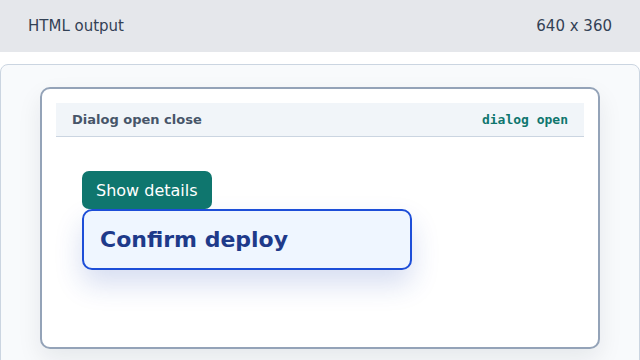
The open attribute makes the dialog visible. Make the form close the dialog.
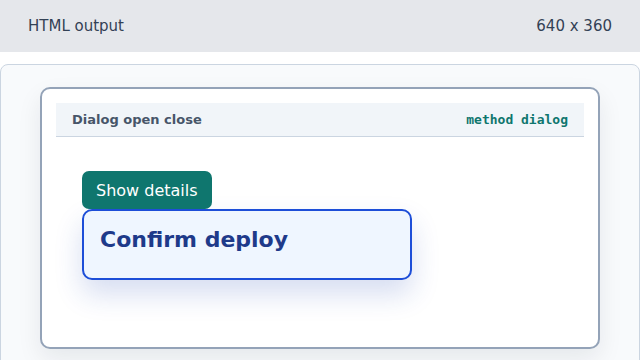
A form with method dialog closes its parent dialog instead of submitting to a URL. Add the Close action.
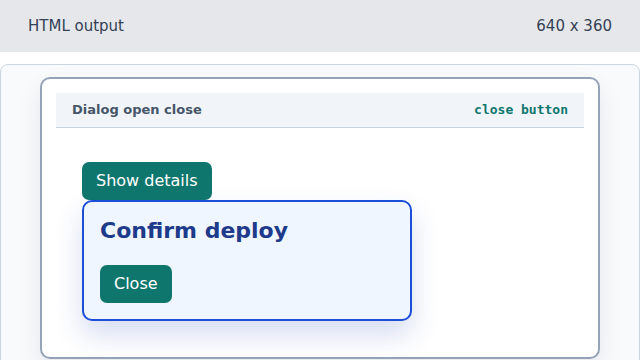
The button submits the method dialog form, giving the prompt a native close path.
dialog
A dialog element represents a prompt or modal surface.
method dialog
method="dialog" closes the dialog when its submit button is activated.