Advanced Forms
Output Calculation
A small order form uses numeric inputs and output so the calculated total has explicit form semantics.
Program
output represents a calculated value. The for attribute lists which controls take part in the calculation.
output_calculation.html
Visuals: captured from real browser rendering
<form oninput="total.value = Number(qty.value) * Number(price.value)">
  <input id="qty" name="qty" type="number" value="3">
  <input id="price" name="price" type="number" value="12">
  <output name="total" for="qty price">36</output>
</form>
Recalculate when inputs change.
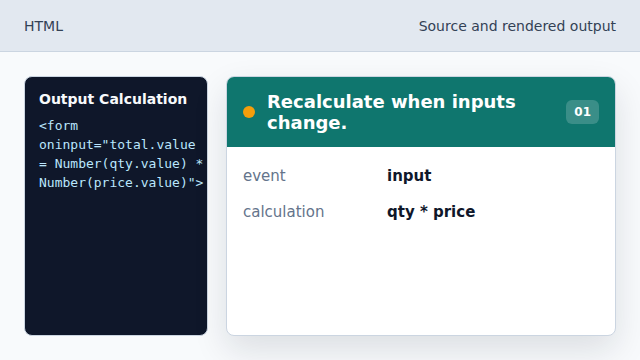
The form recalculates as soon as either number changes. Use a numeric quantity field.
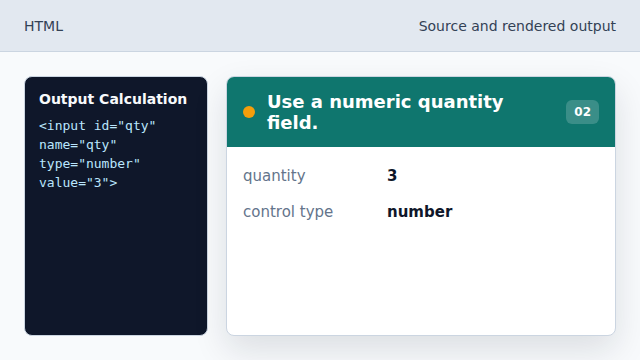
type number gives the browser numeric editing behavior. Set the unit price.
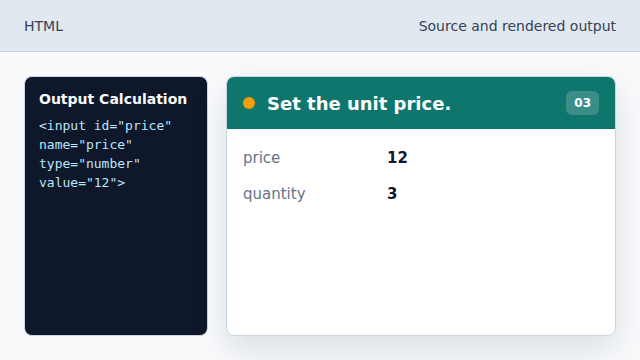
The price input contributes the second operand. Render the calculated total.
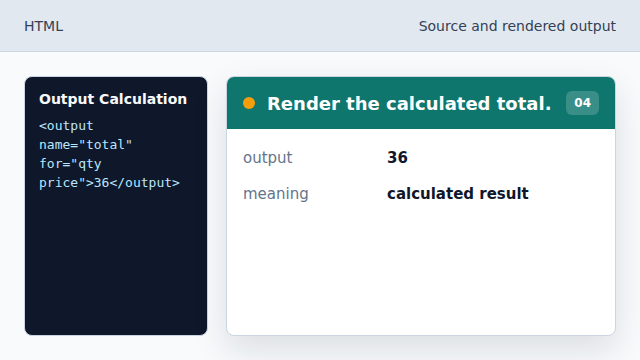
The total appears in an output element instead of plain text. Document the source controls.
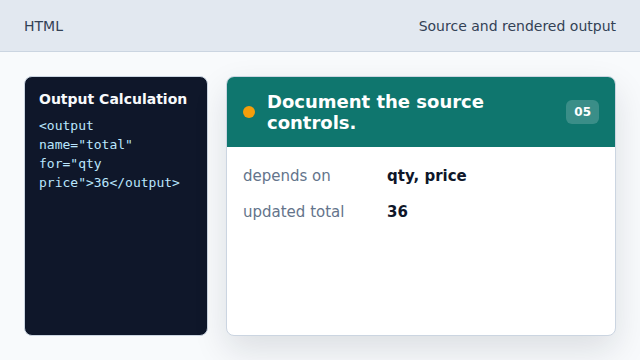
The for attribute connects the result to the inputs that created it.
output
output represents the result of a calculation.
for attribute
The output for attribute identifies the controls used in the result.