Advanced Forms
Fieldset Radio Group
A shipping choice uses fieldset, legend, shared radio names, and a checked default so related controls read as one group.
Program
fieldset and legend create a named group for controls that answer one question. Radio buttons join the group when they share the same name.
fieldset_radio_group.html
Visuals: captured from real browser rendering
<fieldset>
  <legend>Shipping speed</legend>
  <label><input type="radio" name="speed" value="standard" checked> Standard</label>
  <label><input type="radio" name="speed" value="express"> Express</label>
</fieldset>
Create a form control group.
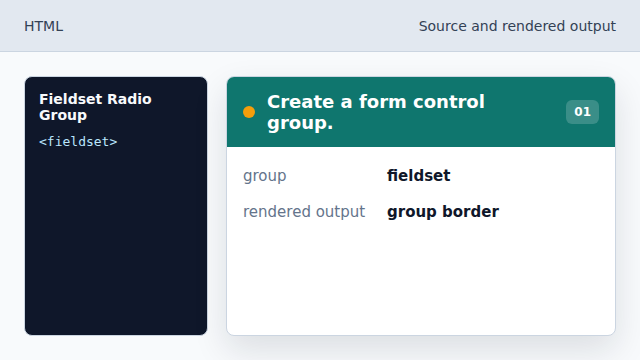
The browser draws a named area around related controls. Name the group.
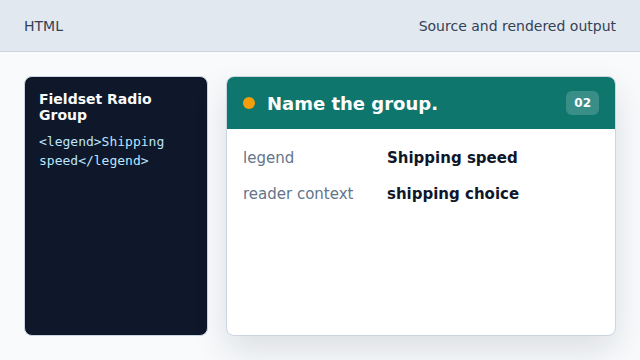
The legend gives the whole radio group a visible label. Connect the first radio to the group.
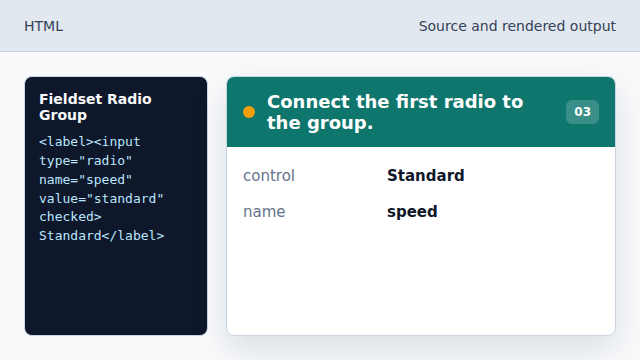
The shared name makes this control part of the same choice set. Choose a default option.
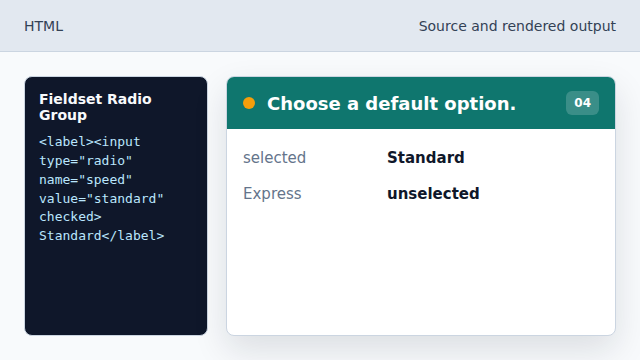
checked makes Standard selected before the user changes anything. Add an alternate value.
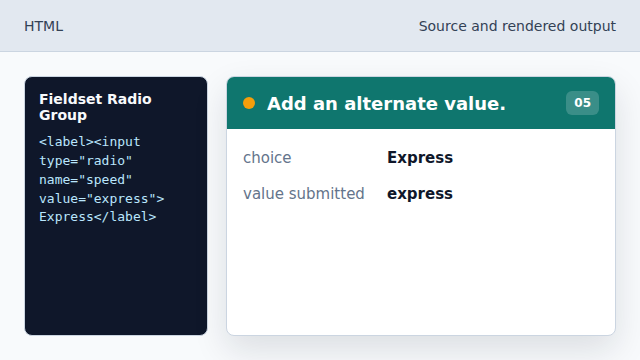
The second radio is mutually exclusive with the default.
fieldset
fieldset groups related form controls.
legend
legend names the grouped controls for people and assistive technology.
radio name
Radio inputs with the same name form one exclusive choice group.