Inline Metadata
Definition List
Terms Paired With Meanings
A small glossary builds term and definition pairs using dl, dt, and dd elements.
Program
Use a definition list when each item is a term-description pair rather than a bullet or numbered sequence.
definition_list.html
Visuals: captured from real browser rendering
<dl>
  <dt>HTML</dt>
  <dd>Markup language for web documents.</dd>
  <dt>CSS</dt>
  <dd>Style language for those documents.</dd>
  <dt>DOM</dt>
  <dd>Tree built from parsed markup.</dd>
</dl>
Create the glossary list.
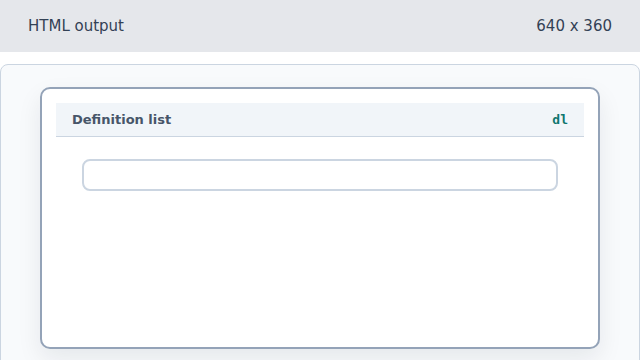
The dl element groups term-description pairs. Add the HTML term and definition.
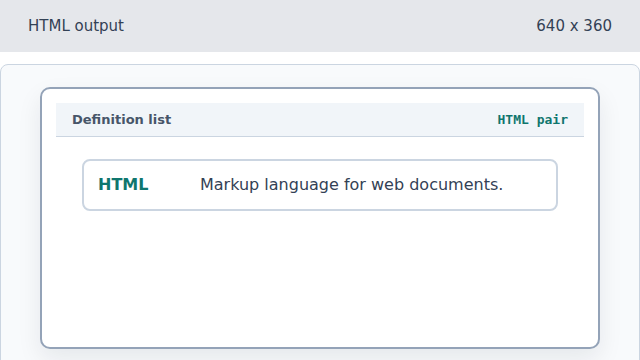
A dt term is followed by its dd definition. Add the CSS term and definition.
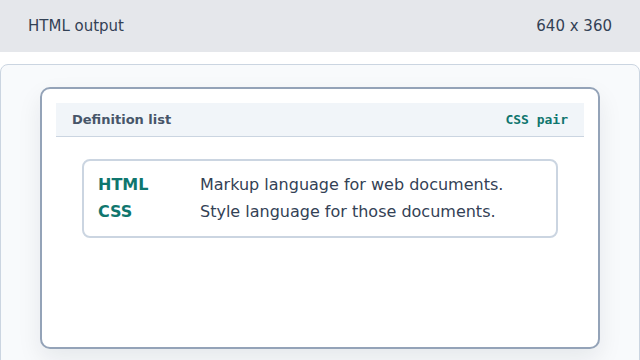
A second term-description pair extends the glossary. Add the DOM term and definition.
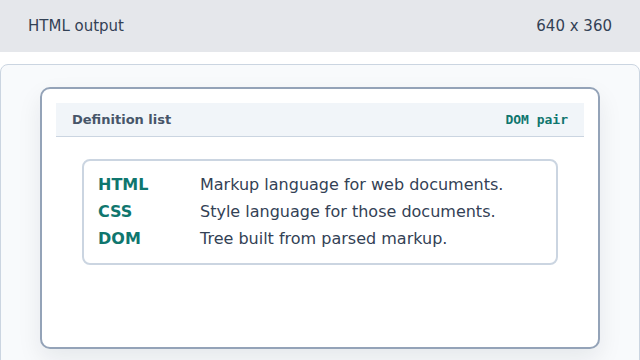
The final pair completes the compact glossary. Complete the glossary structure.
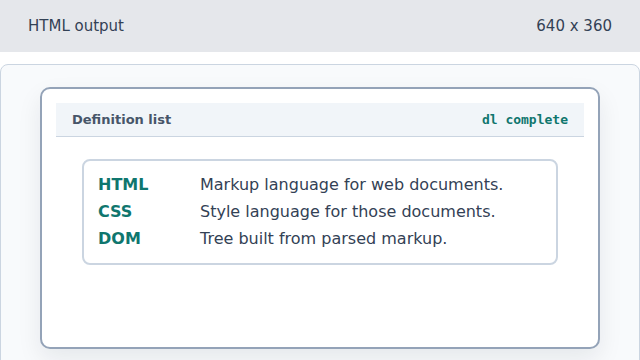
Closing the dl finalizes the list of paired meanings.
dt
A dt element names a term in a definition list.
dd
A dd element gives the corresponding description.