Inline Metadata
Code and Keyboard Inline
Mark Commands Precisely
A short instruction marks key presses with kbd and a function name with code so the browser renders each kind of inline token differently.
Program
Inline semantic elements keep prose readable while marking special tokens such as keyboard input and code identifiers.
code_kbd_inline.html
Visuals: captured from real browser rendering
<p>
  Press <kbd>Ctrl</kbd> + <kbd>/</kbd>
  to toggle <code>commentLine()</code>.
</p>
Start an instruction paragraph.
The paragraph owns the running instruction text. Mark Ctrl as keyboard input.
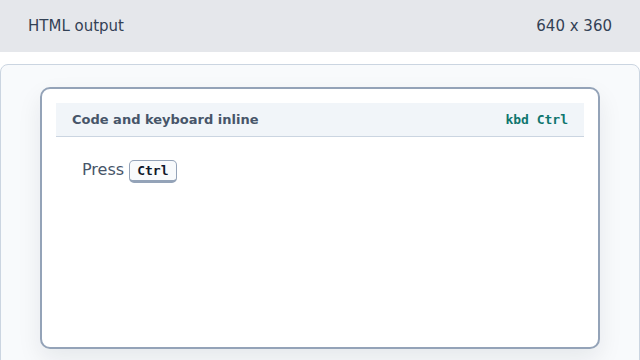
The kbd element tells readers this token is a key press. Mark slash as another key.
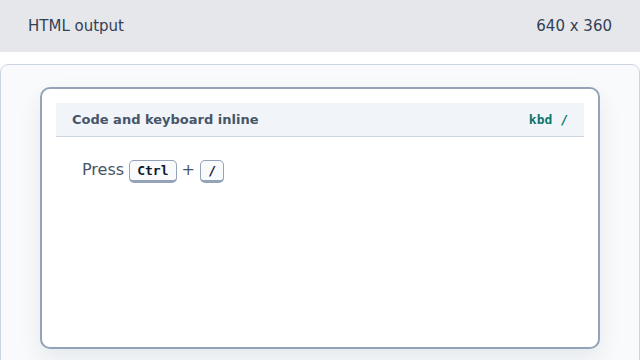
A second kbd element marks the second key in the shortcut. Mark the function name as code.
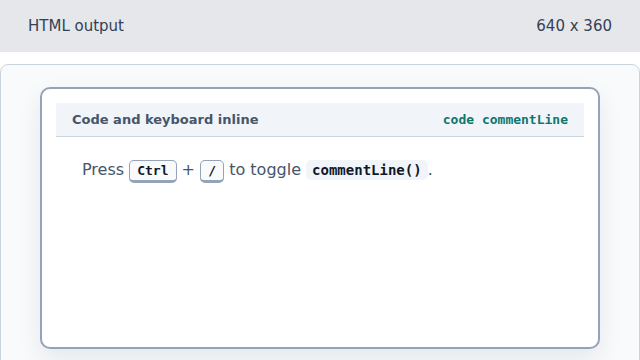
The code element makes the function name distinct from prose. Complete the inline instruction.
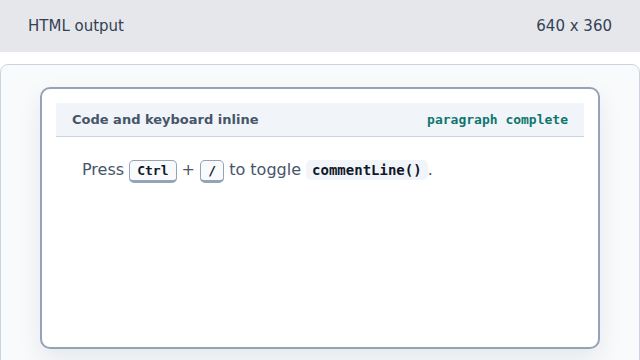
Closing the paragraph finalizes the inline semantic run.
kbd
The kbd element marks user keyboard input.
code
The code element marks a fragment of computer code inside prose.