Task Board Patterns
WIP Limit Notice
A static board notice shows Doing has 2 in Doing and is at its 2 task limit, with no live board checks or task APIs.
Program
WIP-limit notices should show the current count and limit as readable board state without enforcing the limit live.
wip_limit_notice.html
Visuals: captured from real browser rendering
<section class="wip-notice" aria-labelledby="wip-title">
  <h2 id="wip-title">Doing limit</h2>
  <p><strong>Column</strong> Doing</p>
  <p><strong>Current count</strong> 2 in Doing</p>
  <p><strong>Limit</strong> <span class="badge">2 task limit</span></p>
  <p class="status" role="status">Doing is at its 2 task limit.</p>
  <p class="note">Static WIP notice only; no live board update, task API, timer, storage, or enforcement service runs.</p>
</section>
<style>
  .wip-notice { display: grid; gap: 10px; max-width: 38rem; border: 1px solid #b45309; padding: 12px; background: #fffbeb; }
  .wip-notice p, .note { margin: 0; }
  .badge { border-radius: 999px; background: #fef3c7; padding: 2px 8px; }
  .status { border: 1px solid #f59e0b; background: #fef3c7; padding: 8px; }
  .note { color: #475569; }
</style>
Label the WIP notice.
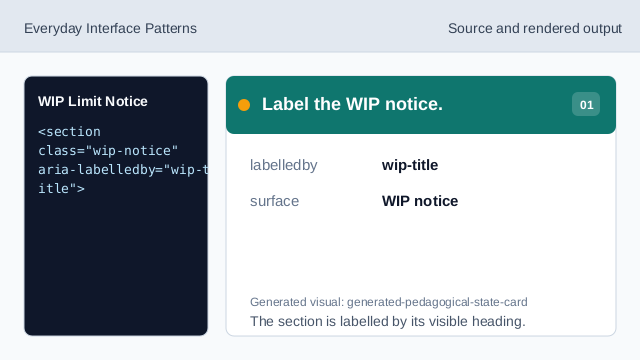
The section is labelled by its visible heading. Show the pinned column.
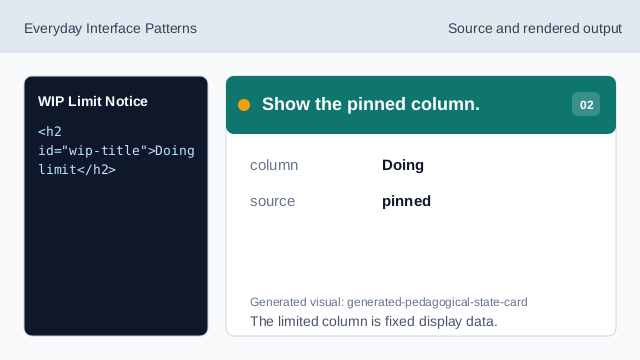
The limited column is fixed display data. Show the current count.
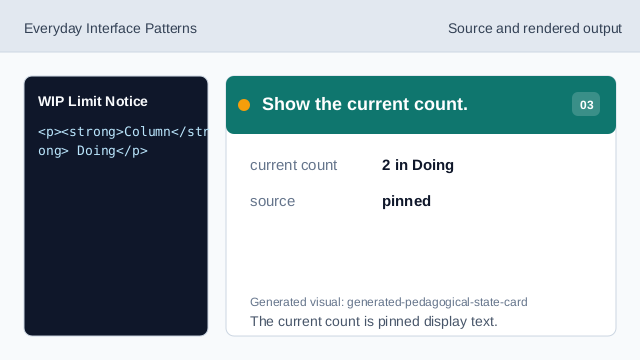
The current count is pinned display text. Show the WIP limit badge.
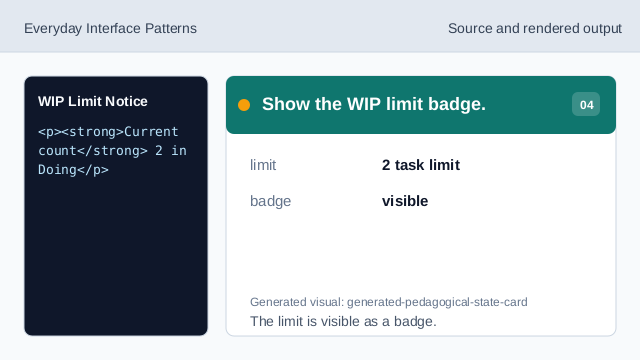
The limit is visible as a badge. Expose the limit notice.
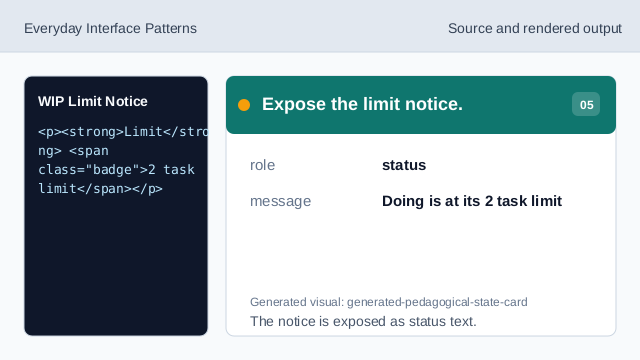
The notice is exposed as status text. Check WIP honesty.
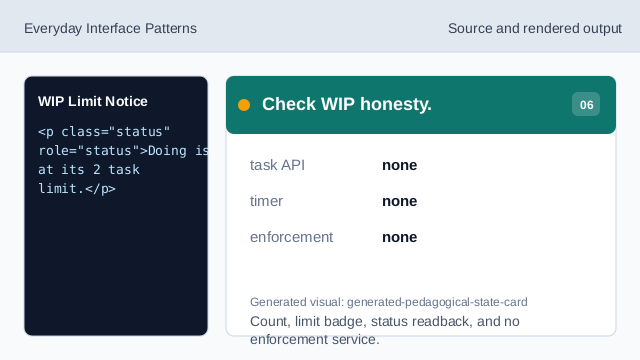
Count, limit badge, status readback, and no enforcement service.
current count
2 in Doing is exact pinned board data.
limit badge
2 task limit is visible as a badge.
no enforcement
The lesson should not imply live checks, task APIs, timers, storage, or enforcement services.