Task Board Patterns
Task Card Stack
A static stack of task cards shows Draft launch checklist, Review timeline, and Publish update without drag/drop or sortable behavior.
Program
Task-card stacks should make card titles readable without implying live movement, sorting, or task editing.
task_card_stack.html
Visuals: captured from real browser rendering
<section class="card-stack" aria-labelledby="stack-title">
  <h2 id="stack-title">Board cards</h2>
  <ul aria-label="Pinned task cards">
    <li><article><h3>Draft launch checklist</h3><p>Status: Open</p></article></li>
    <li><article><h3>Review timeline</h3><p>Status: Open</p></article></li>
    <li><article><h3>Publish update</h3><p>Status: Ready</p></article></li>
  </ul>
  <p class="note">Static task card stack only; no drag/drop, sortable behavior, live task update, routing, or task API runs.</p>
</section>
<style>
  .card-stack { display: grid; gap: 10px; max-width: 38rem; border: 1px solid #64748b; padding: 12px; }
  .card-stack ul { display: grid; gap: 8px; margin: 0; padding-left: 0; list-style: none; }
  .card-stack article { border: 1px solid #94a3b8; padding: 10px; background: #f8fafc; }
  .card-stack h3 { margin: 0 0 4px; }
  .card-stack p, .note { margin: 0; }
  .note { color: #475569; }
</style>
Label the task card stack.
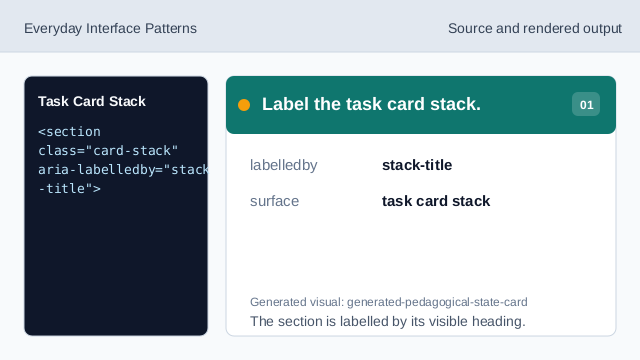
The section is labelled by its visible heading. Use a labelled list for cards.
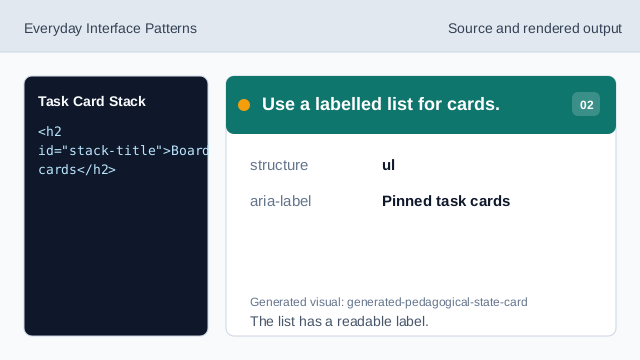
The list has a readable label. Show the first task card.
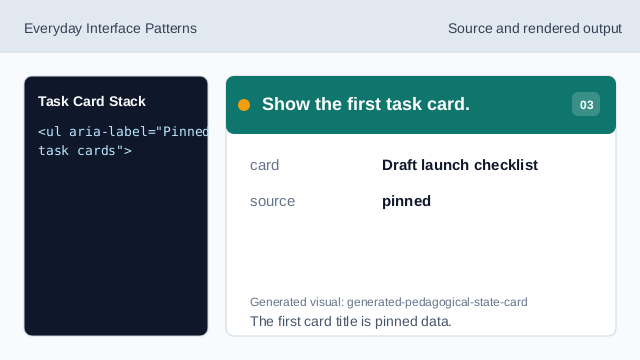
The first card title is pinned data. Show the second task card.
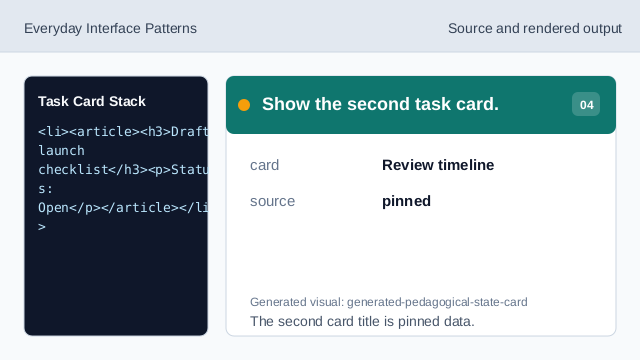
The second card title is pinned data. Show the third task card.
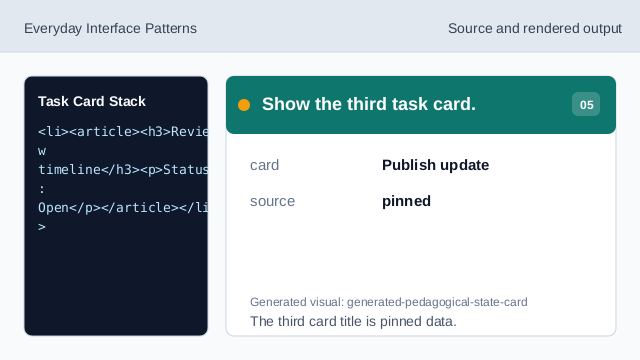
The third card title is pinned data. Check card stack honesty.
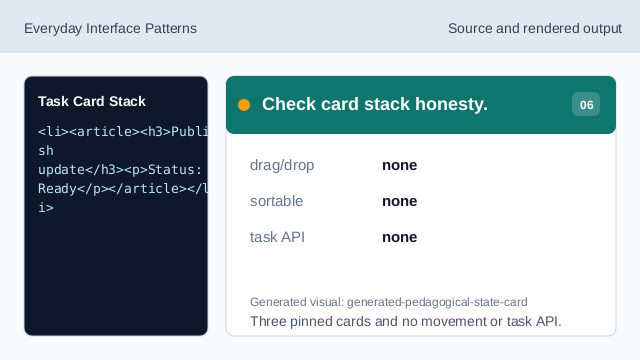
Three pinned cards and no movement or task API.
stack heading
The section heading names the card stack.
pinned cards
The three task cards are exact display data.
no movement
The lesson should not imply drag/drop, sorting, live updates, routing, or task APIs.