Availability Status Patterns
Waitlist Notice State
A static waitlist notice shows Sold out status, masked email help text, a Join waitlist button, and no email submission, queue, or inventory watcher.
Program
Waitlist notices should make the unavailable state and contact hint visible without pretending to submit anything.
waitlist_notice_state.html
Visuals: captured from real browser rendering
<section class="waitlist-notice" aria-labelledby="waitlist-title">
  <h2 id="waitlist-title">Waitlist notice</h2>
  <p><strong>Status</strong> <span class="badge">Sold out</span></p>
  <p id="waitlist-help">Updates would use masked contact r***@example.test in a real flow.</p>
  <button type="button" aria-describedby="waitlist-help">Join waitlist</button>
  <p class="note">Static waitlist notice only; no email submission, queue, or inventory watcher runs.</p>
</section>
<style>
  .waitlist-notice { display: grid; gap: 10px; max-width: 38rem; border: 1px solid #b91c1c; padding: 12px; background: #fef2f2; }
  .waitlist-notice p, .note { margin: 0; }
  .waitlist-notice button { justify-self: start; padding: 8px 12px; }
  .badge { border-radius: 999px; background: #fee2e2; padding: 2px 8px; }
  .note { color: #475569; }
</style>
Label the waitlist notice.
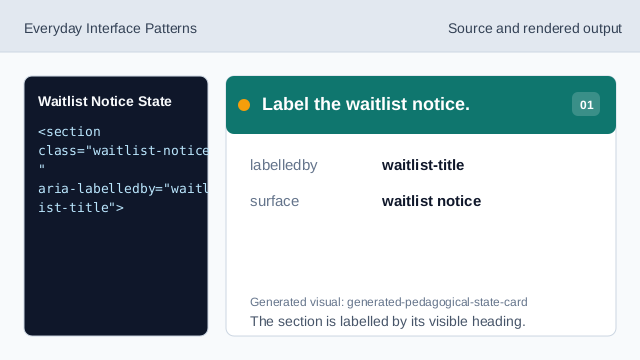
The section is labelled by its visible heading. Name the waitlist surface.
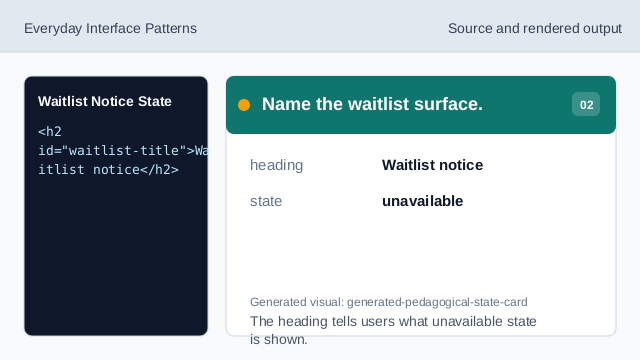
The heading tells users what unavailable state is shown. Show the sold-out status.
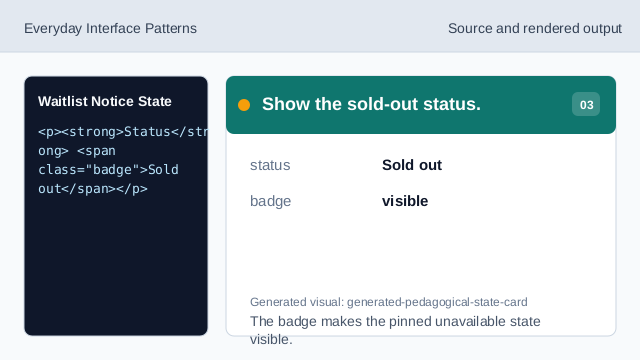
The badge makes the pinned unavailable state visible. Show masked contact help.
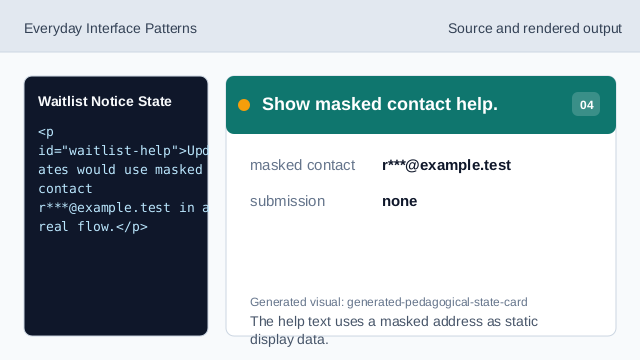
The help text uses a masked address as static display data. Connect help to the button.
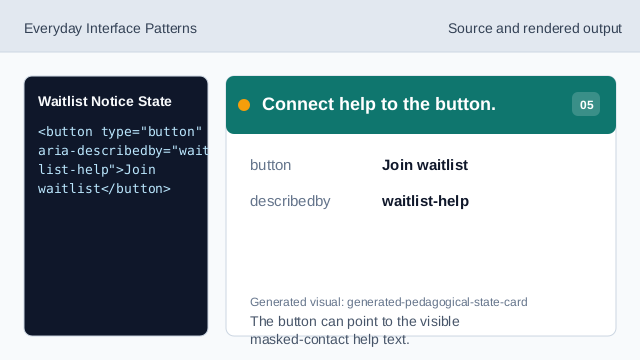
The button can point to the visible masked-contact help text. Check waitlist honesty.
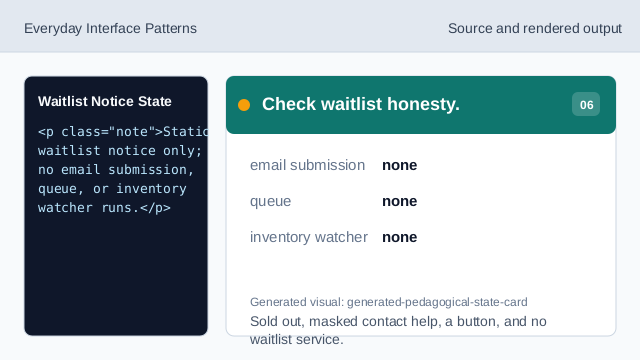
Sold out, masked contact help, a button, and no waitlist service.
sold out state
The notice shows Sold out as a visible pinned state.
masked contact
The help text uses a masked example address.
no queue
The lesson should not imply email submission, a queue, or an inventory watcher.