Availability Status Patterns
Pickup Option Choice
A static pickup choice shows two pinned radio options, one checked time, a Store pickup button, and no geolocation, reservation, or order service.
Program
Pickup options should make the selected time easy to see. This lesson shows a pinned choice list only.
pickup_option_choice.html
Visuals: captured from real browser rendering
<section class="pickup-choice" aria-labelledby="pickup-title">
  <h2 id="pickup-title">Pickup options</h2>
  <fieldset>
    <legend>Choose pickup time</legend>
    <label><input type="radio" name="pickup" checked> Today 4 PM</label>
    <label><input type="radio" name="pickup"> Tomorrow 10 AM</label>
  </fieldset>
  <button type="button">Store pickup</button>
  <p class="note">Static pickup choice only; no geolocation, reservation, or order service runs.</p>
</section>
<style>
  .pickup-choice { display: grid; gap: 10px; max-width: 38rem; border: 1px solid #64748b; padding: 12px; }
  .pickup-choice fieldset { display: grid; gap: 8px; border: 1px solid #cbd5e1; padding: 10px; }
  .pickup-choice button { justify-self: start; padding: 8px 12px; }
  .pickup-choice p, .note { margin: 0; }
  .note { color: #475569; }
</style>
Label the pickup section.
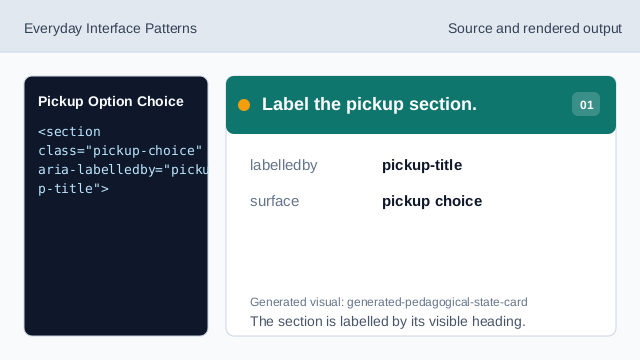
The section is labelled by its visible heading. Group the pickup choices.
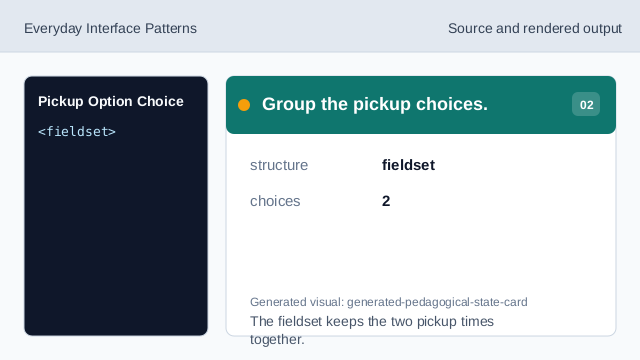
The fieldset keeps the two pickup times together. Name the radio group.
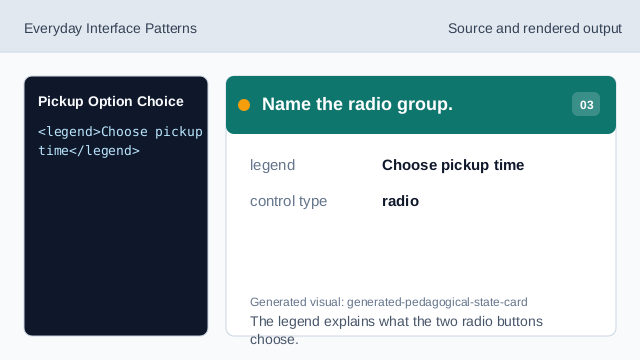
The legend explains what the two radio buttons choose. Show the checked pickup time.
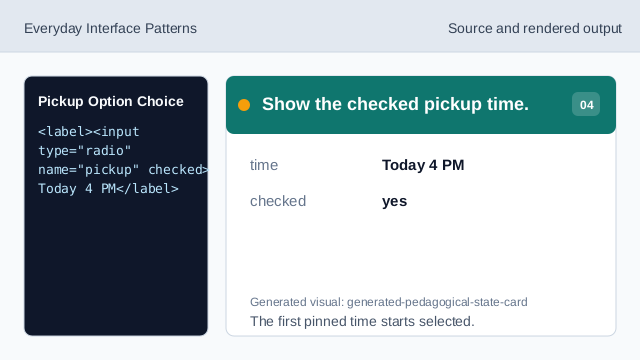
The first pinned time starts selected. Show the second pickup time.
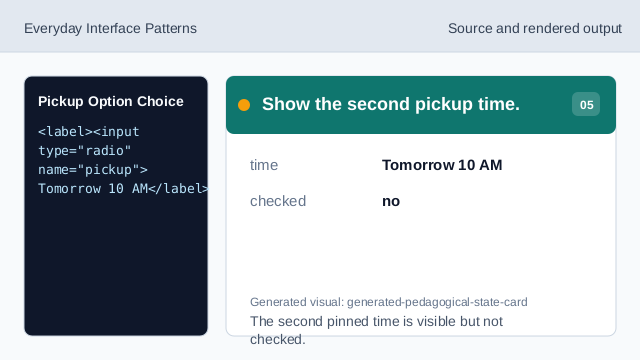
The second pinned time is visible but not checked. Show the pickup affordance.
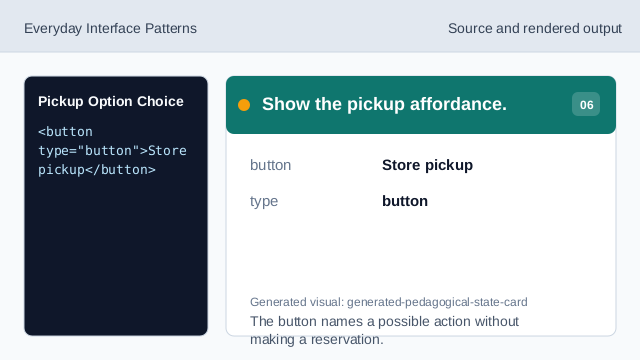
The button names a possible action without making a reservation. Check pickup honesty.
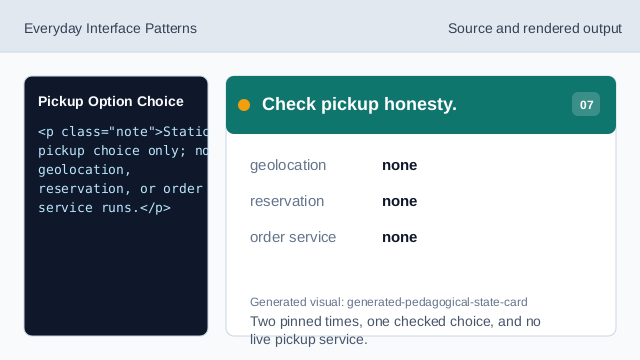
Two pinned times, one checked choice, and no live pickup service.
radio group
The radio buttons show one selected pickup time.
pinned times
Today 4 PM and Tomorrow 10 AM are fixed lesson data.
no reservation
The lesson should not imply geolocation, reservation, or order service behavior.