Collaboration Presence Patterns
Typing Indicator
A static typing indicator says Mina is typing with visible dots, role status, and no typing detection, socket, or realtime service.
Program
Typing indicators should be announced as a status and should not be confused with detection code. This lesson shows a pinned typing state.
typing_indicator_state.html
Visuals: captured from real browser rendering
<section class="typing-state" aria-labelledby="typing-title">
  <h2 id="typing-title">Typing state</h2>
  <p role="status">Mina is typing<span aria-hidden="true" class="dots">...</span></p>
  <p class="note">Static typing indicator only; no typing detection, socket, or realtime service runs.</p>
</section>
<style>
  .typing-state { display: grid; gap: 10px; max-width: 34rem; border: 1px solid #64748b; padding: 12px; }
  .typing-state p, .note { margin: 0; }
  .dots { letter-spacing: 2px; font-weight: 700; }
  .note { color: #475569; }
</style>
Label the typing state section.
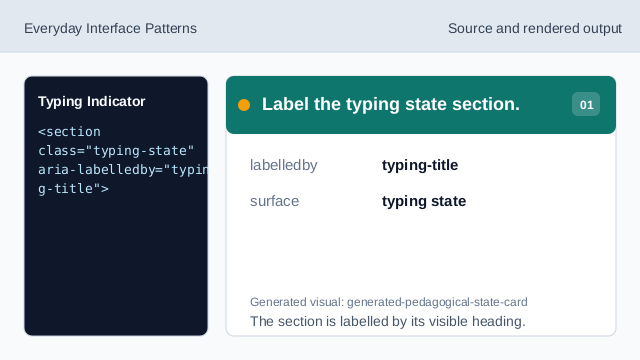
The section is labelled by its visible heading. Expose the typing state as status.
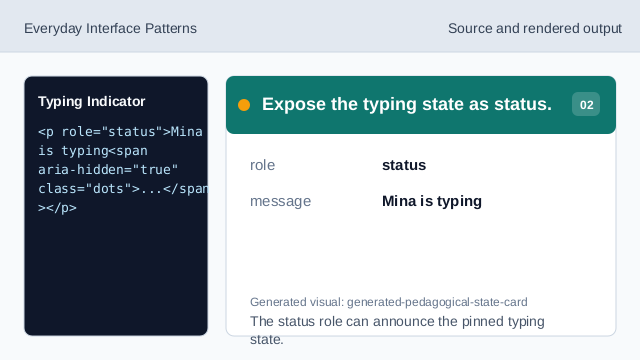
The status role can announce the pinned typing state. Show the pinned person and state.
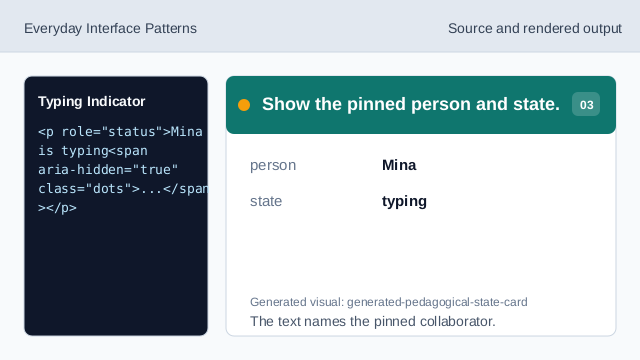
The text names the pinned collaborator. Hide decorative dots from names.
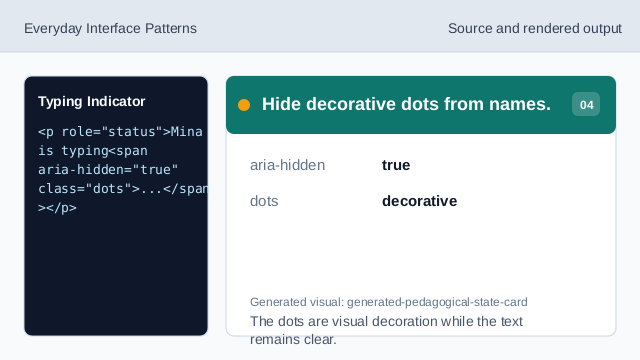
The dots are visual decoration while the text remains clear. Style the visible dots.
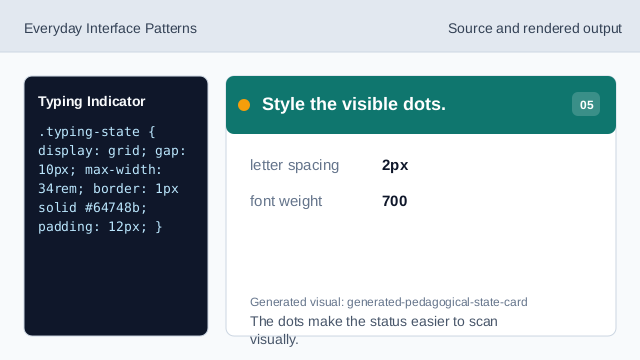
The dots make the status easier to scan visually. Check the typing indicator state.
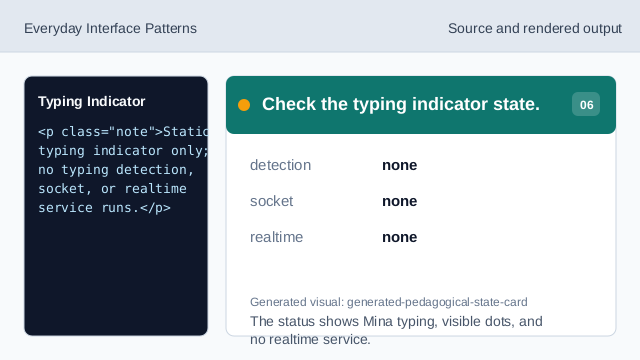
The status shows Mina typing, visible dots, and no realtime service.
status role
The typing text is exposed as a status update.
visible indicator
The dots make the typing state visible without animation code.
no detection
The lesson should not imply typing detection or realtime service behavior.