Collaboration Presence Patterns
Presence Stack
A static collaborator avatar stack shows three pinned people with initials, online and away labels, an accessible summary, and no realtime service.
Program
Presence UI should make who is shown and what their state means visible. This lesson uses pinned collaborator display data only.
presence_avatar_stack.html
Visuals: captured from real browser rendering
<section class="presence-stack" aria-labelledby="presence-title" aria-describedby="presence-summary">
  <h2 id="presence-title">Collaborators</h2>
  <p id="presence-summary">3 collaborators: Mina online, Ravi away, Jo online.</p>
  <ul aria-label="Collaborator presence">
    <li><span class="avatar">MP</span><span>Mina Patel, online</span></li>
    <li><span class="avatar">RS</span><span>Ravi Singh, away</span></li>
    <li><span class="avatar">JL</span><span>Jo Lee, online</span></li>
  </ul>
  <p class="note">Static presence display only; no realtime presence or socket runs.</p>
</section>
<style>
  .presence-stack { display: grid; gap: 10px; max-width: 38rem; border: 1px solid #64748b; padding: 12px; }
  .presence-stack ul { display: flex; flex-wrap: wrap; gap: 8px; margin: 0; padding: 0; list-style: none; }
  .presence-stack li { display: inline-flex; gap: 6px; align-items: center; border: 1px solid #cbd5e1; padding: 6px 8px; }
  .avatar { display: inline-grid; place-items: center; width: 32px; height: 32px; border-radius: 50%; background: #dbeafe; font-weight: 700; }
  .presence-stack p, .note { margin: 0; }
  .note { color: #475569; }
</style>
Connect the presence summary.
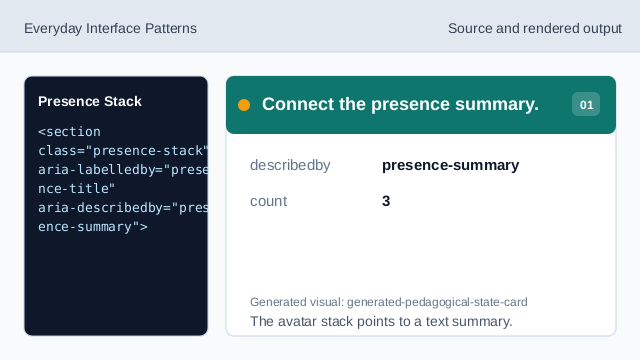
The avatar stack points to a text summary. Show the collaborator summary.
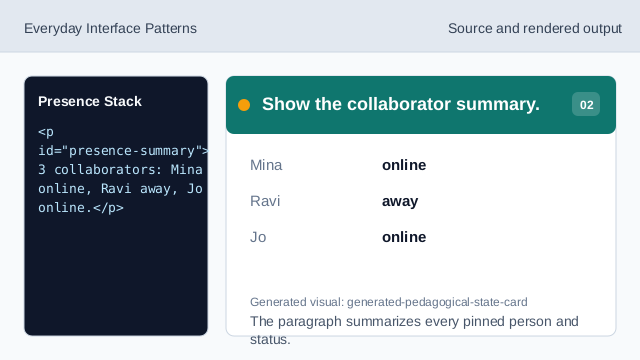
The paragraph summarizes every pinned person and status. Show Mina in the stack.
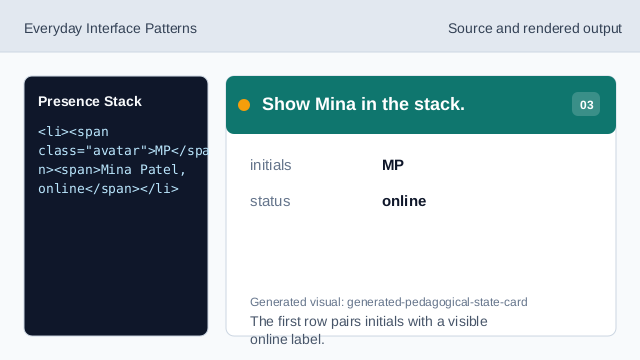
The first row pairs initials with a visible online label. Show Ravi as away.
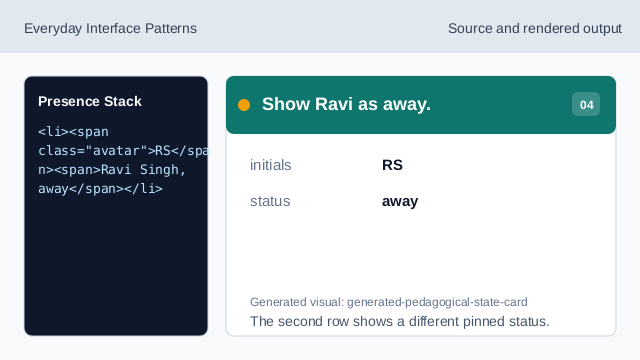
The second row shows a different pinned status. Show Jo in the stack.
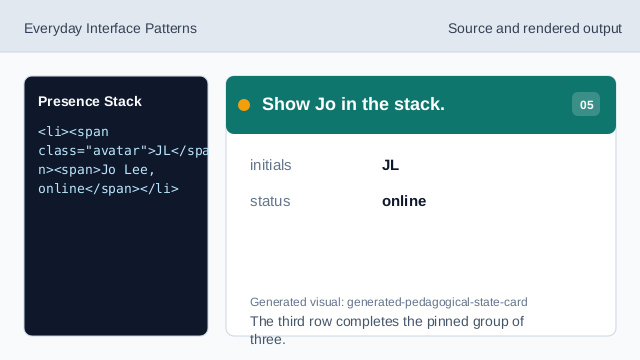
The third row completes the pinned group of three. Check the presence avatar stack.
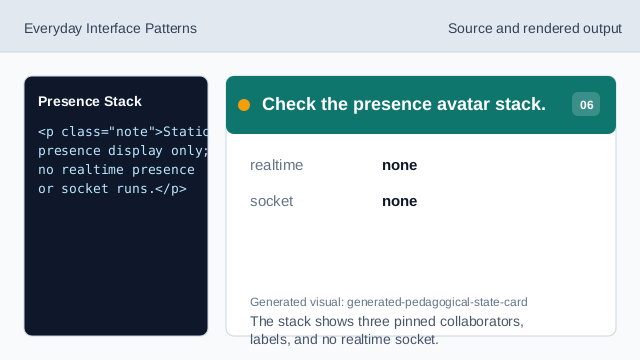
The stack shows three pinned collaborators, labels, and no realtime socket.
accessible summary
The summary gives a text count and state for the avatar stack.
pinned people
The names and initials are exact lesson data, not live identifiers.
no realtime
The lesson should not imply realtime presence or socket behavior.