Template Selection Patterns
Feature Summary
A static summary shows Starter Board includes 3 included sections: Tasks, Timeline, and Notes, with no installs or analytics.
Program
Feature summaries should help a beginner see what will be created without implying a template marketplace or install flow.
template_feature_summary.html
Visuals: captured from real browser rendering
<section class="feature-summary" aria-labelledby="feature-summary-title">
  <h2 id="feature-summary-title">Starter Board includes</h2>
  <p class="count">3 included sections</p>
  <dl>
    <div><dt>Tasks</dt><dd>Track next work</dd></div>
    <div><dt>Timeline</dt><dd>See milestone dates</dd></div>
    <div><dt>Notes</dt><dd>Keep setup context</dd></div>
  </dl>
  <button type="button">Use Starter Board</button>
  <p class="note">Static feature summary only; no template install, analytics, storage, or backend service runs.</p>
</section>
<style>
  .feature-summary { display: grid; gap: 10px; max-width: 38rem; border: 1px solid #64748b; padding: 12px; }
  .count { display: inline-block; justify-self: start; border-radius: 999px; background: #dcfce7; padding: 4px 10px; }
  .feature-summary dl { display: grid; gap: 8px; margin: 0; }
  .feature-summary dl div { display: grid; grid-template-columns: 7rem 1fr; gap: 8px; }
  .feature-summary dd, .feature-summary p, .note { margin: 0; }
  .feature-summary button { justify-self: start; padding: 8px 12px; }
  .note { color: #475569; }
</style>
Show the summary heading.
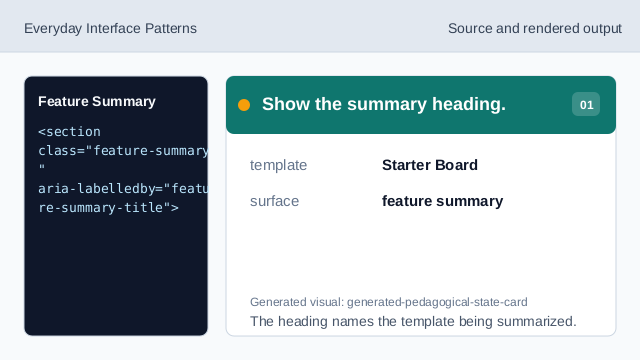
The heading names the template being summarized. Show the pinned feature count.
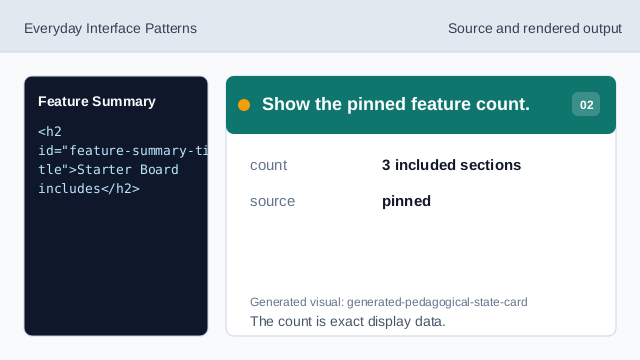
The count is exact display data. Use a description list for sections.
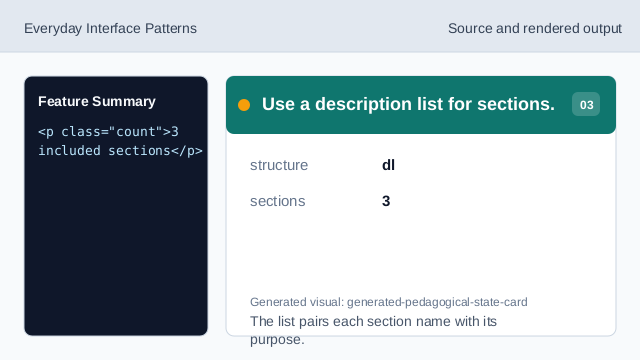
The list pairs each section name with its purpose. Show the Tasks feature row.
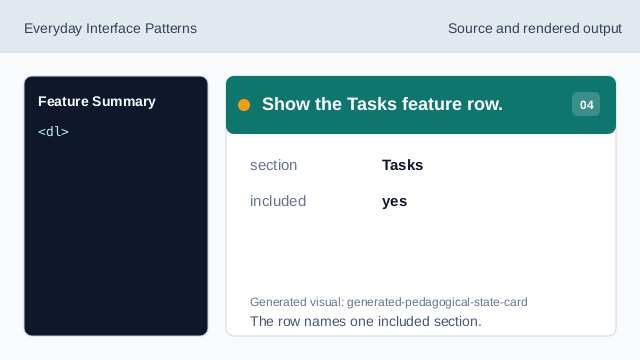
The row names one included section. Show the Timeline feature row.
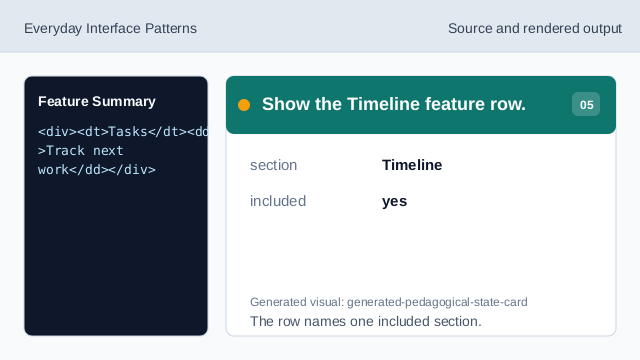
The row names one included section. Show the Notes feature row.
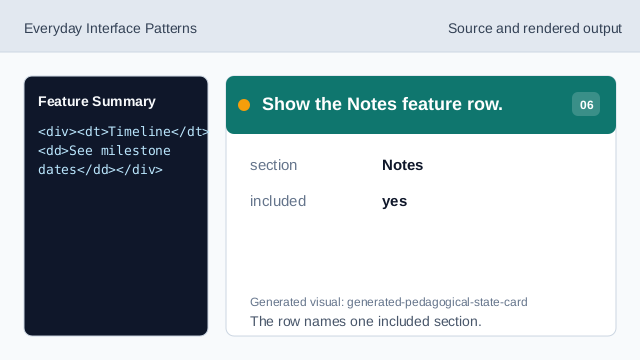
The row names one included section. Check feature summary honesty.
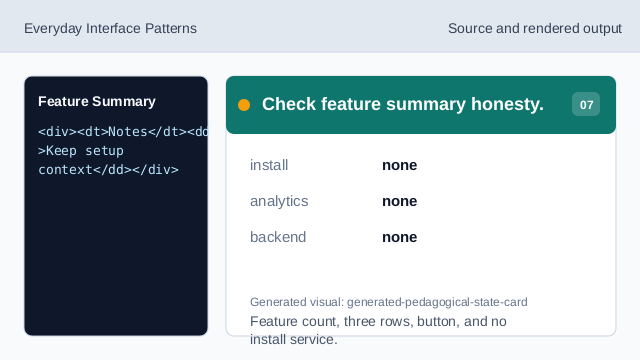
Feature count, three rows, button, and no install service.
feature count
The summary states 3 included sections.
named sections
Tasks, Timeline, and Notes are pinned section names.
no install flow
The lesson should not imply installs, analytics, storage, or backend services.