Template Selection Patterns
Selected Preview
A static preview panel shows Starter Board selected for Northstar Studio with preview items Tasks, Timeline, and Notes.
Program
Selected-template previews should show what the choice will look like without cloning content or contacting a service.
selected_template_preview.html
Visuals: captured from real browser rendering
<section class="template-preview" aria-labelledby="preview-title">
  <h2 id="preview-title">Starter Board preview</h2>
  <p><strong>Workspace</strong> Northstar Studio</p>
  <ul aria-label="Preview sections">
    <li>Tasks</li>
    <li>Timeline</li>
    <li>Notes</li>
  </ul>
  <button type="button">Create from preview</button>
  <p class="note">Static preview only; no cloning, template install, backend catalog, or storage runs.</p>
</section>
<style>
  .template-preview { display: grid; gap: 10px; max-width: 38rem; border: 1px solid #2563eb; padding: 12px; background: #eff6ff; }
  .template-preview p, .note { margin: 0; }
  .template-preview ul { display: grid; gap: 6px; margin: 0; padding-left: 1.25rem; }
  .template-preview li { padding: 4px 0; }
  .template-preview button { justify-self: start; padding: 8px 12px; }
  .note { color: #475569; }
</style>
Label the preview panel.
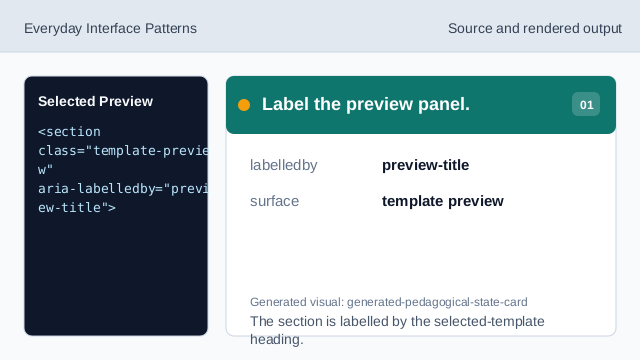
The section is labelled by the selected-template heading. Show the selected template.
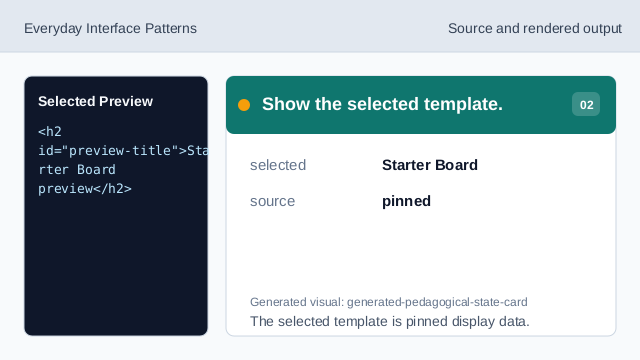
The selected template is pinned display data. Show the target workspace.
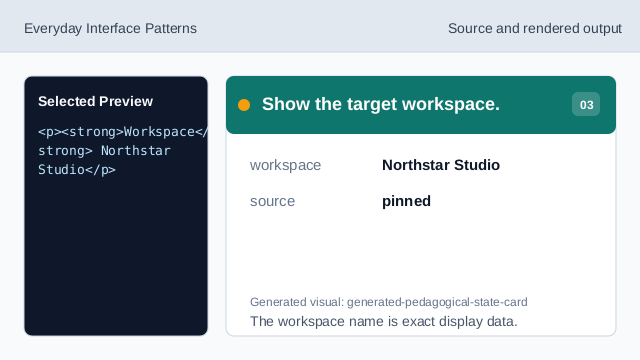
The workspace name is exact display data. Use a labelled list for preview sections.
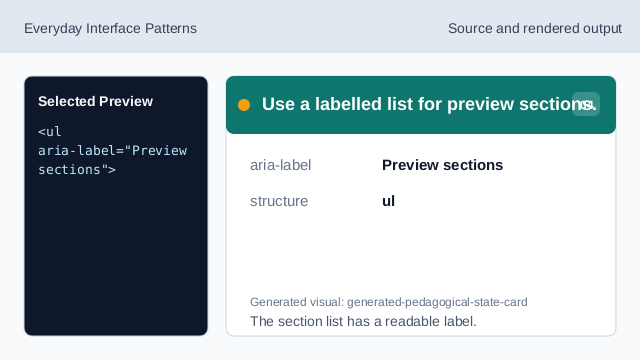
The section list has a readable label. Show the pinned preview items.
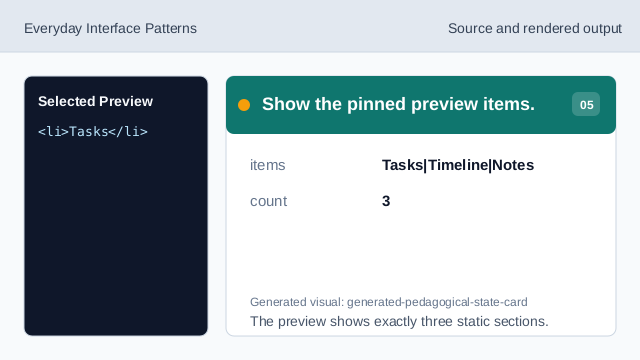
The preview shows exactly three static sections. Check preview honesty.
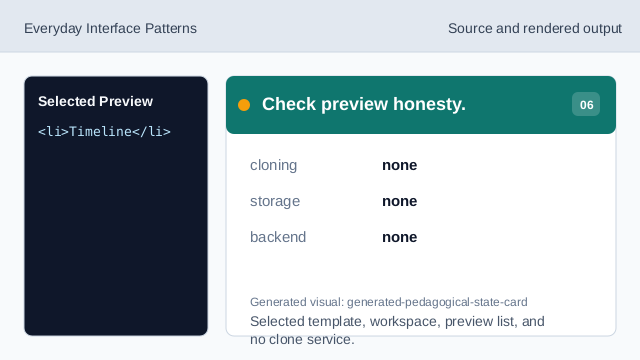
Selected template, workspace, preview list, and no clone service.
selected template
Starter Board is the pinned selected template.
preview items
Tasks, Timeline, and Notes are fixed preview sections.
no clone behavior
The lesson should not imply cloning, installs, storage, or backend catalogs.