Help and Support Patterns
Support Options
A static support card lists help article, email support, and community forum options with pinned response notes and no services.
Program
Support choices should make the next step visible before any service runs. This lesson uses pinned support option text only.
support_contact_options.html
Visuals: captured from real browser rendering
<section class="support-options" aria-labelledby="support-title">
  <h2 id="support-title">Support options</h2>
  <ul>
    <li><strong>Help article</strong><span>Available now</span></li>
    <li><strong>Email support</strong><span>Typical reply: 1 business day</span></li>
    <li><strong>Community forum</strong><span>Peer replies vary</span></li>
  </ul>
  <p class="note">Static support display only; no live chat, email, or network runs.</p>
</section>
<style>
  .support-options { display: grid; gap: 10px; max-width: 36rem; border: 1px solid #64748b; padding: 12px; }
  .support-options ul { display: grid; gap: 8px; margin: 0; padding: 0; list-style: none; }
  .support-options li { display: grid; gap: 4px; border: 1px solid #cbd5e1; padding: 10px; }
  .support-options p, .note { margin: 0; }
  .note { color: #475569; }
</style>
Label the support options section.
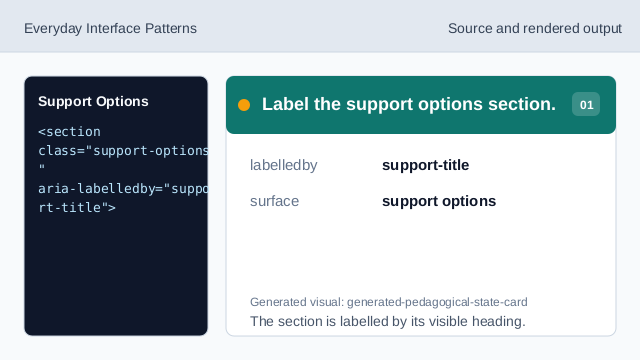
The section is labelled by its visible heading. Use a list for support paths.
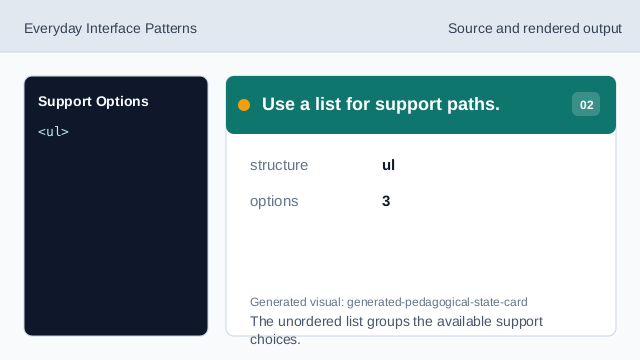
The unordered list groups the available support choices. Show the help article option.
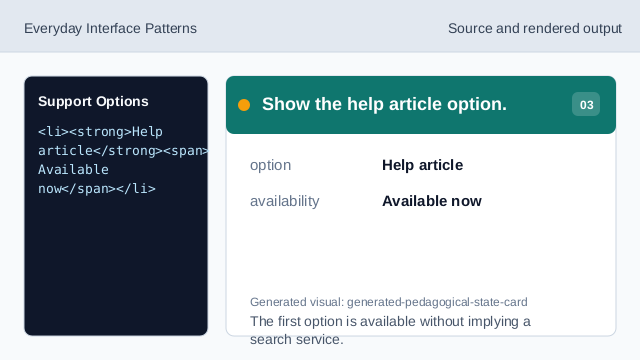
The first option is available without implying a search service. Show the email support option.
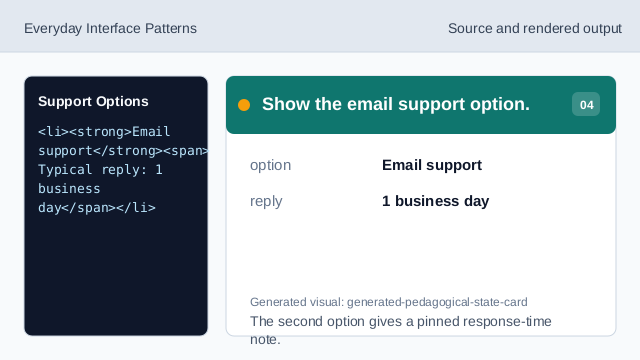
The second option gives a pinned response-time note. Show the community forum option.
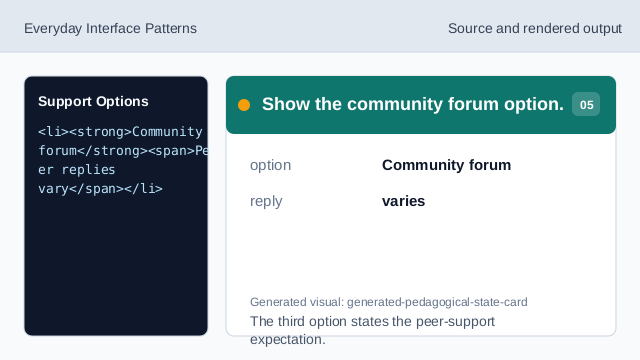
The third option states the peer-support expectation. Check the support options.
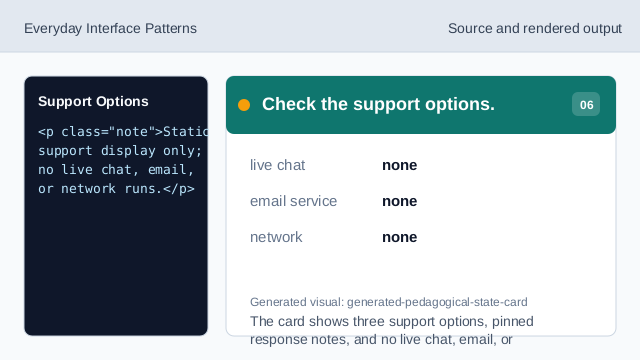
The card shows three support options, pinned response notes, and no live chat, email, or network.
option list
The support paths are grouped in one visible list.
pinned response notes
Each support option has a deterministic timing or availability note.
no service call
The lesson should not imply chat, email, or network behavior.