Help and Support Patterns
Article Feedback
A static help article feedback prompt shows Yes and No buttons, a thank-you status message, and no analytics or submission.
Program
Feedback prompts should show clear choices and visible status without pretending to submit data. This lesson is a pinned feedback state.
article_feedback_prompt.html
Visuals: captured from real browser rendering
<section class="article-feedback" aria-labelledby="feedback-title">
  <h2 id="feedback-title">Was this helpful?</h2>
  <div class="actions">
    <button type="button">Yes</button>
    <button type="button">No</button>
  </div>
  <p role="status">Thank you. Feedback state shown for this lesson only.</p>
  <p class="note">Static prompt only; no analytics or feedback submission runs.</p>
</section>
<style>
  .article-feedback { display: grid; gap: 10px; max-width: 34rem; border: 1px solid #64748b; padding: 12px; }
  .actions { display: flex; flex-wrap: wrap; gap: 8px; }
  .actions button { padding: 8px 12px; }
  .article-feedback p, .note { margin: 0; }
  .note { color: #475569; }
</style>
Label the feedback prompt.
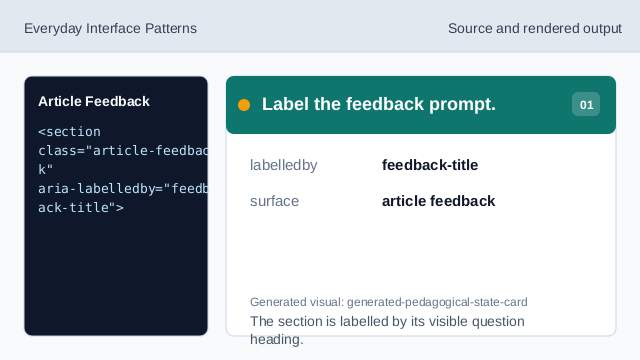
The section is labelled by its visible question heading. Ask the feedback question.
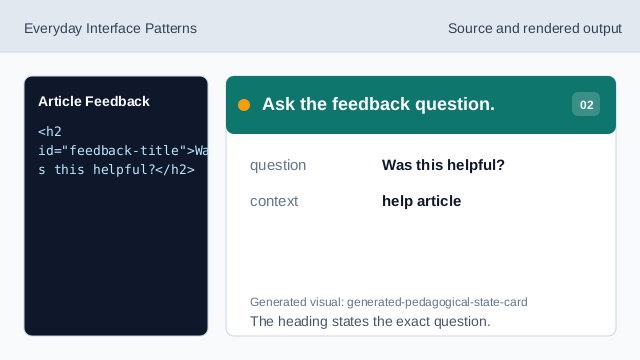
The heading states the exact question. Show the positive choice.
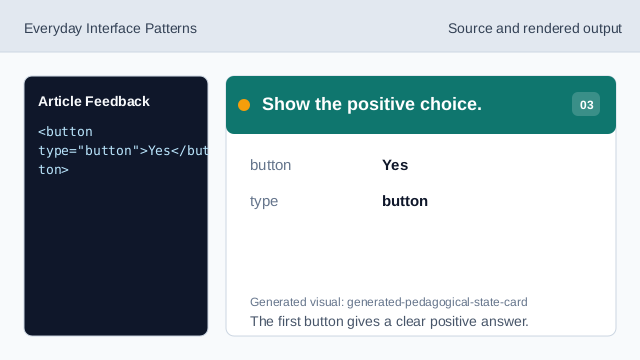
The first button gives a clear positive answer. Show the negative choice.
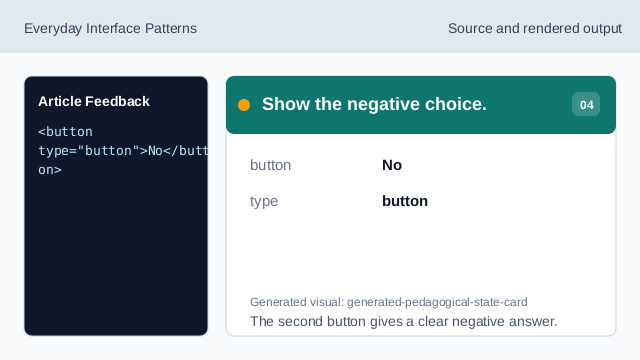
The second button gives a clear negative answer. Expose the thank-you text as status.
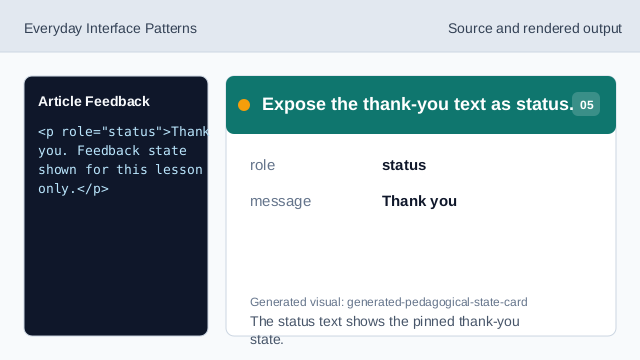
The status text shows the pinned thank-you state. Check the article feedback prompt.
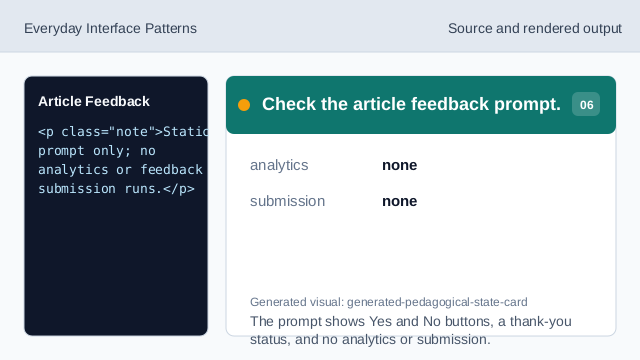
The prompt shows Yes and No buttons, a thank-you status, and no analytics or submission.
clear question
The prompt asks the feedback question as a visible heading.
button choices
Yes and No are plain buttons, not a form submission.
status message
The thank-you text is exposed as a status state.