Location Display Patterns
Static Location Card
A pinned place card shows Library Desk, address, open status, and a marker-style visual with no map lookup.
Program
Location displays can be useful without loading a map. This lesson shows pinned place data and makes clear that no lookup happens.
static_location_card.html
Visuals: captured from real browser rendering
<section class="location-card" aria-labelledby="place-name">
  <span class="marker" aria-hidden="true"></span>
  <h2 id="place-name">Library Desk</h2>
  <p>123 Web Lane, Chicago, IL 60607</p>
  <p role="status">Open today until 5:00 PM.</p>
  <p class="note">Pinned display data only; no map lookup runs.</p>
</section>
<style>
  .location-card { display: grid; gap: 8px; max-width: 32rem; border: 1px solid #94a3b8; padding: 12px; }
  .marker { width: 1rem; height: 1rem; border-radius: 50% 50% 50% 0; transform: rotate(-45deg); background: #0f766e; }
  .location-card p, .note { margin: 0; }
  .note { color: #475569; }
</style>
Label the location card.
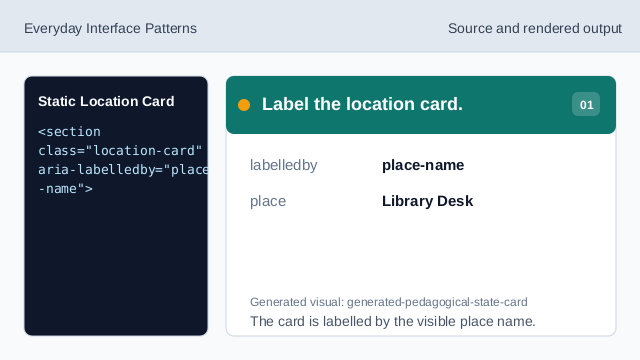
The card is labelled by the visible place name. Show a simple location marker.
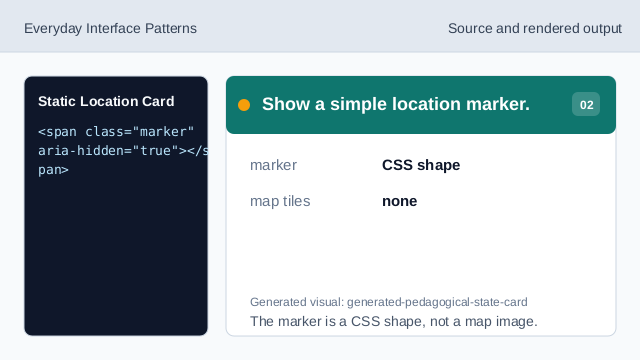
The marker is a CSS shape, not a map image. Show the pinned place name.
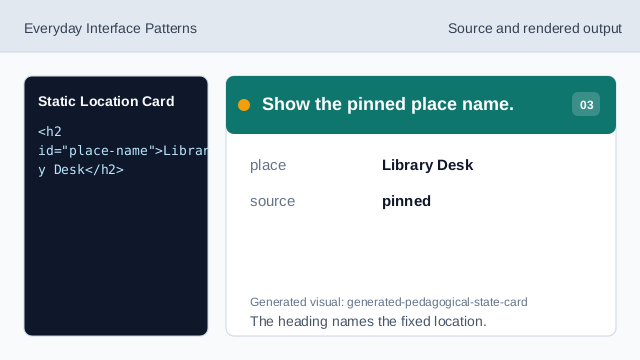
The heading names the fixed location. Show the pinned address.
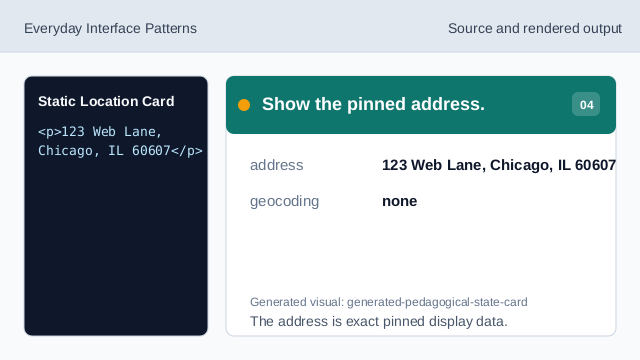
The address is exact pinned display data. Show the open status.
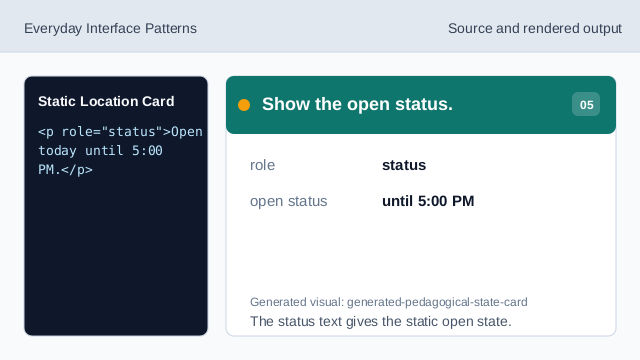
The status text gives the static open state. Check the static location card.
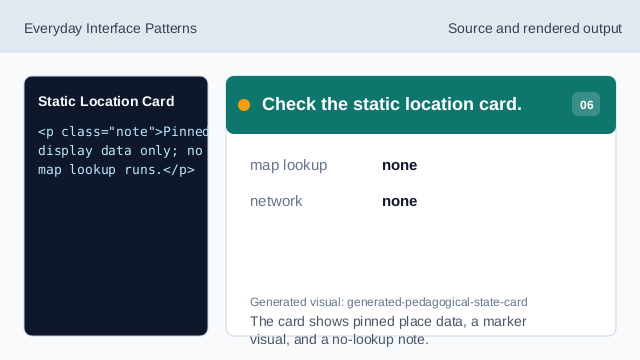
The card shows pinned place data, a marker visual, and a no-lookup note.
pinned place
The place name and address are fixed lesson data.
visual marker
A simple marker shape can signal location without map tiles.
no lookup
The lesson should not imply geocoding or map lookup.