Location Display Patterns
Nearby Places List
A pinned nearby-places list shows distances and a selected item state without geolocation or search.
Program
Nearby lists should show which item is selected and where the distances came from. This lesson uses static distances only.
nearby_places_list.html
Visuals: captured from real browser rendering
<section class="nearby-places" aria-labelledby="nearby-title">
  <h2 id="nearby-title">Nearby places</h2>
  <ul>
    <li aria-current="true"><strong>Library Desk</strong><span>0.2 mi</span></li>
    <li><strong>Study Nook</strong><span>0.5 mi</span></li>
    <li><strong>Transit Stop</strong><span>0.7 mi</span></li>
  </ul>
  <p class="note">Pinned nearby list only; no geolocation or search runs.</p>
</section>
<style>
  .nearby-places { display: grid; gap: 10px; max-width: 34rem; border: 1px solid #94a3b8; padding: 12px; }
  .nearby-places ul { display: grid; gap: 8px; padding: 0; margin: 0; list-style: none; }
  .nearby-places li { display: flex; justify-content: space-between; gap: 12px; padding: 8px; border: 1px solid #cbd5e1; }
  .nearby-places li[aria-current="true"] { border-color: #0f766e; background: #ecfdf5; }
  .note { margin: 0; color: #475569; }
</style>
Label the nearby places section.
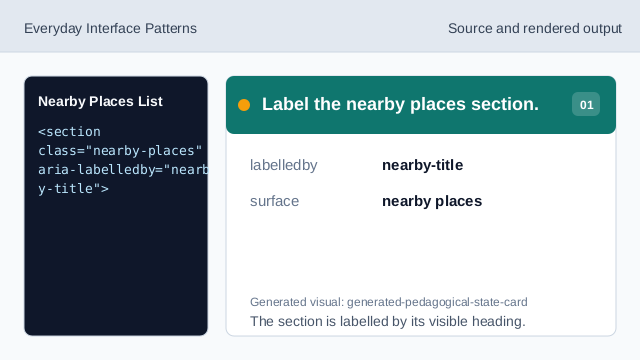
The section is labelled by its visible heading. Use a list for nearby places.
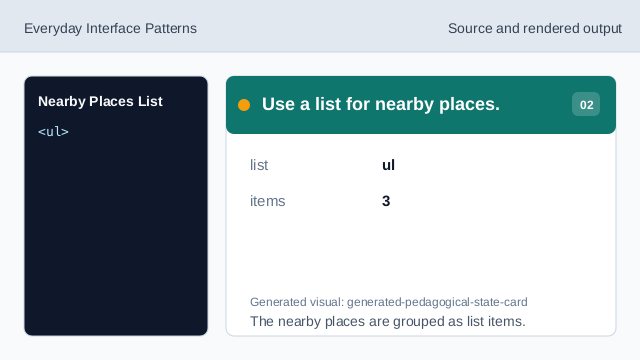
The nearby places are grouped as list items. Mark the selected place.
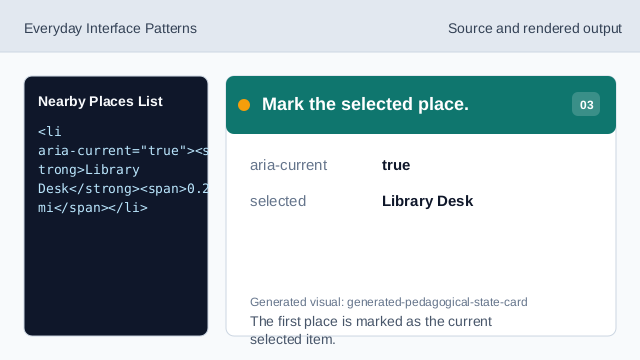
The first place is marked as the current selected item. Show the closest pinned distance.
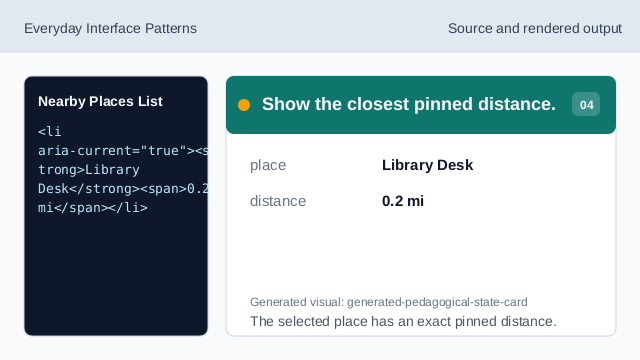
The selected place has an exact pinned distance. Show additional pinned distances.
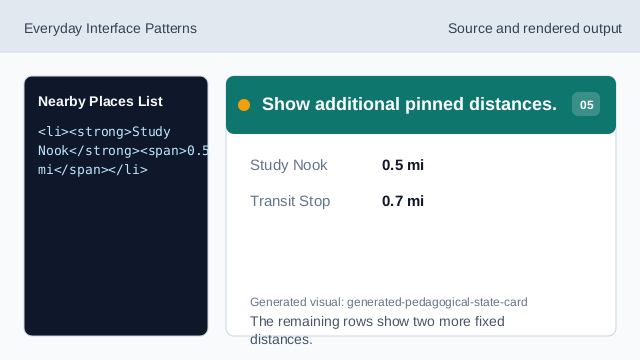
The remaining rows show two more fixed distances. Check the nearby places list.
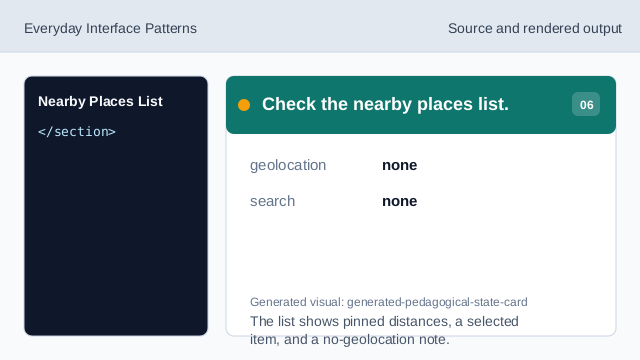
The list shows pinned distances, a selected item, and a no-geolocation note.
pinned distances
The distances are fixed values, not live measurements.
selected item
aria-current marks the selected nearby place.
no geolocation
The lesson should not imply user location was read.