System Status Patterns
Service Status Banner
A static system banner shows All systems operational, fixed check time 2026-07-07 09:00, and no uptime probe or monitoring service.
Program
System status display should make the current message easy to scan without pretending to run a monitoring check.
service_status_banner.html
Visuals: captured from real browser rendering
<section class="status-banner" aria-labelledby="status-title">
  <h2 id="status-title">Service status</h2>
  <p><strong>Status</strong> <span class="badge">All systems operational</span></p>
  <p><strong>Checked</strong> 2026-07-07 09:00</p>
  <p class="note">Static status display only; no uptime probe or monitoring service runs.</p>
</section>
<style>
  .status-banner { display: grid; gap: 10px; max-width: 38rem; border: 1px solid #15803d; padding: 12px; background: #f0fdf4; }
  .status-banner p, .note { margin: 0; }
  .badge { border-radius: 999px; background: #dcfce7; padding: 2px 8px; }
  .note { color: #475569; }
</style>
Label the status banner.
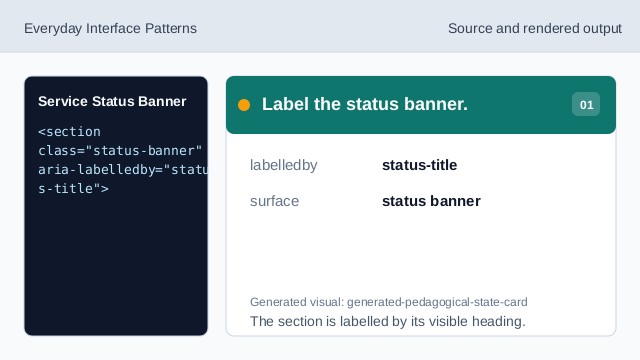
The section is labelled by its visible heading. Show the status heading.
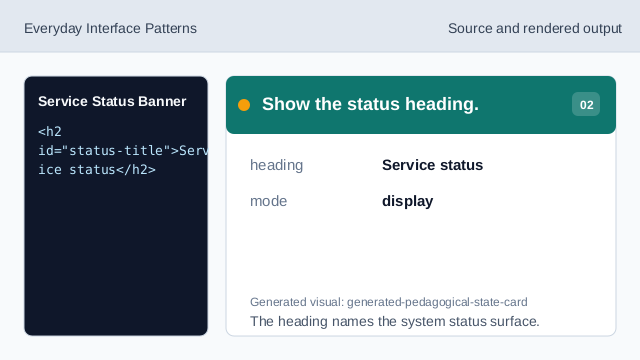
The heading names the system status surface. Show the operational badge.
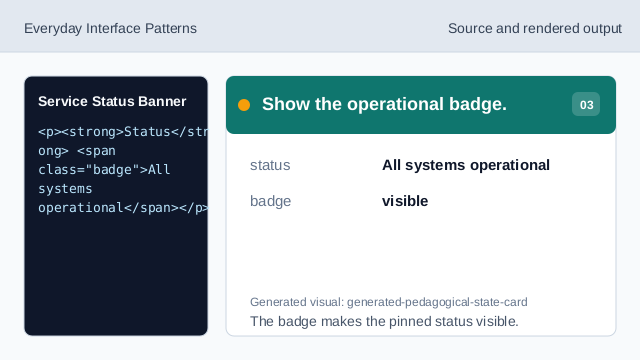
The badge makes the pinned status visible. Show the fixed check time.
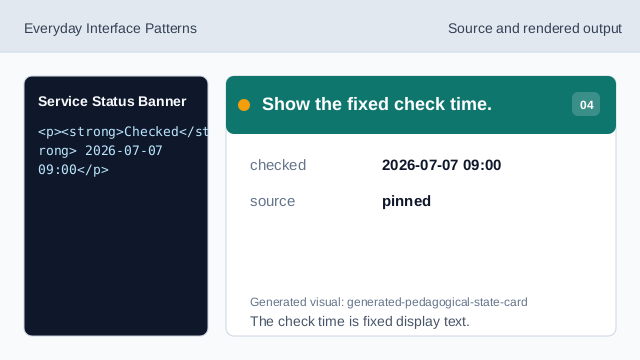
The check time is fixed display text. Show the no-monitoring note.
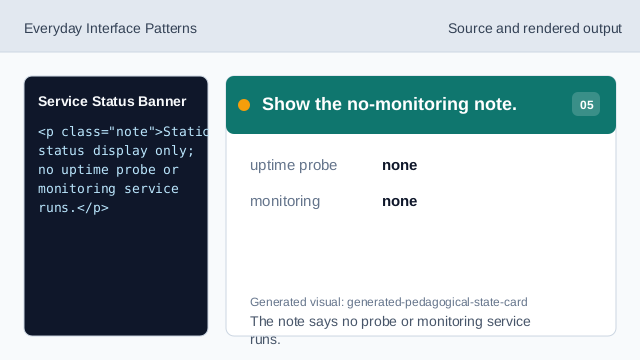
The note says no probe or monitoring service runs. Check status honesty.
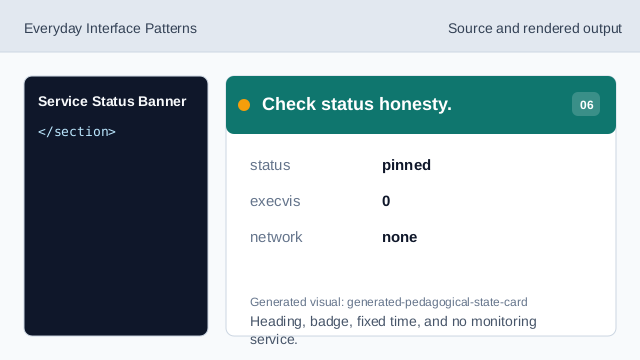
Heading, badge, fixed time, and no monitoring service.
status banner
The banner names the system status surface.
fixed check time
The checked time is pinned lesson data.
no monitoring
The lesson should not imply uptime probes or monitoring services.