System Status Patterns
Incident Timeline
A static incident timeline shows pinned updates Investigating, Identified, and Monitoring, with Monitoring current and no incident feed, websocket, or alert service.
Program
Incident timelines should show what changed and which step is current without pretending to stream a live feed.
incident_update_timeline.html
Visuals: captured from real browser rendering
<section class="incident-timeline" aria-labelledby="incident-title">
  <h2 id="incident-title">Incident updates</h2>
  <ol>
    <li>Investigating at 08:20</li>
    <li>Identified at 08:45</li>
    <li aria-current="step">Monitoring at 09:10</li>
  </ol>
  <p class="note">Static incident timeline only; no incident feed, websocket, or alert service runs.</p>
</section>
<style>
  .incident-timeline { display: grid; gap: 10px; max-width: 38rem; border: 1px solid #64748b; padding: 12px; }
  .incident-timeline ol { margin: 0; padding-left: 1.5rem; }
  .incident-timeline li { margin: 6px 0; }
  .incident-timeline [aria-current="step"] { font-weight: 700; background: #dbeafe; padding: 4px 8px; }
  .note { margin: 0; color: #475569; }
</style>
Label the incident timeline.
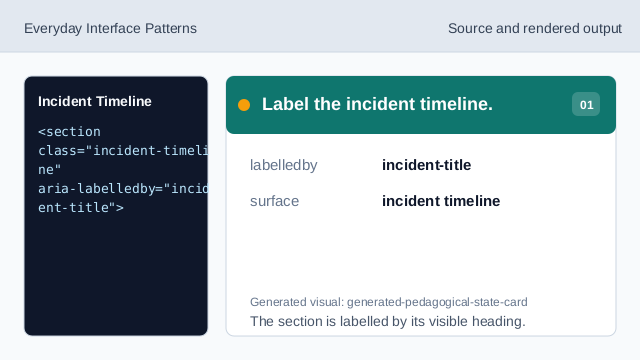
The section is labelled by its visible heading. Use an ordered list for updates.
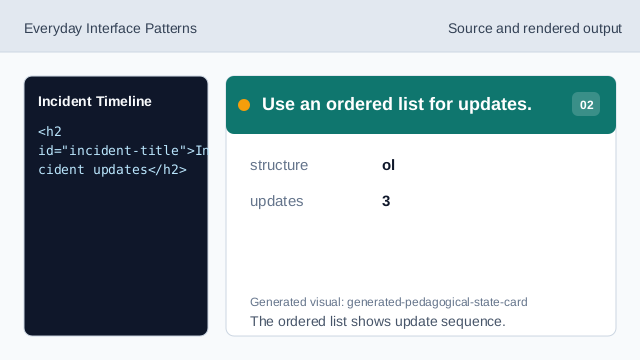
The ordered list shows update sequence. Show the investigating update.
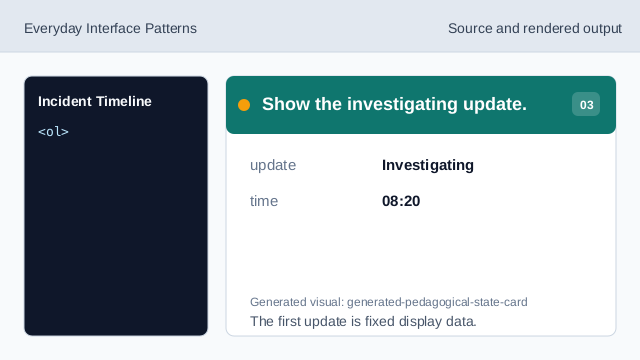
The first update is fixed display data. Show the identified update.
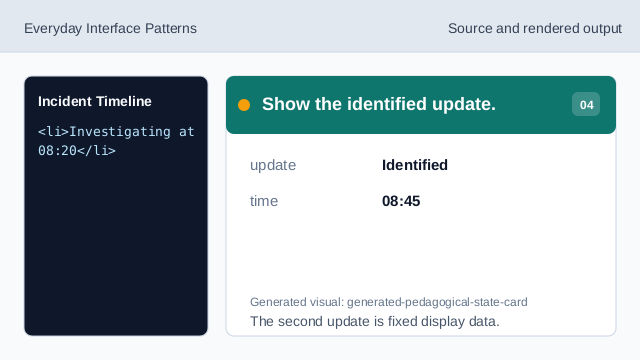
The second update is fixed display data. Mark Monitoring as current.
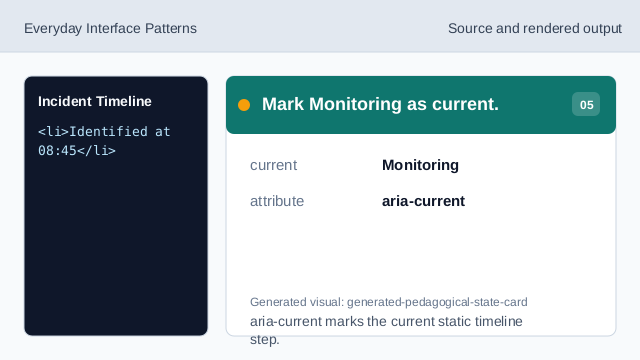
aria-current marks the current static timeline step. Show the no-live-feed note.
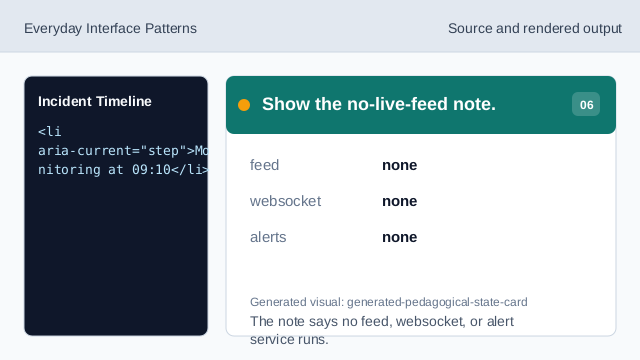
The note says no feed, websocket, or alert service runs. Check timeline honesty.
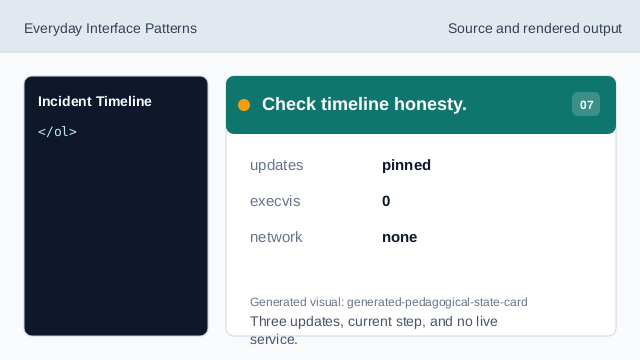
Three updates, current step, and no live service.
ordered updates
The update list has a clear sequence.
current step
aria-current marks Monitoring as the current static step.
no live feed
The lesson should not imply incident feeds, websockets, or alert services.