Page Structure Patterns
Section Heading Actions
A section pairs a heading with an action group labelled by that heading so controls have local context.
Program
Buttons near a heading can be easier to understand when their group is labelled by that heading. The controls keep their local section context.
section_heading_actions.html
Visuals: captured from real browser rendering
<section aria-labelledby="billing-title">
  <div class="section-head">
    <h2 id="billing-title">Billing</h2>
    <div role="group" aria-labelledby="billing-title">
      <button>Edit</button>
      <button>Download</button>
    </div>
  </div>
  <p>Invoices and payment settings.</p>
</section>
<style>
  .section-head { display: flex; justify-content: space-between; gap: 12px; align-items: center; }
  [role="group"] { display: flex; gap: 8px; }
</style>
Create the labelled section.
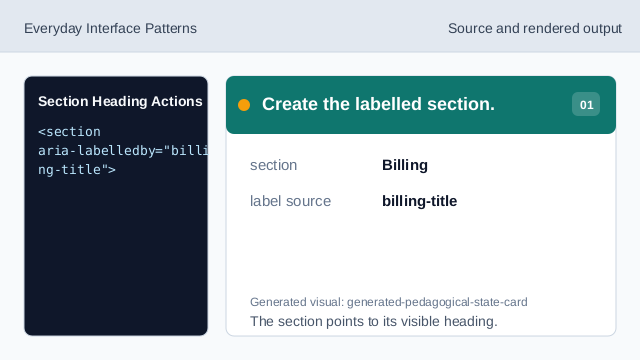
The section points to its visible heading. Give the heading an id.
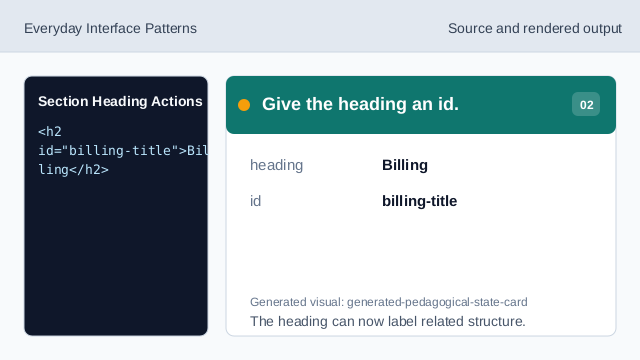
The heading can now label related structure. Group the section actions.
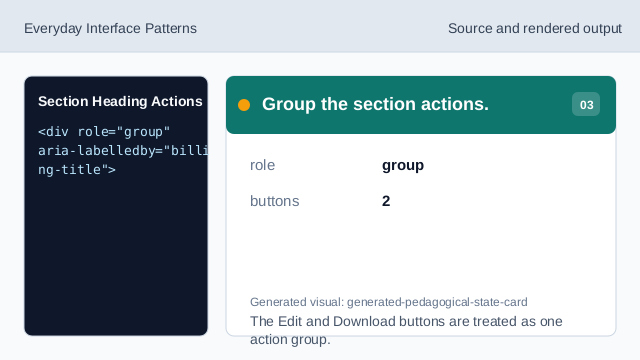
The Edit and Download buttons are treated as one action group. Label actions from the heading.
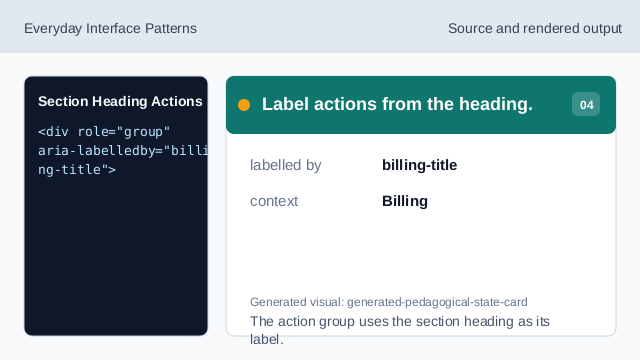
The action group uses the section heading as its label. Render heading and actions together.
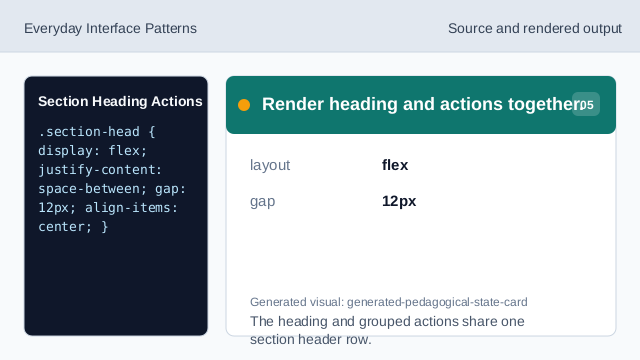
The heading and grouped actions share one section header row. Check action grouping.
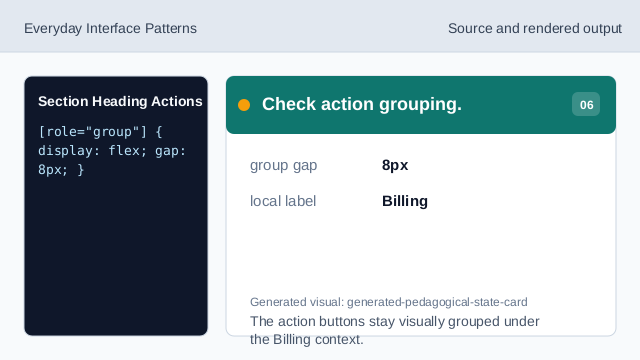
The action buttons stay visually grouped under the Billing context.
section label
aria-labelledby connects the section to its visible heading.
action group
role="group" collects controls that share local context.
local context
The same heading can name both the section and the nearby actions.