Page Structure Patterns
Breadcrumb Current
A breadcrumb nav uses aria-label and aria-current="page" to mark the current page.
Program
Breadcrumbs are small navigation trails. The nav gets a label, the links stay ordered, and the current page is marked explicitly.
breadcrumb_current_page.html
Visuals: captured from real browser rendering
<nav aria-label="Breadcrumb">
  <ol class="breadcrumbs">
    <li><a href="/">Home</a></li>
    <li><a href="/docs">Docs</a></li>
    <li><a href="/docs/forms" aria-current="page">Forms</a></li>
  </ol>
</nav>
<style>
  .breadcrumbs { display: flex; gap: 8px; list-style: none; padding: 0; }
  .breadcrumbs [aria-current="page"] { font-weight: 700; text-decoration: underline; }
</style>
Create ordered breadcrumb links.
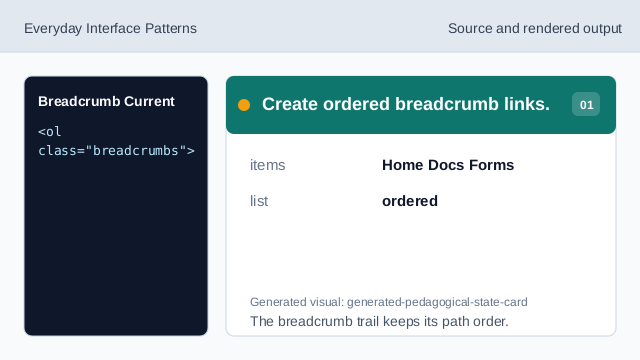
The breadcrumb trail keeps its path order. Label the breadcrumb nav.
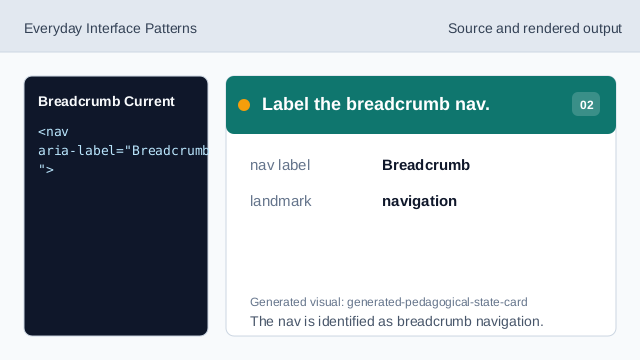
The nav is identified as breadcrumb navigation. Mark the current page.
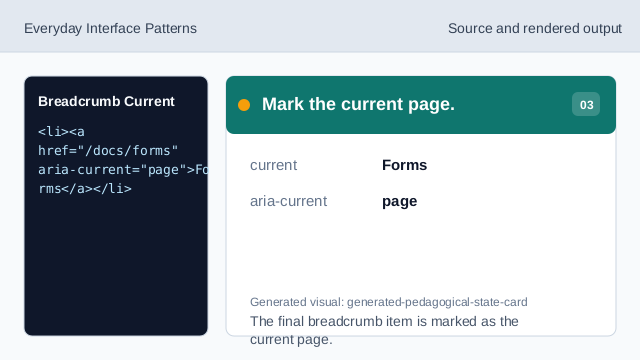
The final breadcrumb item is marked as the current page. Render the breadcrumb row.
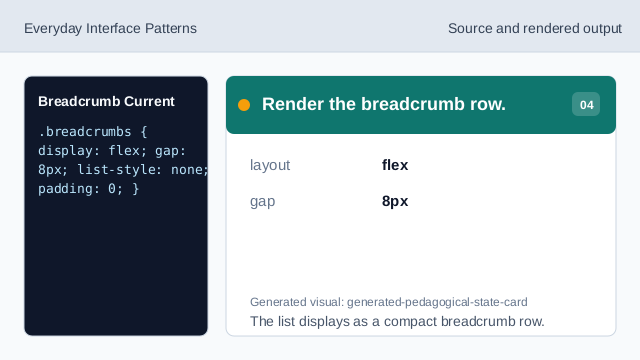
The list displays as a compact breadcrumb row. Style the current item.
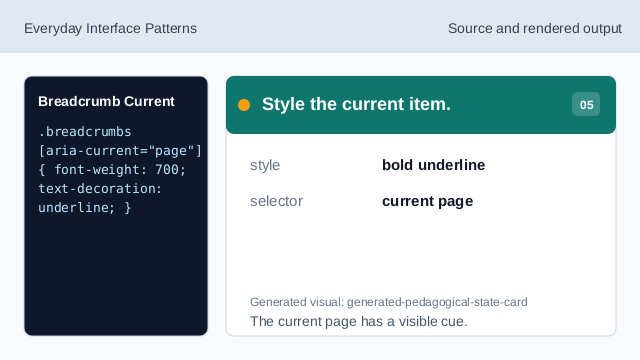
The current page has a visible cue. Check the final crumb.
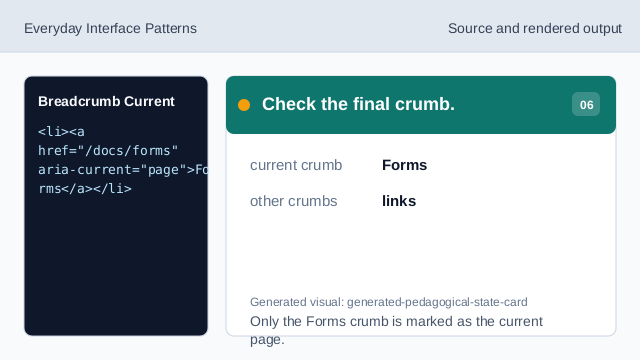
Only the Forms crumb is marked as the current page.
breadcrumb label
aria-label tells users this navigation is a breadcrumb trail.
ordered trail
An ordered list preserves the path order.
current page
aria-current="page" marks the final item as the current page.