Consent Choice Patterns
Saved Consent Status
A status card shows the pinned saved choice necessary only and says no storage write runs.
Program
A saved preference status should show the current choice plainly. This lesson displays a static saved state.
saved_consent_status.html
Visuals: captured from real browser rendering
<section class="consent-status" data-consent-choice="necessary-only">
  <h2>Consent status</h2>
  <p class="badge" role="status">Saved: necessary only</p>
  <p class="note">Static status only; no storage write runs in this lesson.</p>
</section>
<style>
  .consent-status { display: grid; gap: 10px; max-width: 30rem; border: 1px solid #0f766e; padding: 12px; }
  .badge { display: inline-block; margin: 0; padding: 6px 10px; background: #ecfdf5; border: 1px solid #0f766e; }
  .note { margin: 0; color: #475569; }
</style>
Pin the saved choice.
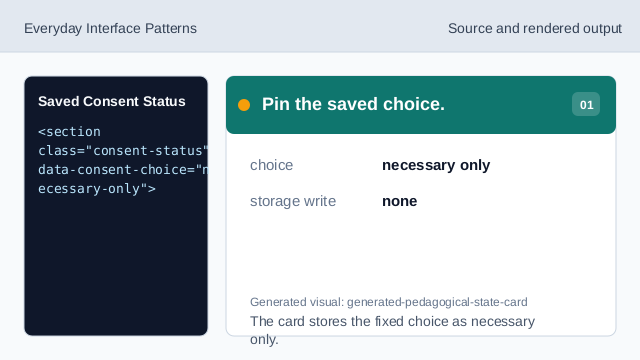
The card stores the fixed choice as necessary only. Name the status card.
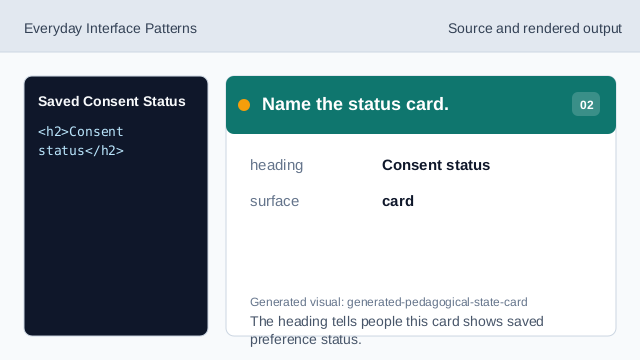
The heading tells people this card shows saved preference status. Make the saved choice status text.
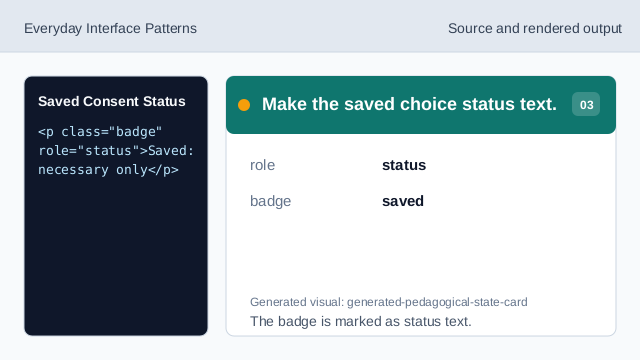
The badge is marked as status text. Show the saved choice.
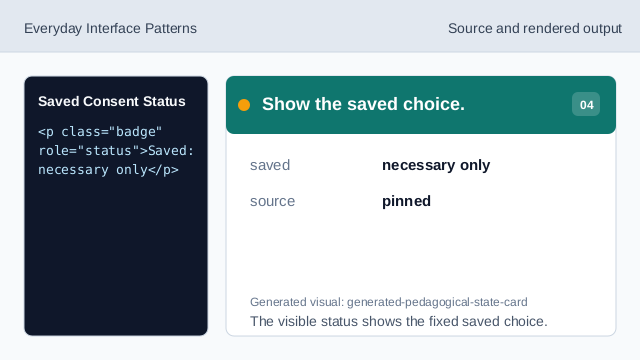
The visible status shows the fixed saved choice. State what does not run.
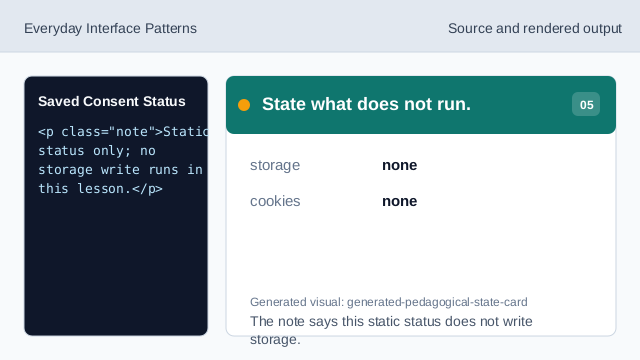
The note says this static status does not write storage. Check the saved consent status.
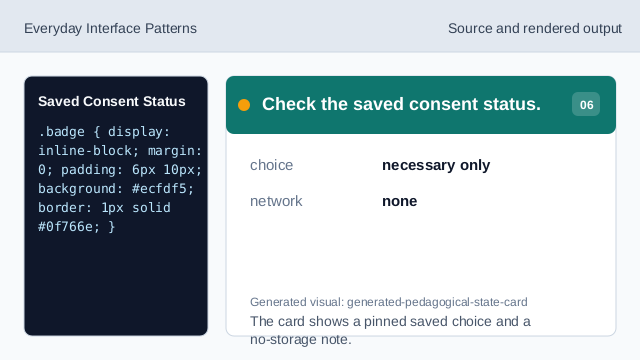
The card shows a pinned saved choice and a no-storage note.
saved choice
The visible saved state shows the current preference.
pinned value
necessary only is fixed lesson data.
no storage write
The lesson should not imply storage was written.